These new designs have taken hundreds of hours to create and if you enjoy them and would like to show some support.Please feel free to buy me a coffee :)
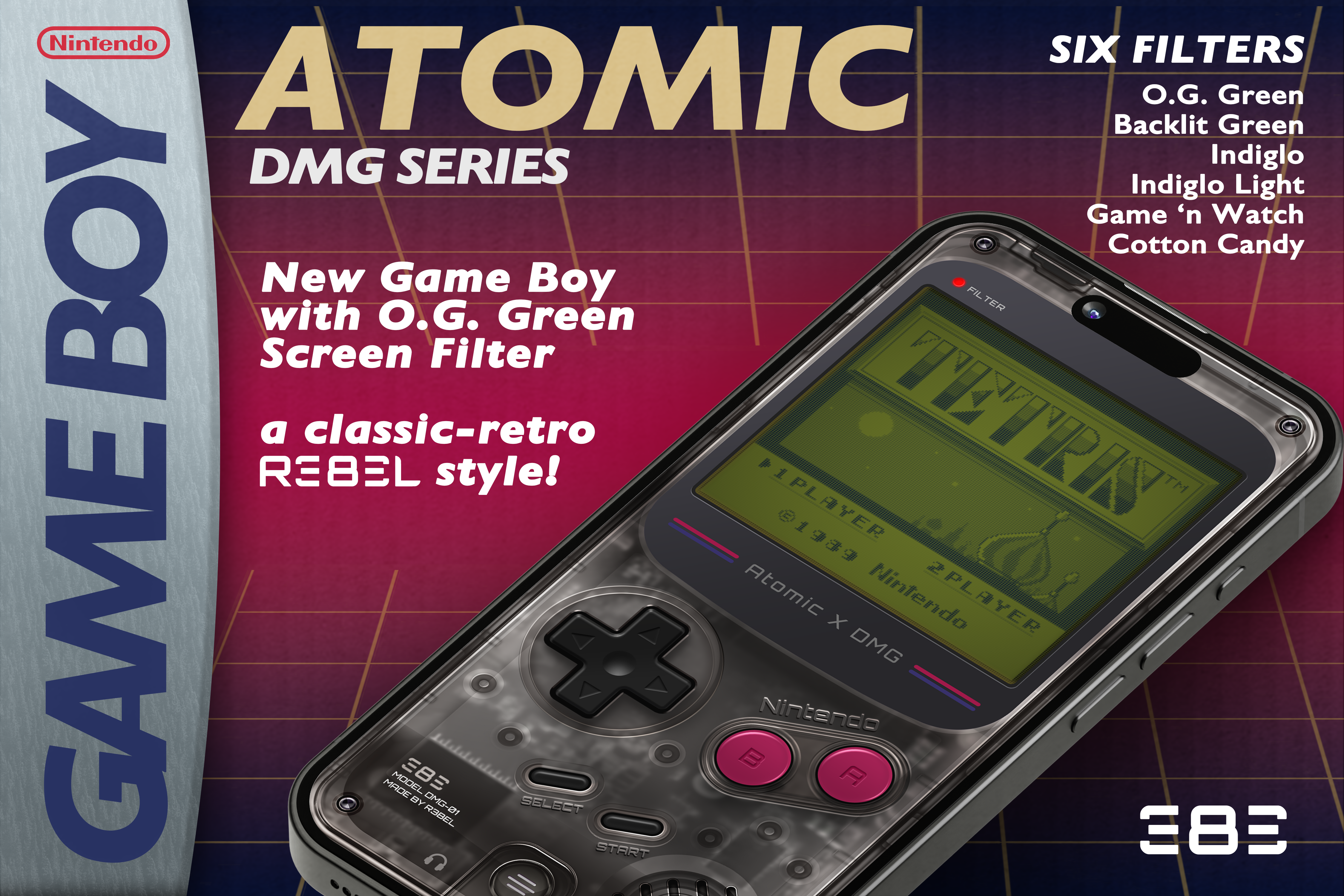
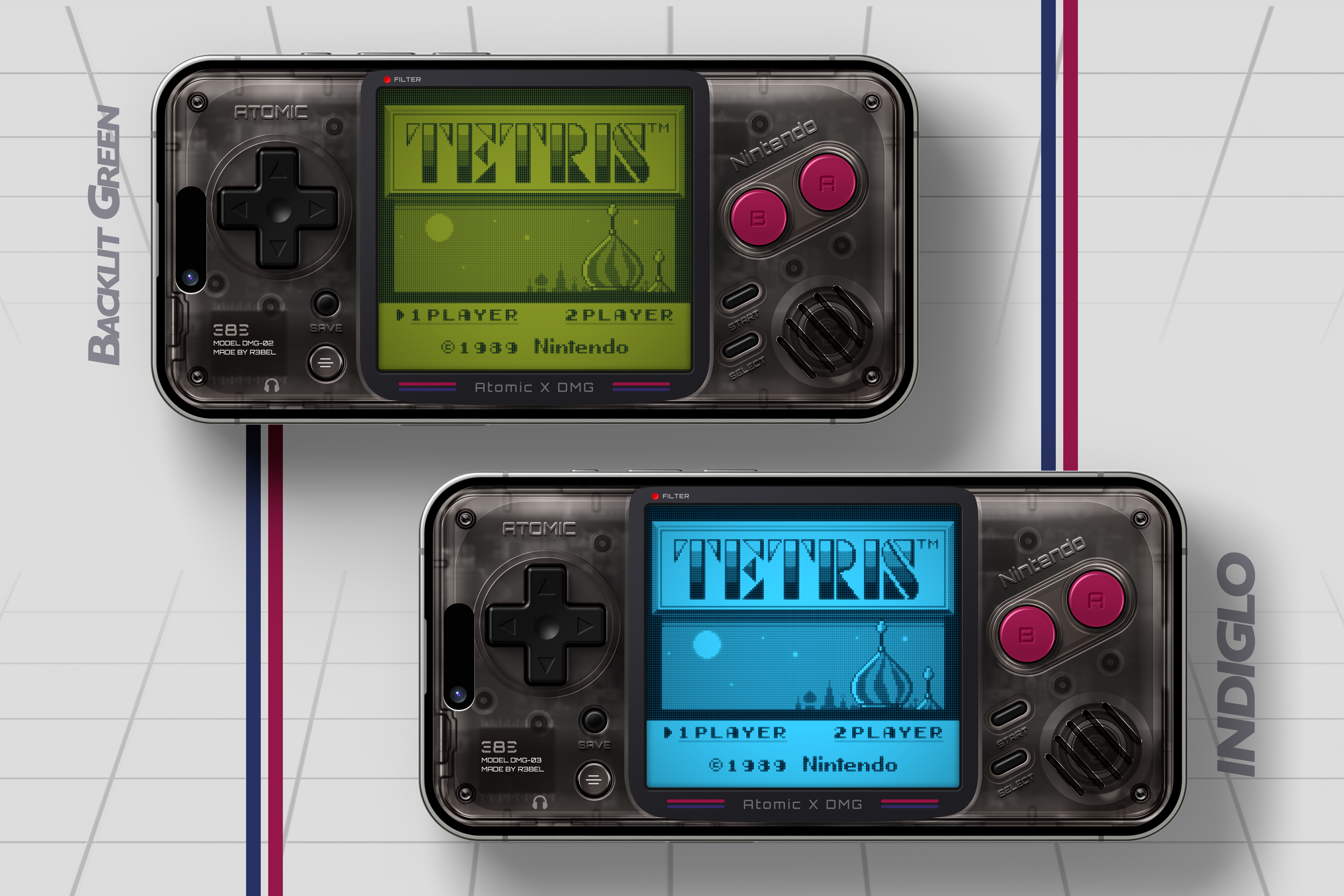
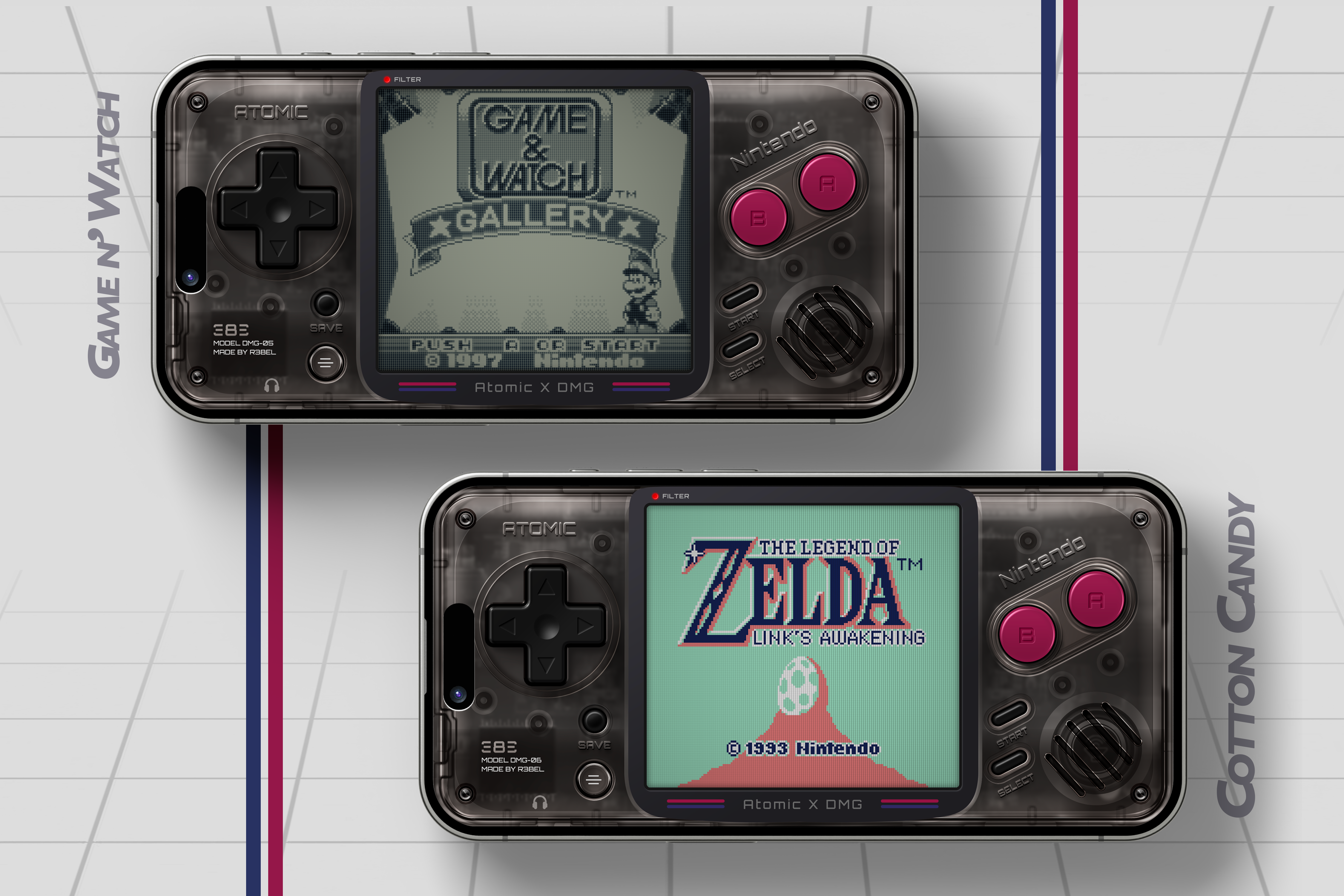
Another one that has been in the making for a while and they’re finally ready! This release has an all-new design style in this series. Which is available in 6 different screen filter variations and not intended for use with GBC Games.
RELEASE NOTES:
-
iPhone versions only supports edge-To-Edge iPhones (phones with no home button)
-
In addition to the Quick Save button on the Landscape skin there is also a hidden "Toggle FFW" button on top of the game screen/display on both Portrait and Landscape skins.
-
In an attempt to keep true to the Game Boy shape and layout I had to remove the QuickSave button from the portrait layout. However, you can still flip to landscape to use the QuickSave in the time of need ;)
-
In addition to the standard A and B buttons there are additional combination buttons A+B directly between the A and B buttons.
-
This way you can slide between buttons without losing contact when sprinting and jumping in Mario etc.
-
SCREEN FILTER NOTES: The screen filters are 100% made with Apple Core Image filters and have no overlay effects on the actual skin. So while the pixel grids may not be exactly perfect, they are pretty close. Definitely as close to an actual shader that you could hope for in Delta. Which you should also note that using the Core Image Filters makes the SCREEN EFFECTS NOT COMPATIBLE with MANIC EMULATOR. You will have to use Manic's built-in shaders to create your own effects for the screen.
-
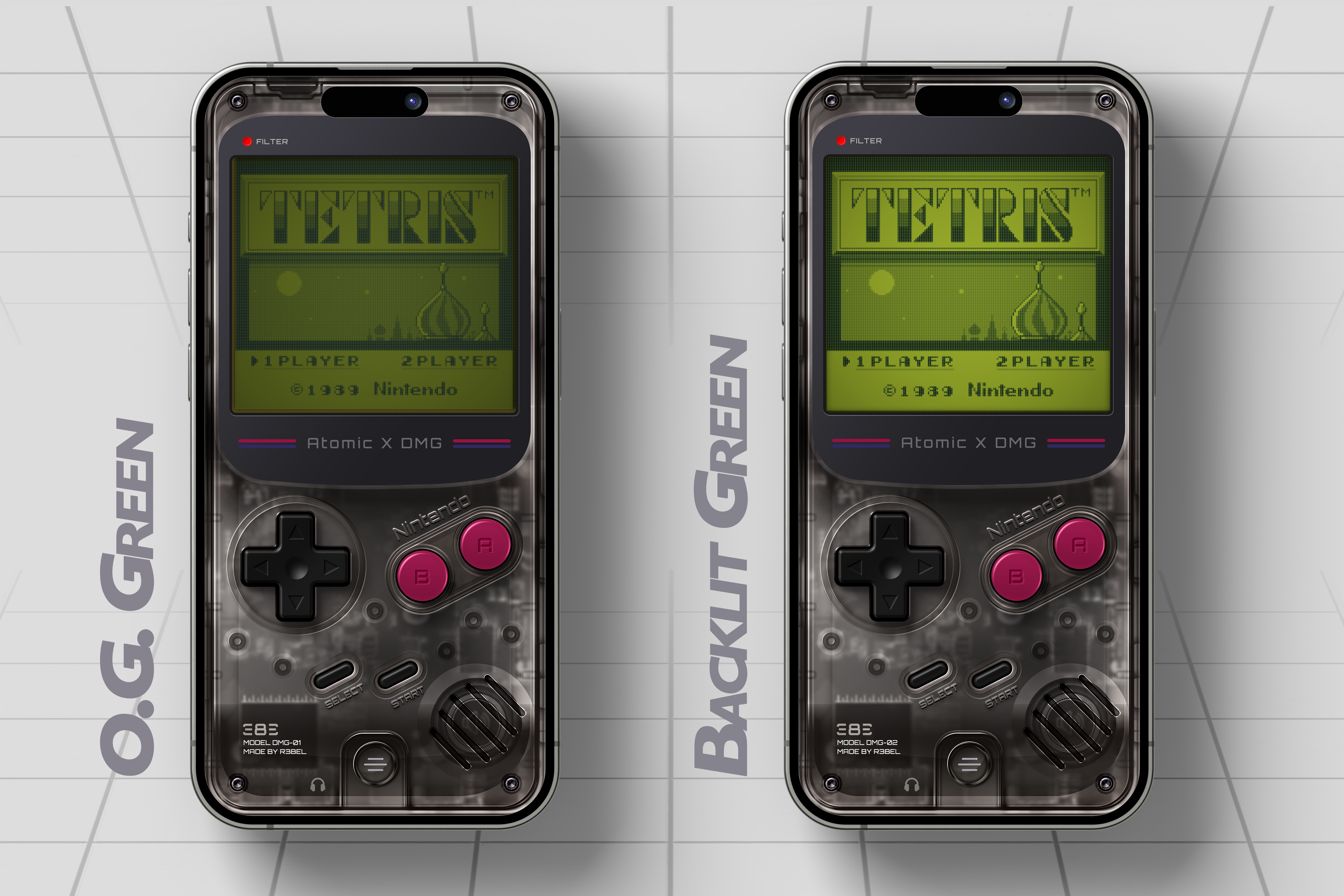
O.G. Green Filter: This is the most true to the original Game Boy green screen. It is dark/dim compared to the other available filters, but it is to give you an option to play as close to the original experience as possible (including eye fatigue 😉)
-
Backlit Green Filter: This is an option for using a green filter when it's hard to see the O.G. Green or if you just like a brighter screen while still having the green effect.
-
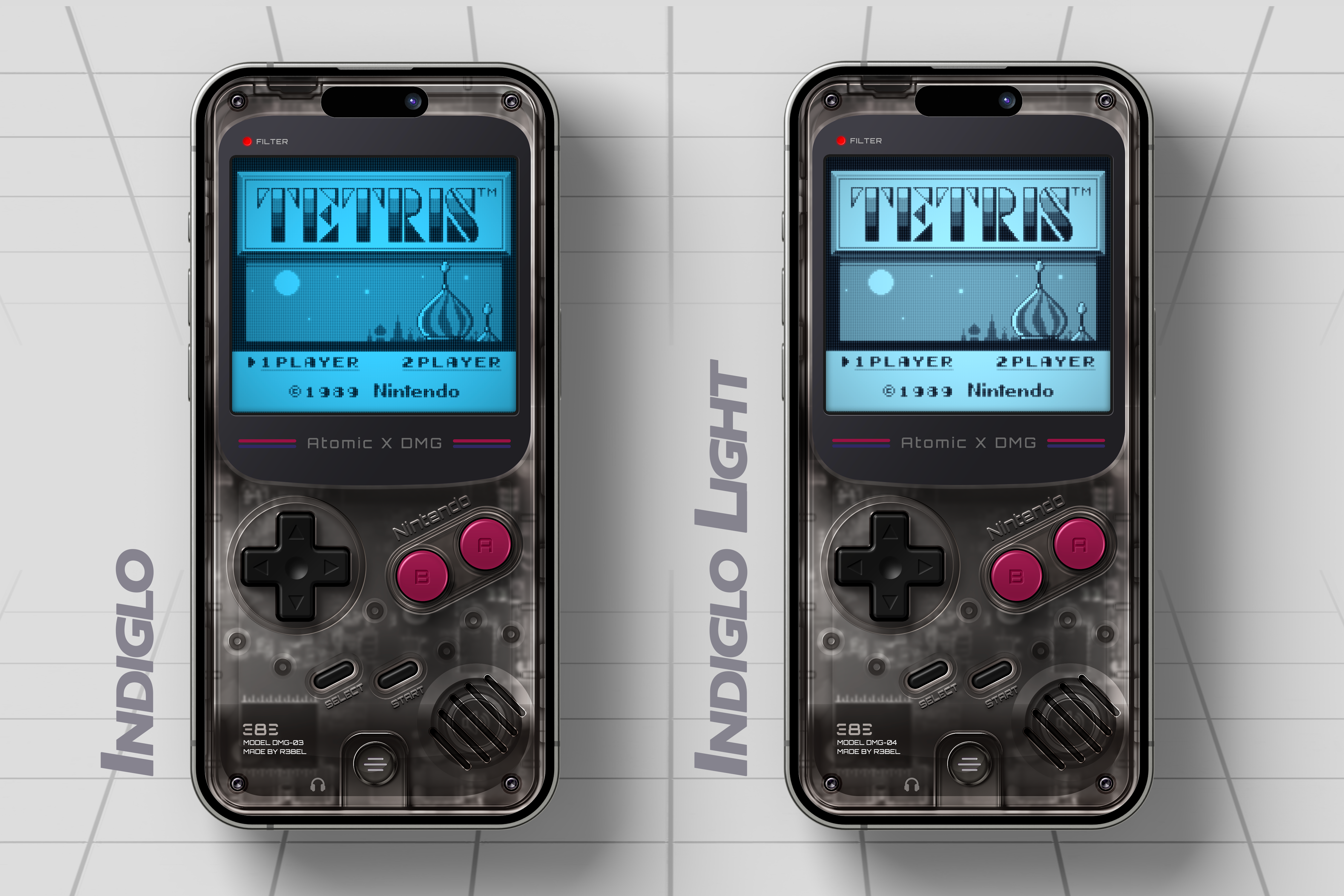
Indiglo: This is a blue backlit stye effect that is similar to old watch faces that light up in the dark.
-
Indiglo Light: This is very similar to the Indiglo filter but a slightly lighter blue color to make it slightly easier on the eyes or if you find the Indiglo to be too blue.
-
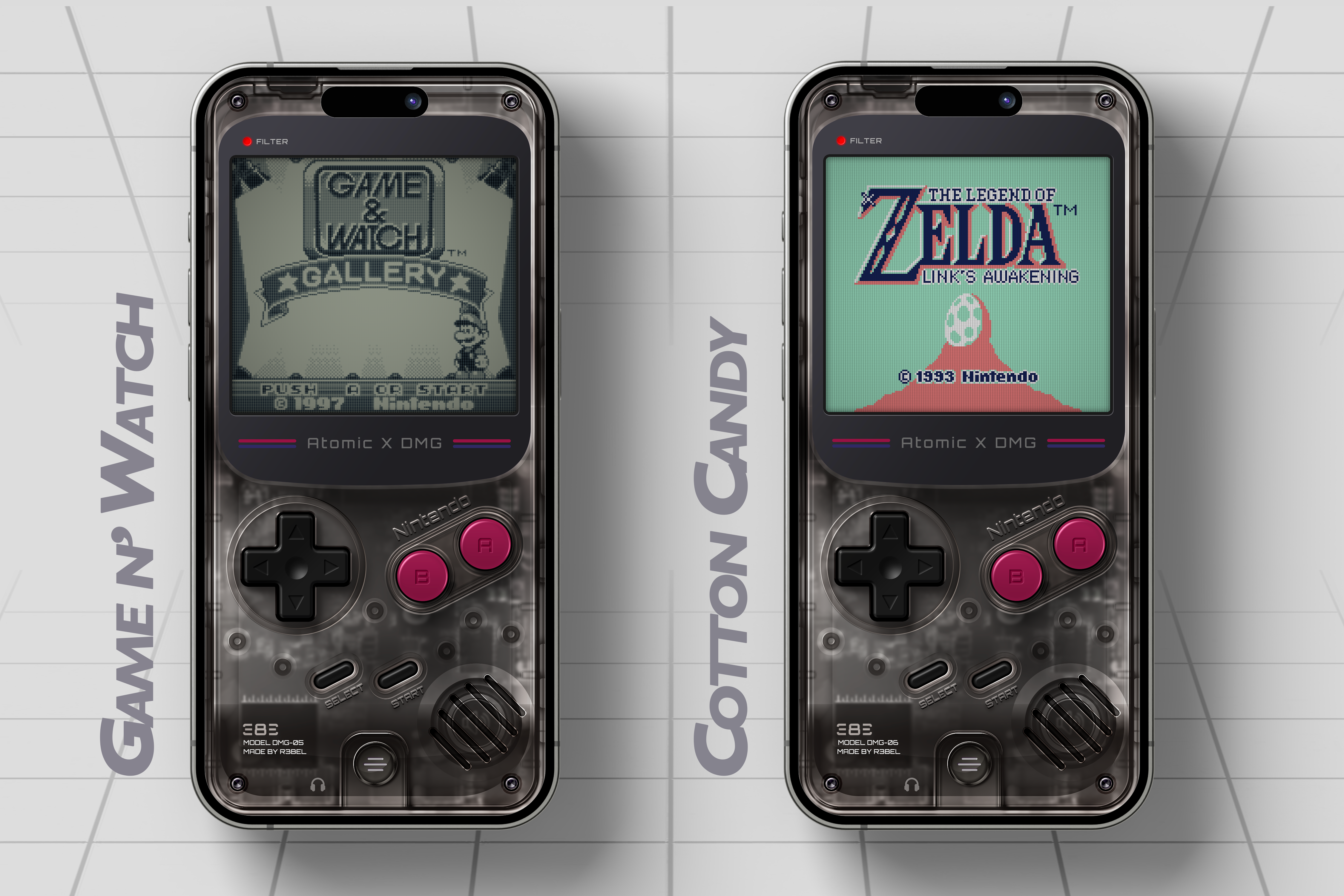
Game N' Watch: This is a gray/metalic stye LCD effect similar to the old cheap single game handhelds or game and watch handheld screens.
-
Cotton Candy: This filter colorizes the original Game Boy Games to Blue, Coral, and Mint Green. The original game boy games are actually 3 different shades of black/gray. I changed each shade to different colors.
-
Black -> Blue,
-
Dark Gray -> Coral,
-
Light Gray -> Mint Green.
-
-
To me personally, this and the O.G. Green are some of the coolest filters. Finally figuring out how to colorize the game boy games is something I haven't seen in Delta Emulator as of yet.
As always, feedback is always welcome. Good, bad, or ugly. all is welcome ;)
Comments
Please log in to leave a comment.