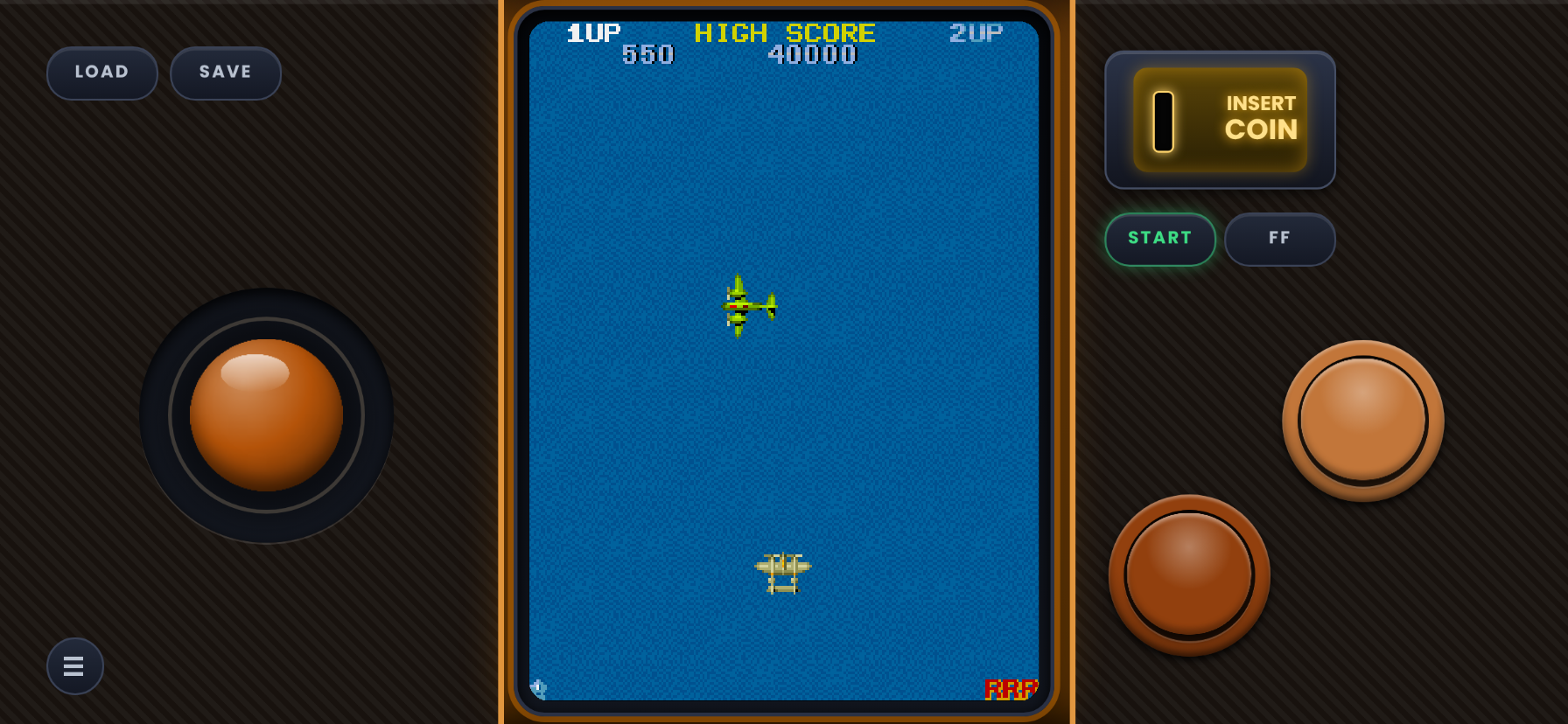
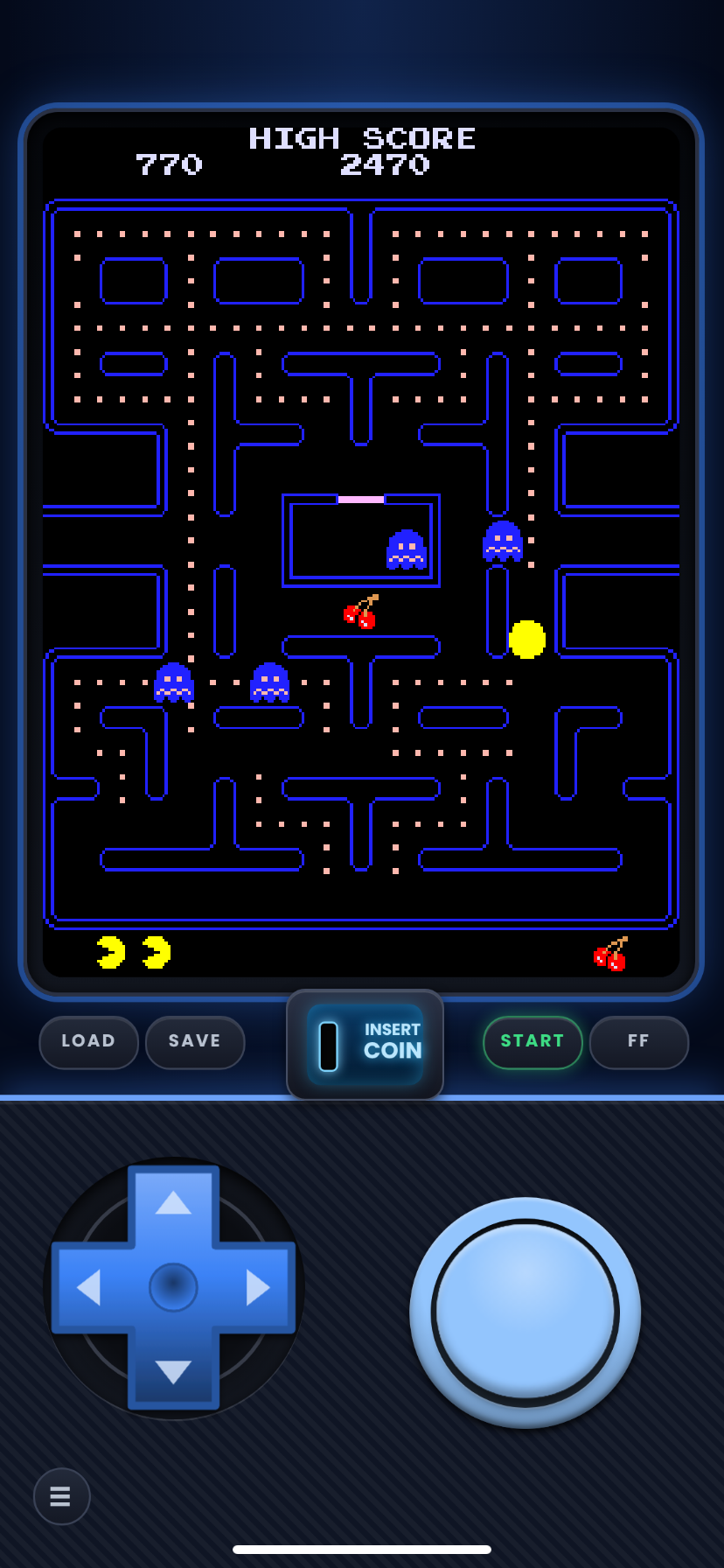
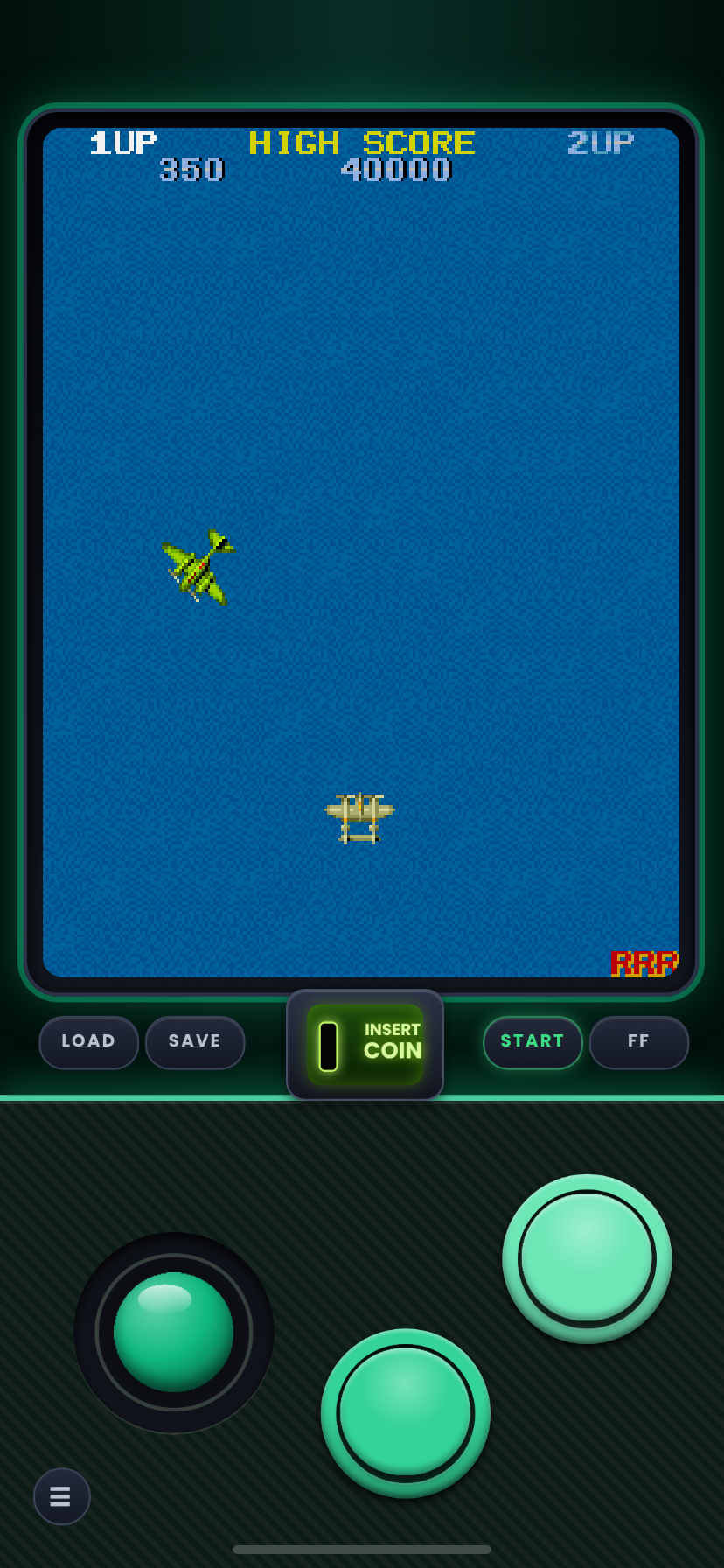
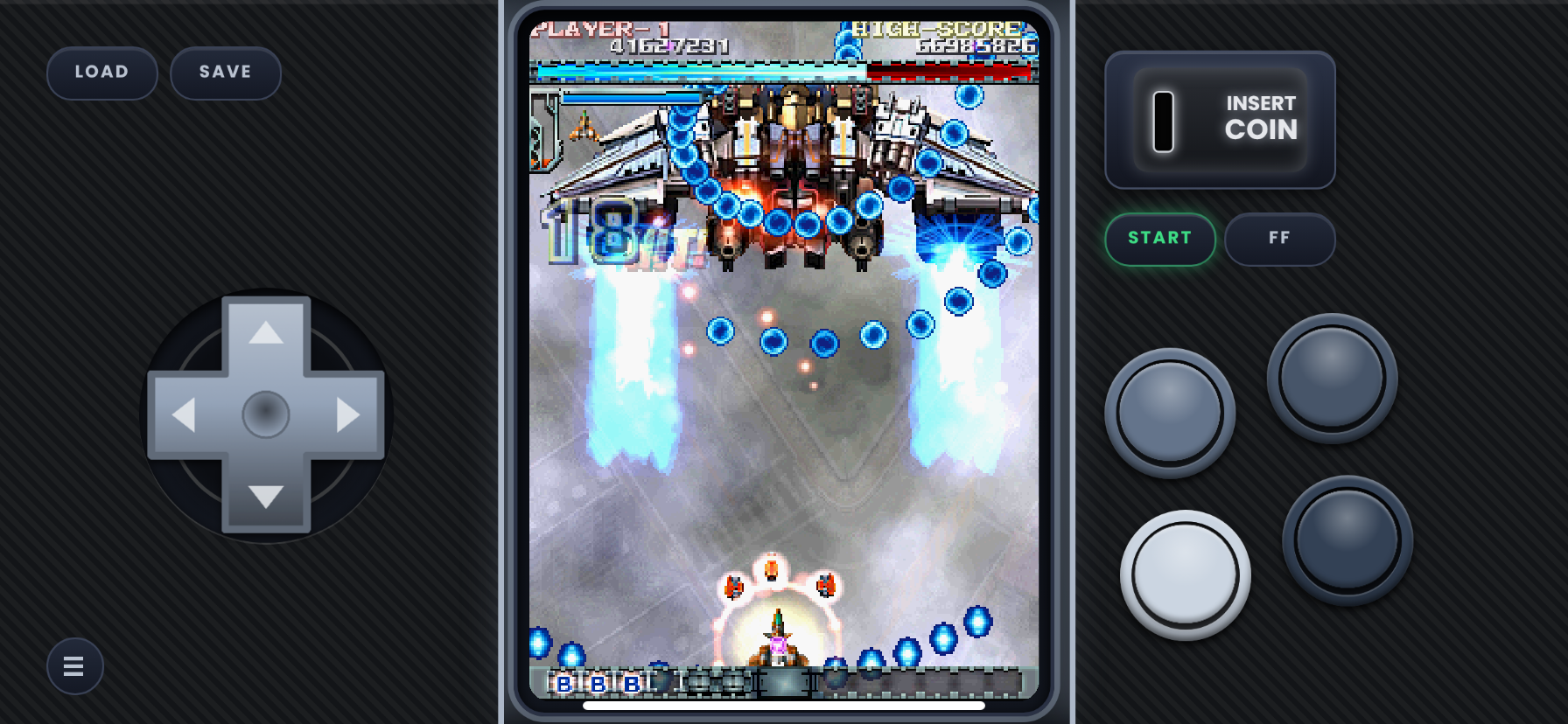
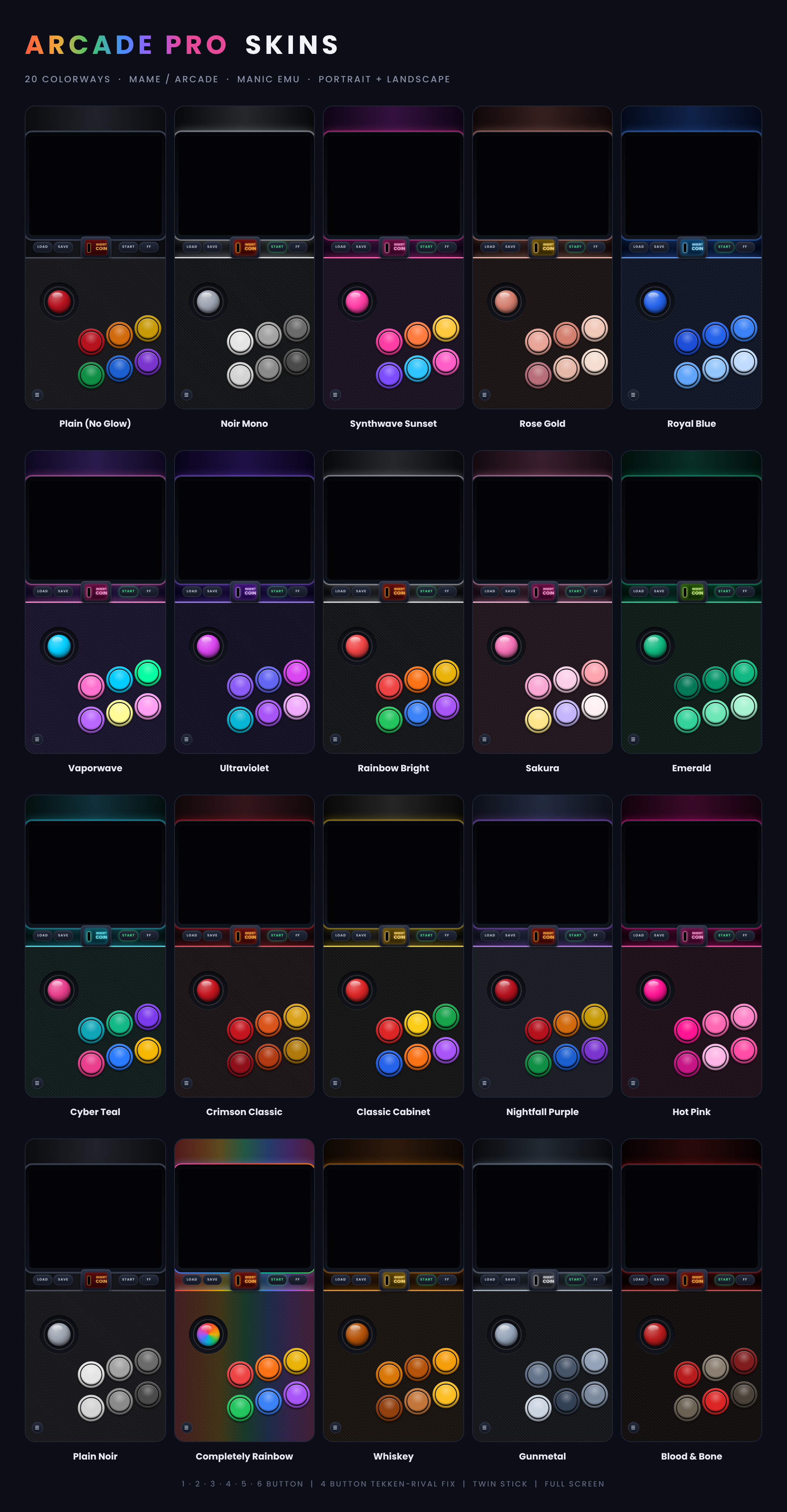
Tate skins for vertical arcade games such as Galaga, 1942, Ketsui and Mushihimesama. Changes the aspect ratio so tall games dont look squished. For Standard resolution skins check (1-6 button + twin stick skins with 4 button 3d fighter fix) page. Colorways photo is for color example not button layout.
It comes in 2 styles Joy-Stick and D-Pad.
Twin Stick has no D-Pad version but will make if requested in the comments or in a issue on my github.
Not sure where to start? Grab one zip and get every layout of a set in our flagship color, Nightfall Purple.
Each Starter Pack holds one skin for every layout in that set (every button count, Pro and Full Screen, and Twin Stick where the set has one). They are exact copies of the Nightfall Purple skins from the full sets, so nothing changes if you later download a full set. They just save you from picking a color and a button count one zip at a time.
**Install**
1. In Manic, tap Assign Skin, then New Skin, then Open File.
2. Select the Starter Pack zip and tap Open.
3. When Manic shows the zip file handling screen, select the Starter Pack zip and confirm.
If that doesn't work, unzip the pack in the Files app first. Then repeat the steps above, but select the .manicskin files instead of the zip.
The full-set zips are different: they hold more zips inside (one per color and screen size), so those always need to be unzipped first.
Comments
Please log in to leave a comment.