Minimal skins
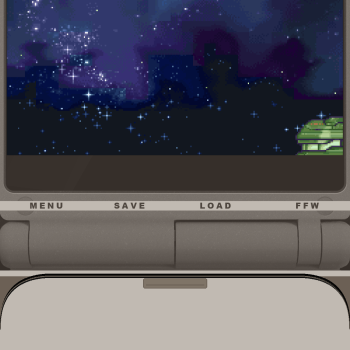
Cream & GraphiteCustom Delta skins for iPhone 17 Pro, GBA A pair of edge-to-edge GBA skins built for the iPhone 17 Pro's Dynamic Island and full-screen display, in two body colorways — a light Cream and a dark Graphite. Save, Load, and Fast-Forward are wired up as tappable regions, plus a Menu button for Delta's pause/save-state overlay. Built on the R3BEL SP skin by R3BEL (DeltaStyles) — original shell artwork, layout, and button design credit to them. Used and modified under R3BEL's license, which permits derivatives with credit to the original author. ---A couple of notes on the sourcing:- R3BEL's own page lists the license as: "Other creators may mo...
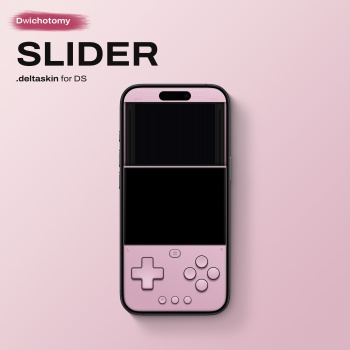
An alternative portrait layout for the minimalist Candybar DS series for touch-heavy games where the lower screen is the main event. The design treats the top screen as a slide up display, while the massive edge-to-edge bottom touchscreen acts as your primary hardware interface. Available in 10 vibrant colorways. Display Variants: Default: Subtle custom pixel overlay with color fringing on the top screen only, providing an authentic hardware texture while naturally drawing your eyes down to the brighter main gameplay screen. Non-Filtered [Filter OFF]*: Clean, raw pixels for maximum brightness and clarity on both screens. Hidden Shortcuts: Quick Save & ...
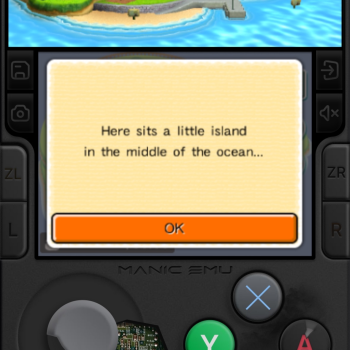
If you enjoy the skin, a tip on my Ko‑fi [akiin] would mean a lot. Feel free to request other skins too. I don't charge anything and will make them when I have free time!...
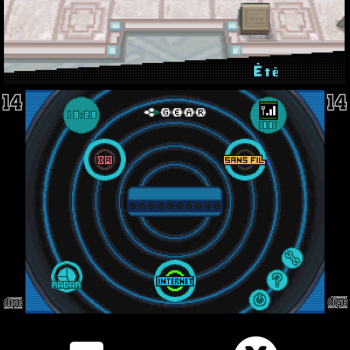
THIS SKIN IS OPTIMISED FOR POKÉMON GAME'S ! This skin uses an OLED-friendly design to save battery and reduce eye strain....
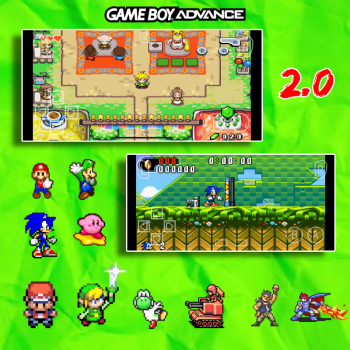
Same as the other one I made just with a different touchpad...
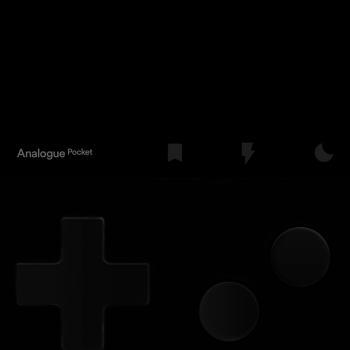
I created this AMOLED version inspired by the Analogue Pocket, based on the original version posted by Trufflegg a few years ago. I kept only the Quick Save function on the first button after the 'Analogue Pocket' text to prevent accidental misclicks. I expanded the screen to make it more comfortable for games that usually appear too small in portrait mode. I realize I’ve sacrificed the original Game Boy Advance aspect ratio slightly, but as mentioned, the goal was to improve playability on smaller screens and for games that are harder to see. Im not very familiar with creating filters for delta skins, so if anyone wants to contribute by adding filters to this ski...
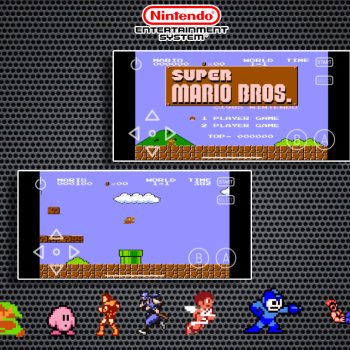
This is a Widescreen version of the other one I made. if u prefer playing NES games in widescreen, now u can! ...
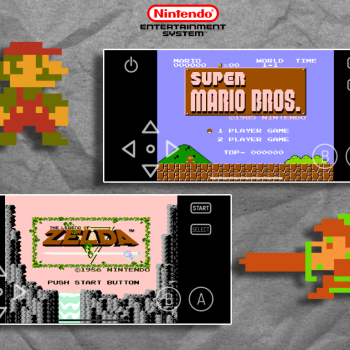
Just a simple NES skin thats slightly wider than the normal square....
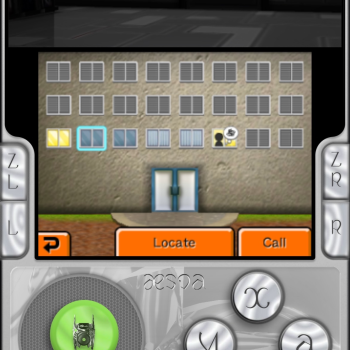
Another custom 3DS skin, hope y'all enjoy! : )...
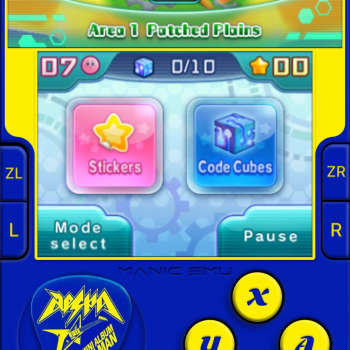
Hi again! dropping my second custom 3ds skin. This time I went with aespa's richman album theme. If you notice any bugs or ui issues, please comment below so i can update it. you can also still drop free skin requests for me to work on when i'm free. tips on my ko-fi [akiin] are always appreciated too. Have fun! ...
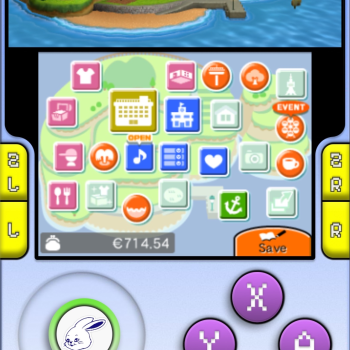
Hey everyone, just sharing a custom newjeans 3ds skin I made. If you like the skin, a tip on my ko-fi [akiin] would be really appreciated. Feel free to request other skins too. I don't charge anything and will make them when I have free time. Enjoy!! ...
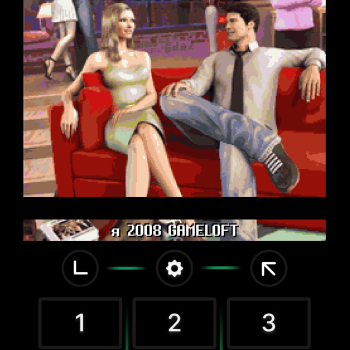
[Work in progress] - I'm dedicated to fully complete this skin so it's usable on all devices. There are currently no dedicated skins for J2ME emulation on Deltastyles. I have decided to change that. The default Manic ones are not very comfortable to use. One has an odd button layout and the other one has a Nokia background which is very distracting. Mine is very minimal and has beefy buttons. It only contains the number pad, left and right buttons, Manic menu button and a big content window. Currently only the edge to edge portrait layout is supported. Using other layouts will default to Manic's flex skin. Other layouts are currently being made. I've looked f...
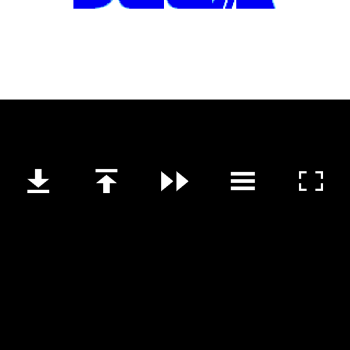
A skin made for use with the Gamesir Pocket Taco, essential buttons on screen, and menu opens from the top instead of bottom. I made this for myself but figured I'd upload it for anyone else looking to play Genesis with a pocket taco on manic. Enjoy! This skin is for the Manic emulator app only....
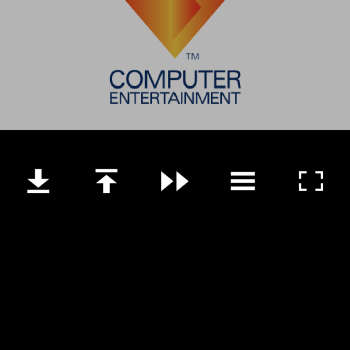
A skin made for use with the Gamesir Pocket Taco, essential buttons on screen, and menu opens from the top instead of bottom. I made this for myself but figured I'd upload it for anyone else looking to play PS1 with a pocket taco on manic. Enjoy!...
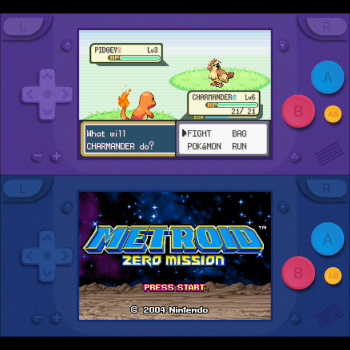
Matte GBA Skins For all iPhones Base Contents: Matte Emerald Matte Berry Matte Blue Extra Pack Contents: Matte Indigo Matte Navy Matte Violet Extra Pack Download Features: Largest possible game screen size Compatible with all iPhones with or without a notch AB Button Quick save/load buttons Invisible toggle fast forward button (Tap the game screen) Note: Don't forget to set the controller opacity to 100% to see the real colors....
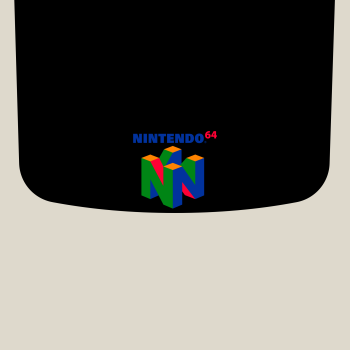
Minimal N64 skin for use exclusively with the gamesir pocket taco or similar controllers. The skin tries to match the pocket taco color and aesthetics for a more immersive experience....
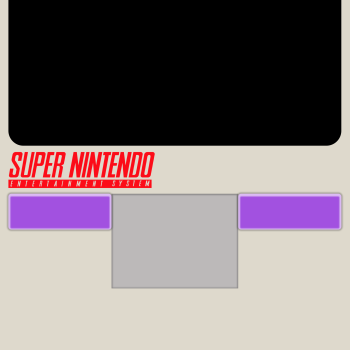
Minimal SNES skin for use exclusively with the gamesir pocket taco or similar controllers. The skin tries to match the pocket taco color and aesthetics for a more immersive experience....
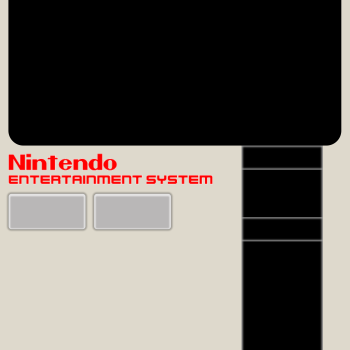
Minimal NES skin for use exclusively with the gamesir pocket taco or similar controllers. The skin tries to match the pocket taco color and aesthetics for a more immersive experience....
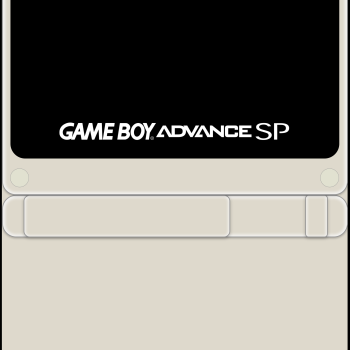
Minimal Gameboy Advance skin for use exclusively with the gamesir pocket taco or similar controllers. The skin tries to match the pocket taco color and aesthetics for a more immersive experience....
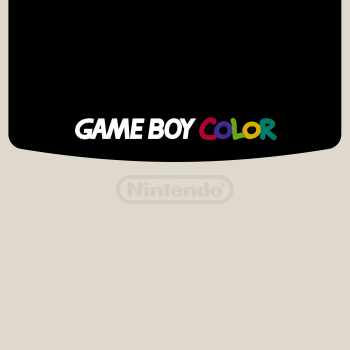
Minimal Gameboy Color skin for use exclusively with the gamesir pocket taco or similar controllers. The skin tries to match the pocket taco color and aesthetics for a more immersive experience....