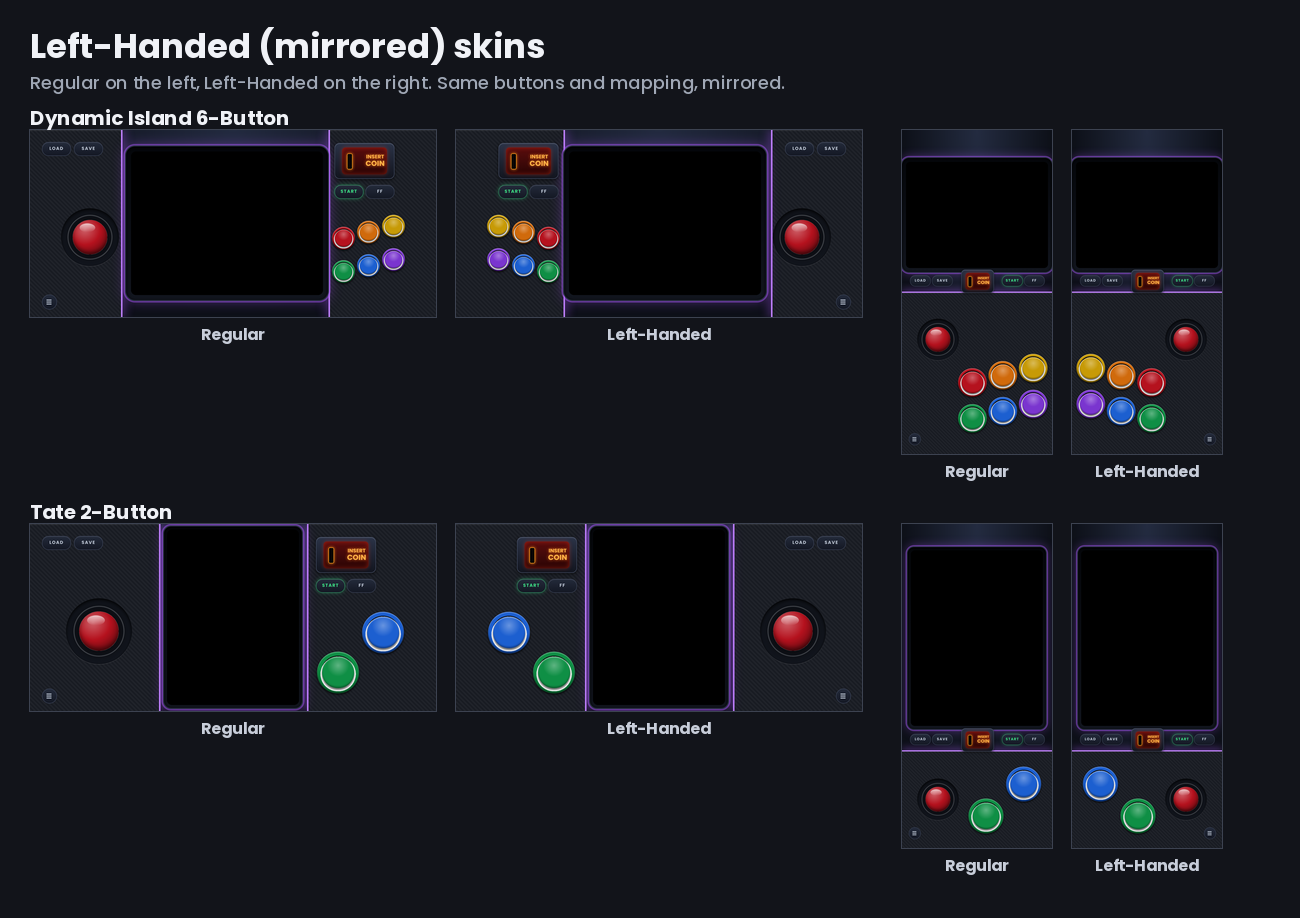
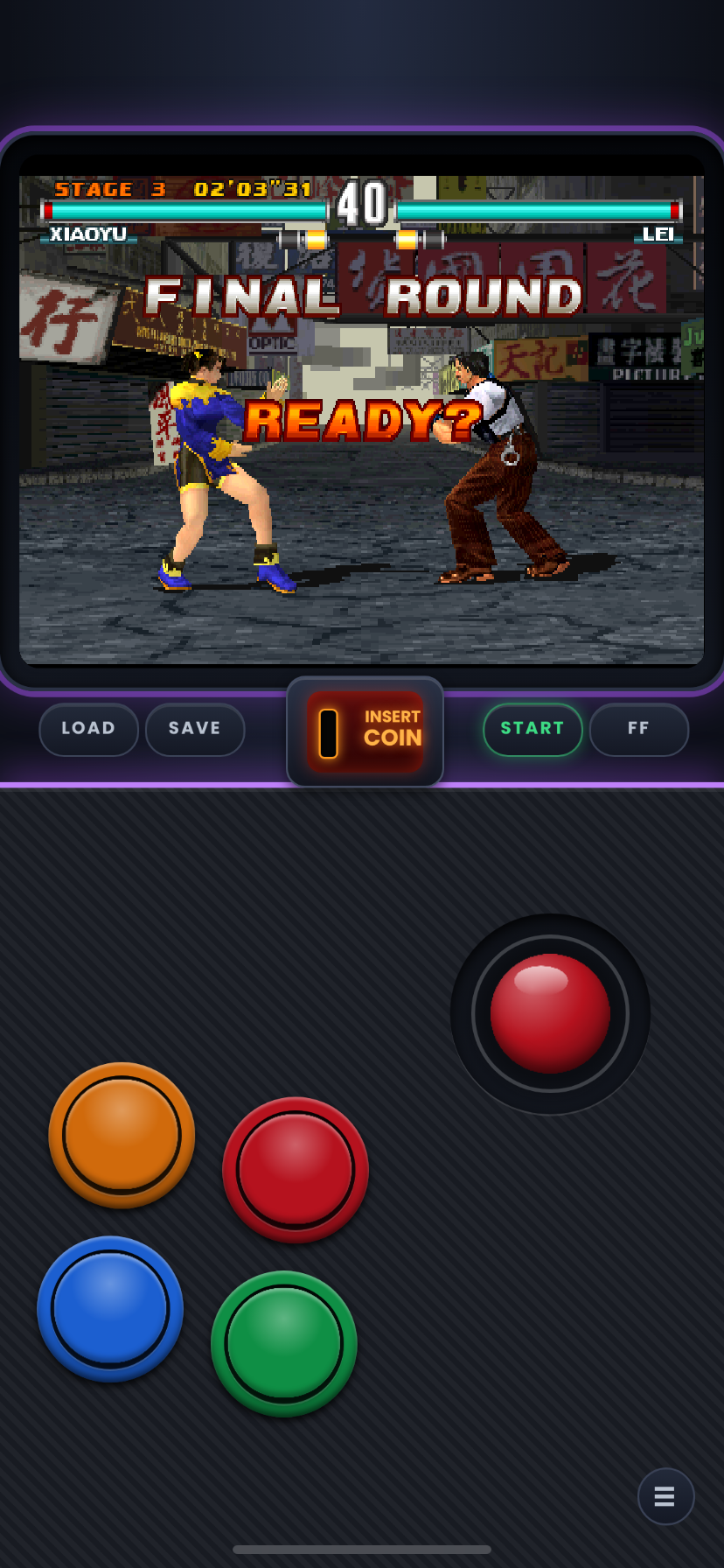
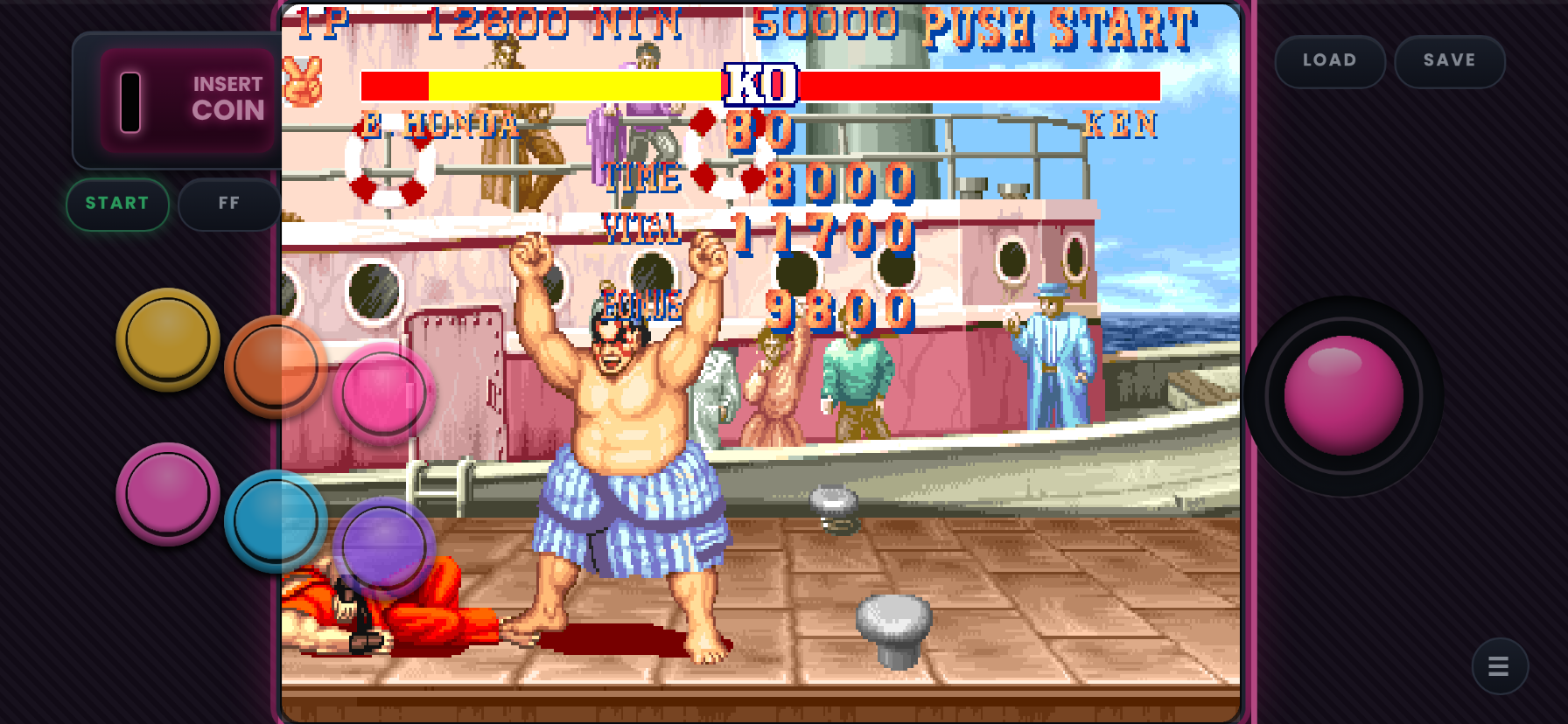
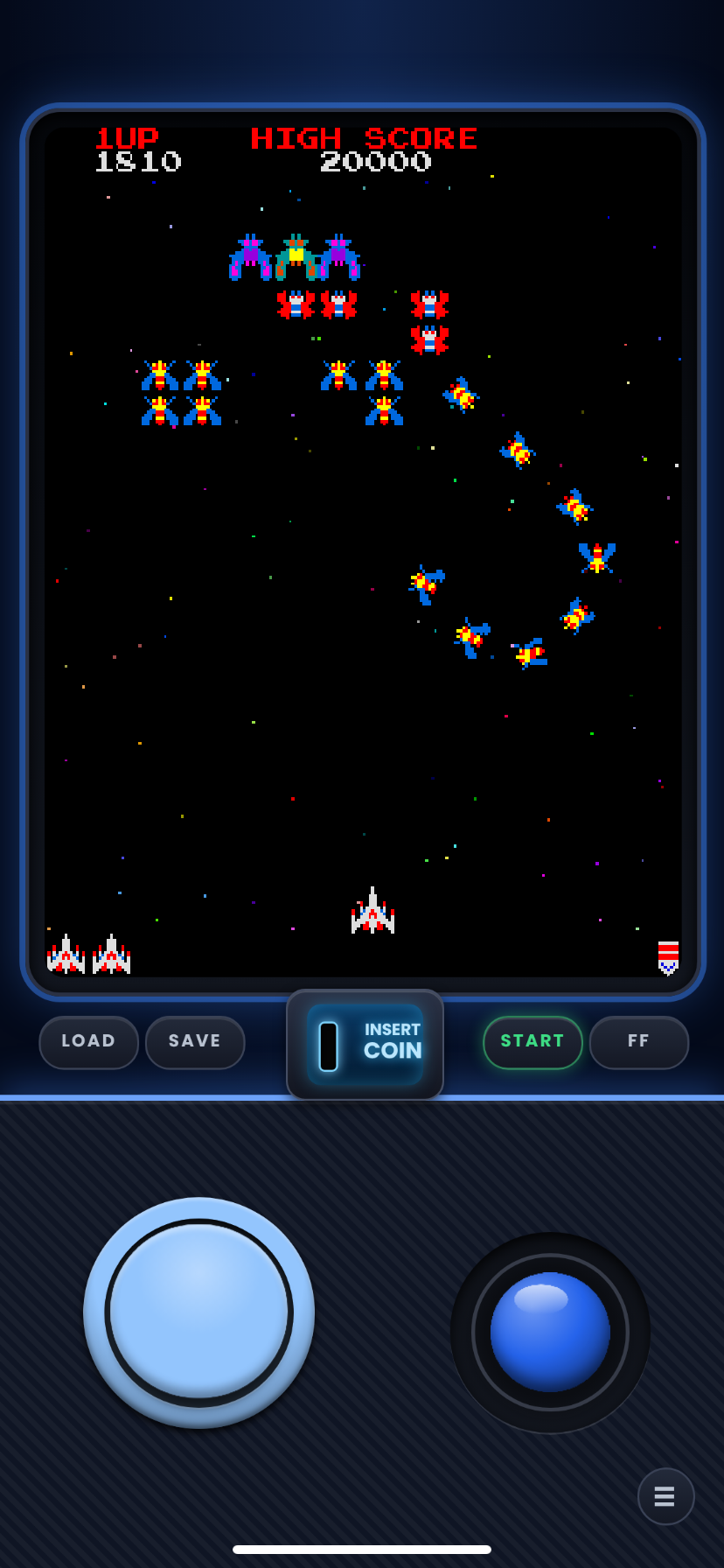
Left-Handed D-Pad skins are here. (1 to 6 Button, Classic, Tekken-Rival Fix, plus Tate). There is also a "extra style" version of the Twin Sticks, Tate twin sticks with leveled off sticks, and there is also a 3-Button Tate set with extra spacing between the stick and button to give more breathing room if you need it. Grab one of the new starter packs, the new extras styles starter pack will have each of the new "extra styles" in Nightfall Purple. Unsure how to install read below.
*Added missing Starter Pack, I'm sorry if you went to download before and it wasnt there, i thought i put it up with the full sets. Tate is also in the Starter-Pack-Left-Handed-Nightfall-Purple.zip with the original 1-6 button/sticks*
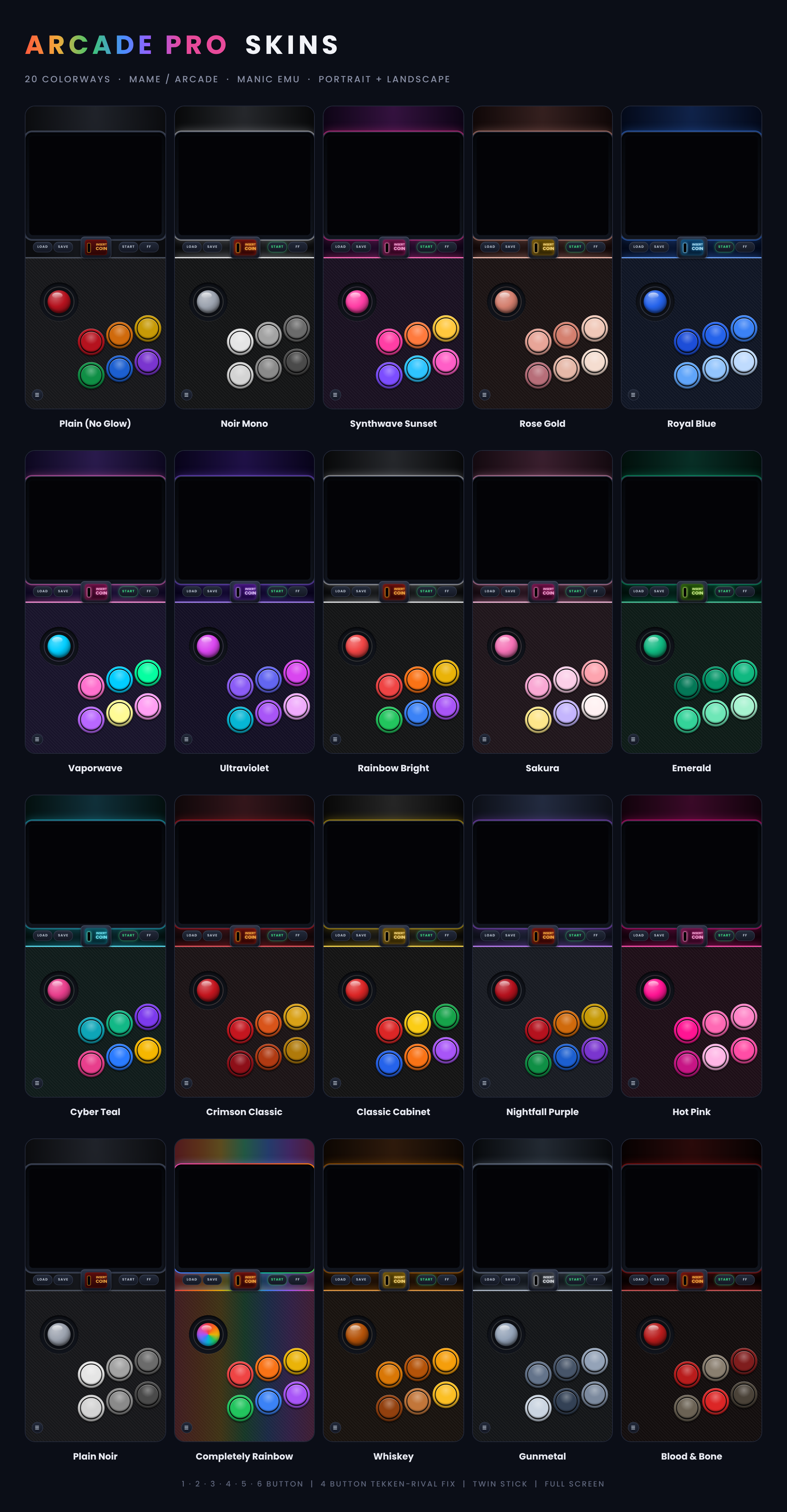
*Colorways photo are just color examples not button layout.
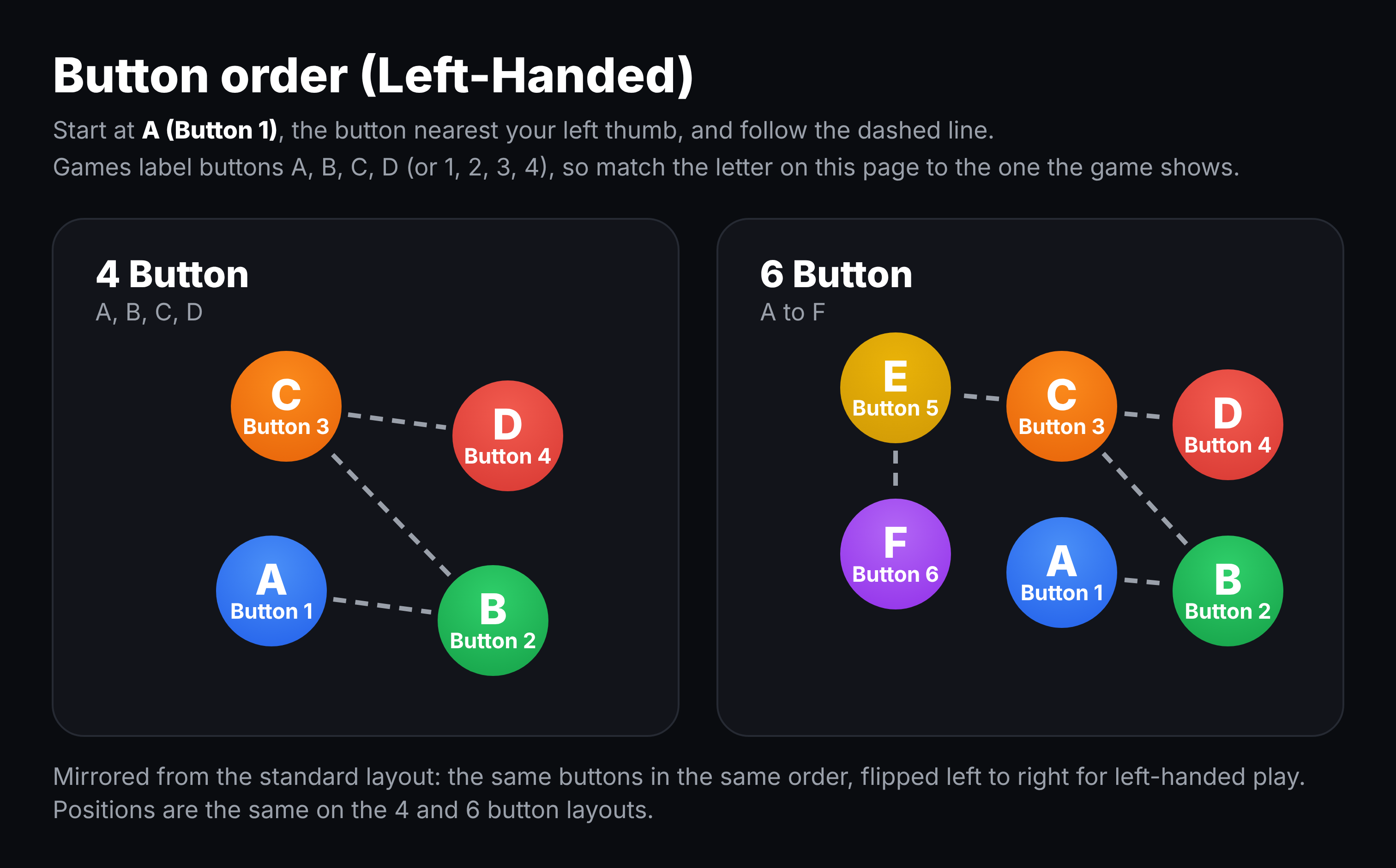
Dynamic island set left handed. Mirrored layouts for left-handed players: the stick is on the right, and the buttons and Coin / Start / FF are on the left. Everything else is the same as the original skins, including the button mapping. In Twin Sticks skins the movement stick is on the right and the fire stick on the left. i hope it feels right, it feels like it plays good to me but im right handed so i can't be sure, but I looked into southpaw layout and tried to set it up the way it needed to be.
4 button decision Classic or Tekken-Rival Fix?
Both are 4-button layouts. They look the same and can be installed side by side.
- **Classic**: the bottom-left button is Button 2 only. Use this for most 4-button games.
- **Tekken-Rival Fix**: the bottom-left button sends Button 2 **and** Buttons 5 and 6 together. Some fighting games (Rival Schools wants Button 5, Tekken wants Button 6) need those extra buttons, and this gives them to you without a 6-button layout.
Classic 4 button = dosent work on Tekken 3 or rival but works with all the others I've tried.
tekken fix 4 button = works with games I've tried and Tekken 3 and rival schools. but can't rule out what I haven't tried so, if the game registers the extra inputs use classic.
Tate skins for vertical arcade games such as Galaga, 1942, Ketsui and Mushihimesama. Changes the aspect ratio so tall games dont look squished.
Not sure where to start? Grab one zip and get every layout of a set in our flagship color, Nightfall Purple.
Each Starter Pack holds one skin for every layout in that set (every button count, Pro and Full Screen, and Twin Stick where the set has one). They are exact copies of the Nightfall Purple skins from the full sets, so nothing changes if you later download a full set. They just save you from picking a color and a button count one zip at a time.
**Install**
1. In Manic, tap Assign Skin, then New Skin, then Open File.
2. Select the Starter Pack zip and tap Open.
3. When Manic shows the zip file handling screen, select the Starter Pack zip and confirm.
If that doesn't work, unzip the pack in the Files app first. Then repeat the steps above, but select the .manicskin files instead of the zip.
The full-set zips are different: they hold more zips inside (one per color and screen size), so those always need to be unzipped first.
Comments
Please log in to leave a comment.