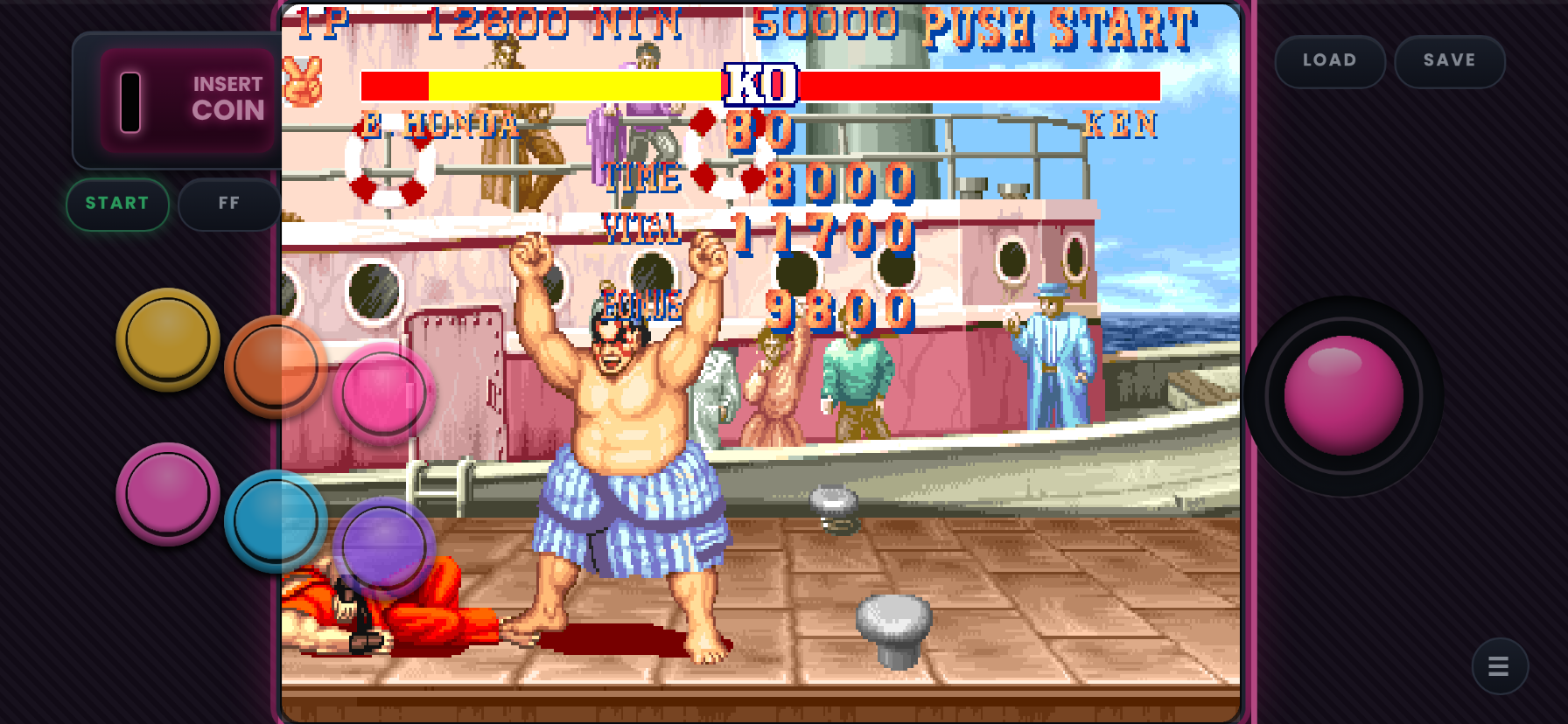
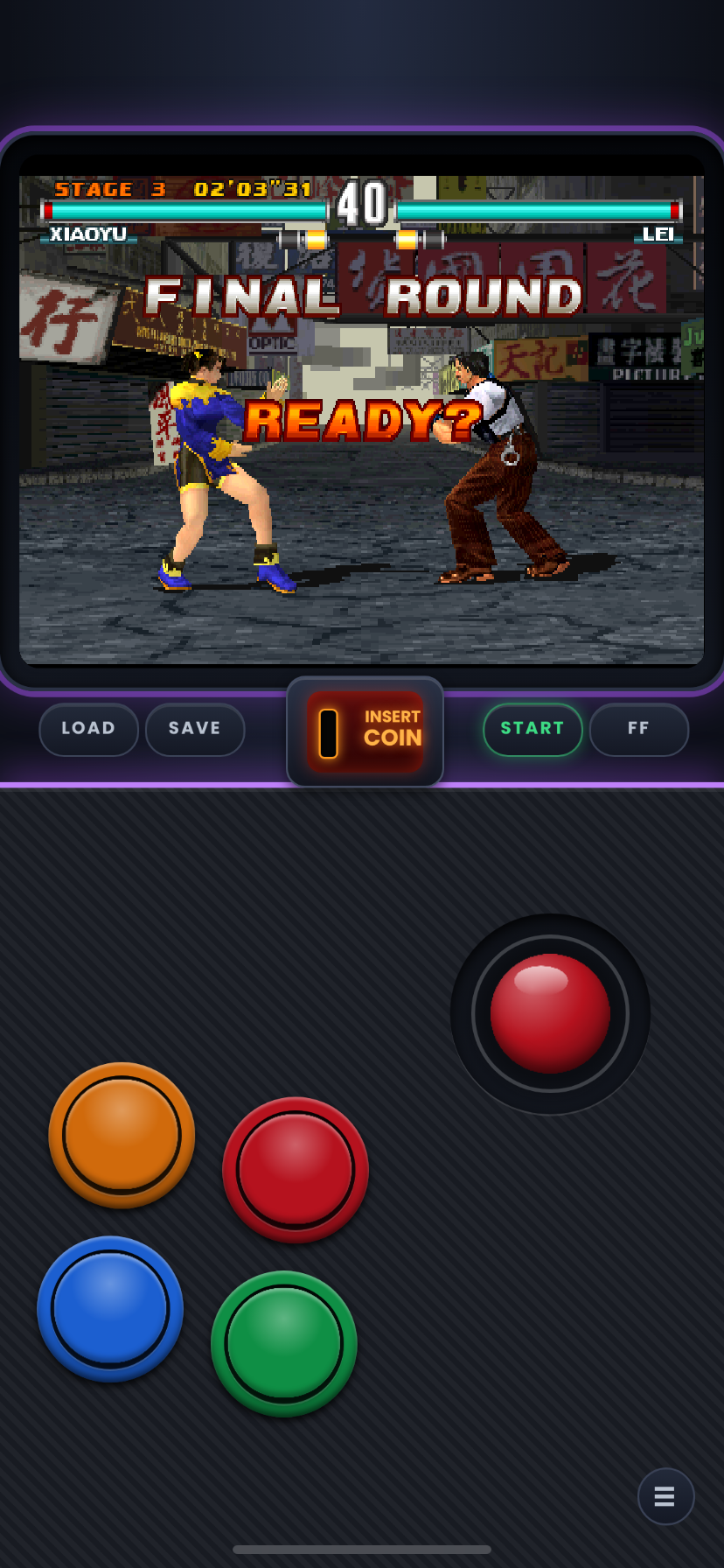
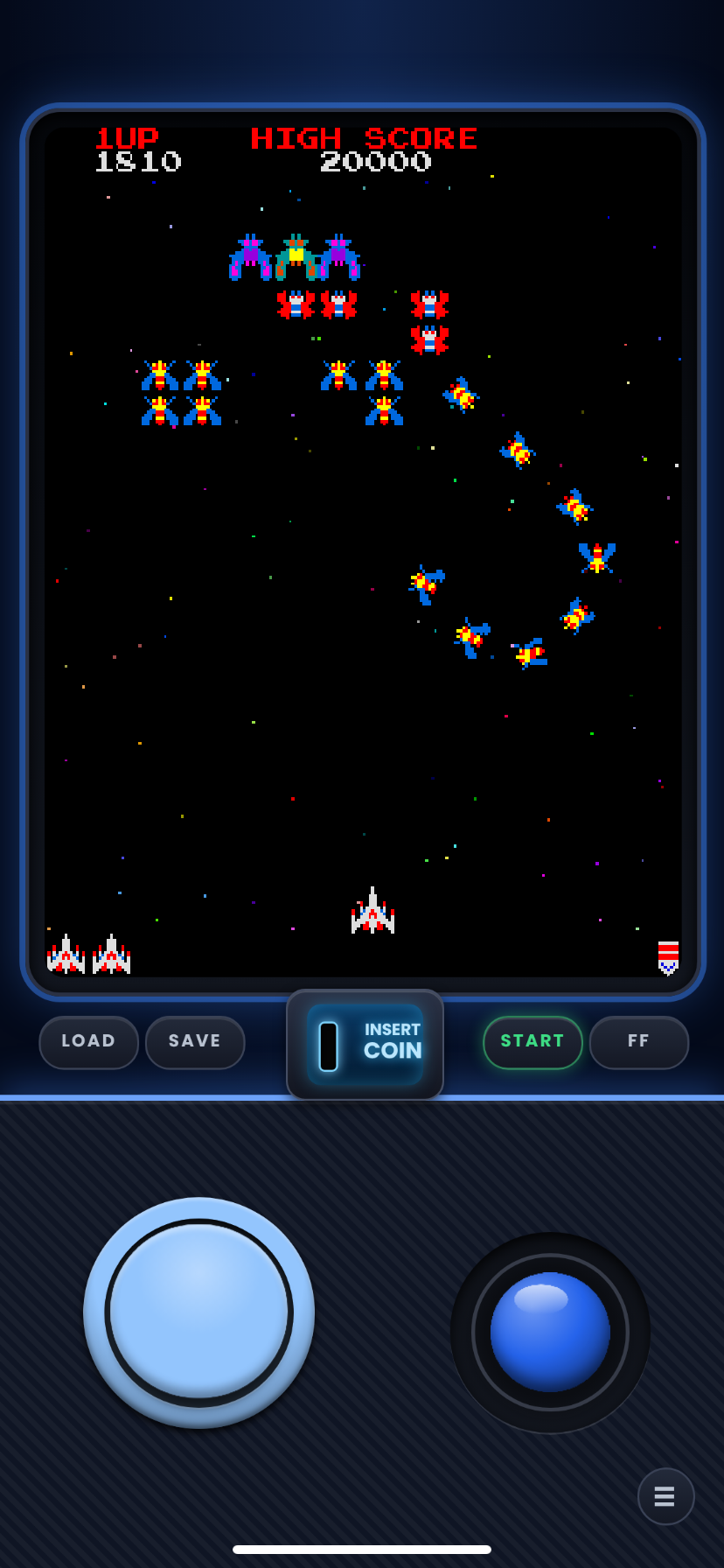
Requires Manic EMU 2.0.2 or newer.
2.0.2 Compatibility Update:
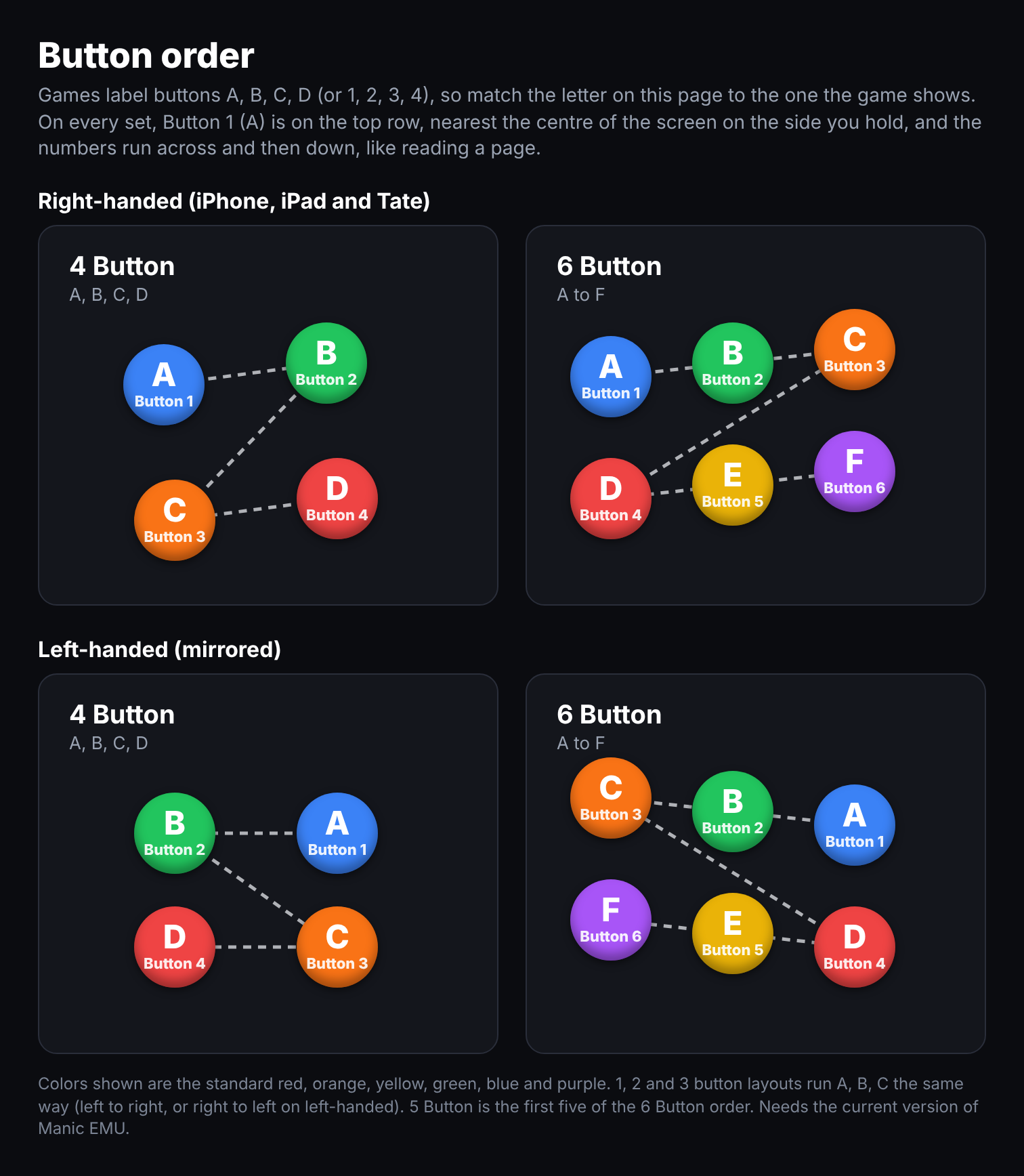
Skins have been updated for Manic Emu 2.0.2's new button mapping (now numbered 1–6 from right to left, top to bottom).
- Removed: "Tekken fix" skins (no longer needed with the new mapping).
- Legacy skins: Manic 2.0.1 skins will remain archived on my GitHub for users on older versions.
The 2.0.2 update changed how the emulator reads button inputs, so these updated skins will have the wrong button order on older versions. [Manic Emu 2.0.1.] Use the link next to the download button to get the Legacy sets.
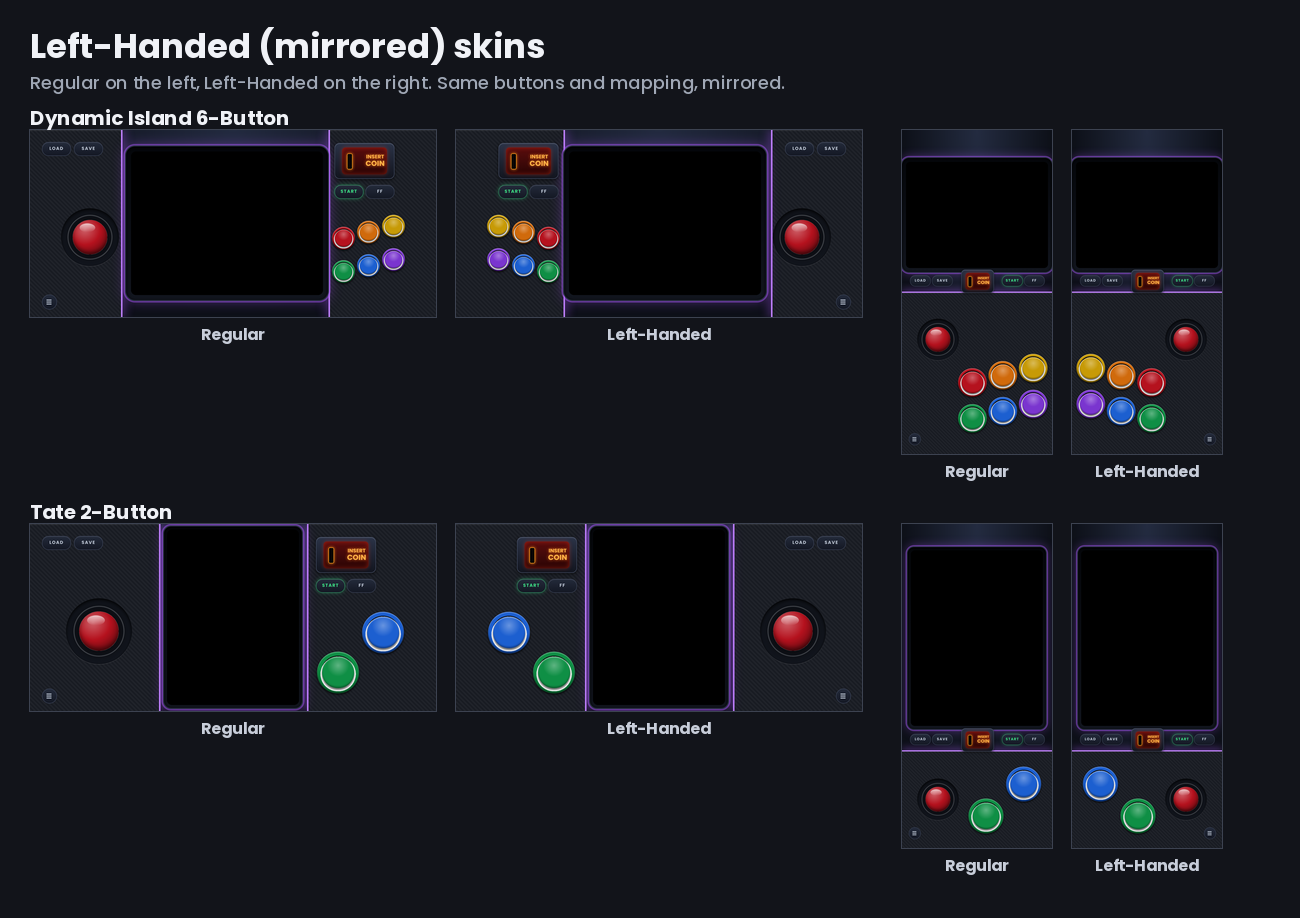
(These sets are a mirror of right handed sets, if you would rather have the skins be Left-Handed but run 123 456 from left to right and not right to left leave a comment or a issue on my github and ill add it as another style.)
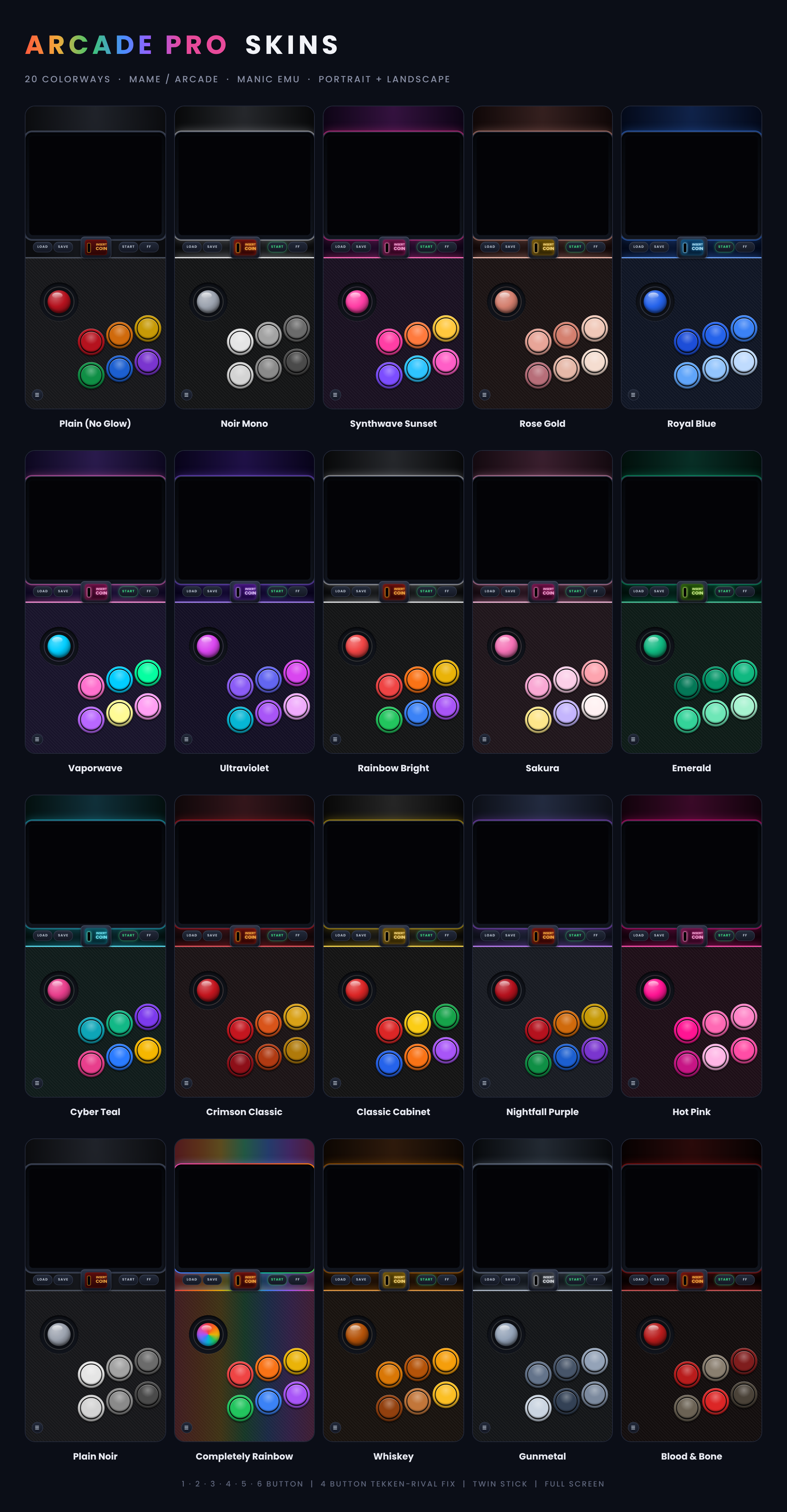
Not sure where to start? Grab one zip and get every layout of a set in the flagship color, Nightfall Purple or another color once they are added. *read zip handling part in yellow below for more info on how manic handles zips*
Format Key: SP = Starter Pack | JS = Joystick | 1-6 = 1–6 Buttons | T-6 = Twin-Stick to 6 Buttons | DP = D-Pad | Reg = Standard Screen | FS = Full-Screen | L-H = Left-Handed | Example at the bottom of the page of one spelled out.
Each Starter Pack holds one skin for every layout in that set. They are exact copies of the skins from the full sets, so nothing changes if you later download a full set. They just save you from picking a color and a button count one zip at a time.
Installing from DeltaStyles (Starter Packs):
- In Manic EMU’s DeltaStyles browser, tap the Starter Pack you want to download.
- When the ZIP File Handling page appears, select the zip and make sure it has the red checkmark before you Tap Confirm.
Installing zips
- Download the zips you want. Make sure they are either Starter Packs (non-nested) or you unzip the bundled zips in the files app and select 1 of the 3 part zips. Manic can’t import them bundled so make sure the zip isn't one of the bundled zips (1-button, 2-button, etc.) these zips have 3 zips zipped inside them, you can share the parts 1,2,3 of the zip once you unzip the main one holding the parts. Starter Packs don't need unzipping.
- In the Files app, press and hold the zip, tap Share, then choose Manic EMU.
- The ZIP File Handling screen appears. Tap the zip so the red check mark is on, then tap Confirm. The check mark is what unzips the skins. If you skip it, Manic imports the zip as a game instead of as skins.
- In Manic EMU, assign the skin to your arcade games.
There is a visual guide on my Github under the installing from Github section that can be used here as well if you need a visual walkthrough
Importing manicskin in Manic EMU: Manic EMU can be picky about importing zips while using the Assign skin route in the app. Manic EMU does not like importing zips in the in-app file handling pop-up screen. So if you go that route, unzip the file first so it's no longer zipped, after that it can be imported directly from the app by clicking the .manicskin, or you can follow the above steps to share it from the files app to Manic EMU. You can also click the .manicskin in the files app and it should automatically open Manic EMU and install the skin
When a zip is being imported to manic always select it in the zip handling screen in the app and hit confirm, it will import in the datas section if you do not, because Manic Emu thinks zips could be a game until you let it unzip it first so it can see its manicskins. If you do import it wrong and do not know where to find the zip it is in 2 spots you can delete it, 1 in the games list in the main menu and 2 in the datas folder in the files app under Manic EMU. There are photos on my Github showing the locations and a example under the Installing from Github since i cant post the photos in this section.
Every skin and set will install next to eachother so mix and match as you see fit.
Notch sets = iPhone Xr, 11, 12, 13, and standard 14 / 14 Plus lineups (Notch shape cutout)
Dynamic Island sets = iPhone 14 pro/max, 15, 16 (Pill shape cutout)
If your intrested in more info or photos check the Github Readme or disclaimer. If you want to download just 1 part of a zip i have them all split up in to single zips on Github.
Format Key: SP = Starter Pack | JS = Joystick | 1-6 = 1–6 Buttons | T-6 = Twin-Stick to 6 Buttons | DP = D-Pad | Reg = Standard Screen | FS = Full-Screen | L-H = Left-Handed |
New Naming Example [SP_1-6_DP_Reg_L-H_Royal_Blue] = [Starter-Pack_1-6-Buttons_D-Pad_Regular_Screen_Left-Handed_Royal_Blue.zip]
[Planning on more Starter pack like sets for easy 1 tap installs and a notch version to go with Dynamic Island]
Comments
Please log in to leave a comment.