STARTER PACKS: 1-TAP INSTALL iPad Packs
Requires Manic EMU 2.0.2 or newer. Manic EMU 2.0.1 and lower go to the GitHub.
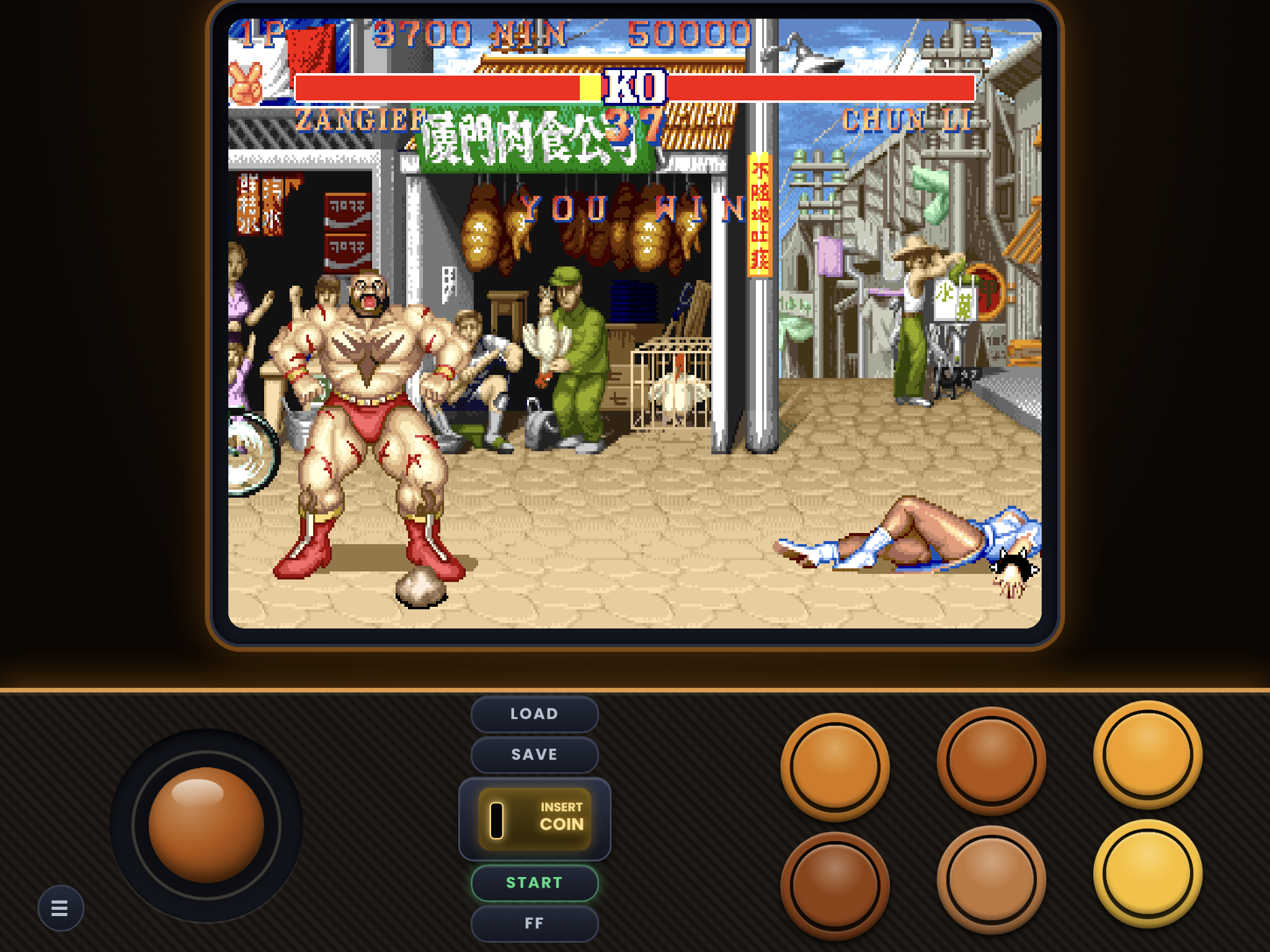
Each zip on this page holds one skin for every layout in a set, in one colour. They are exact copies of the skins in the full sets on GitHub, so nothing changes if you download more later.
New: Tate D-Pad
Left-handed iPad has its own page to avoid a big download page.
ZIP Breakdown:
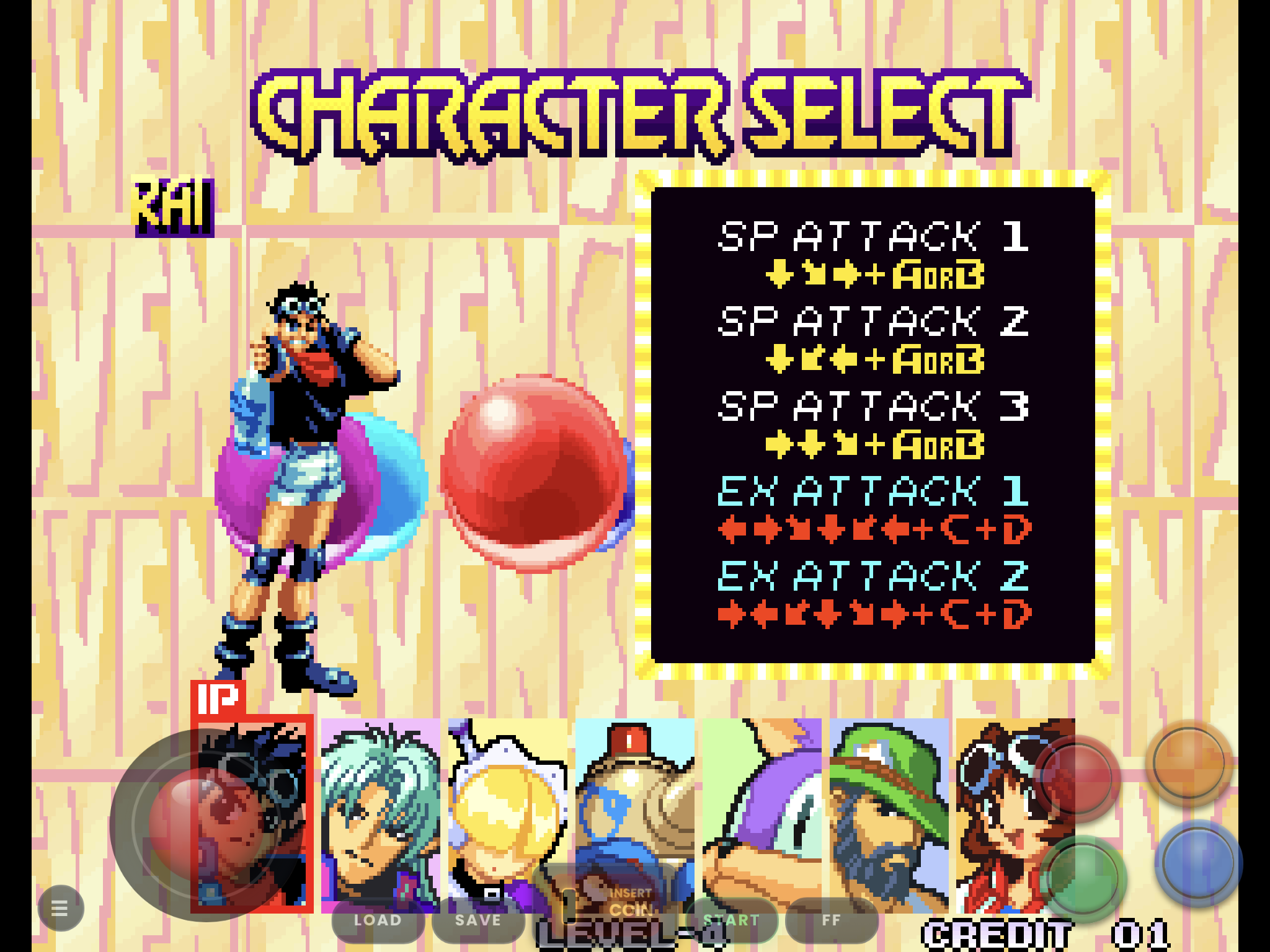
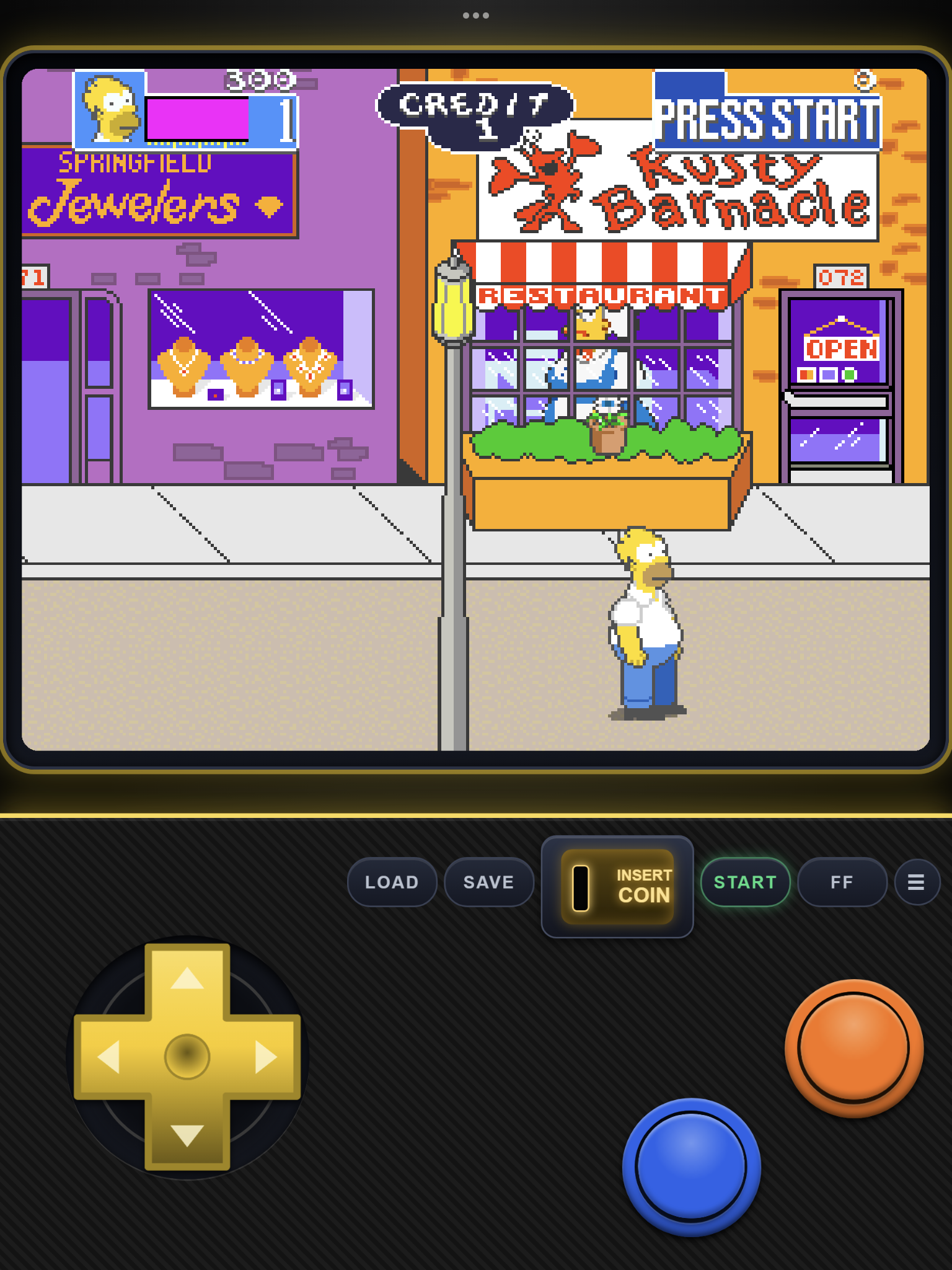
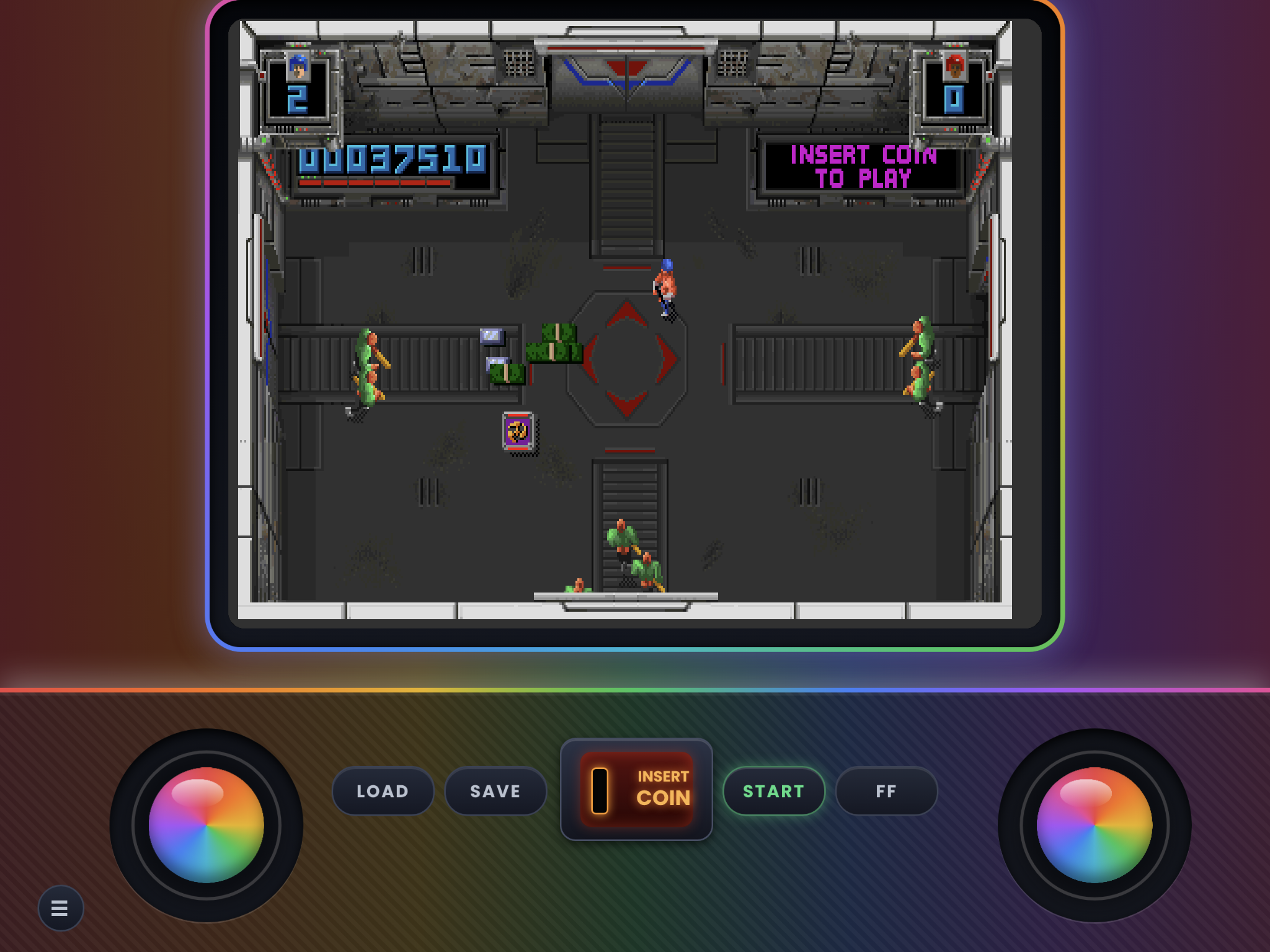
- Standard 1-6 button: JoyStick is (TwinSticks to 6 button) and D-Pad is (1 to 6 button)
- Tate: Joystick is (1 to 4 button), D-Pad is (1 to 4 button)
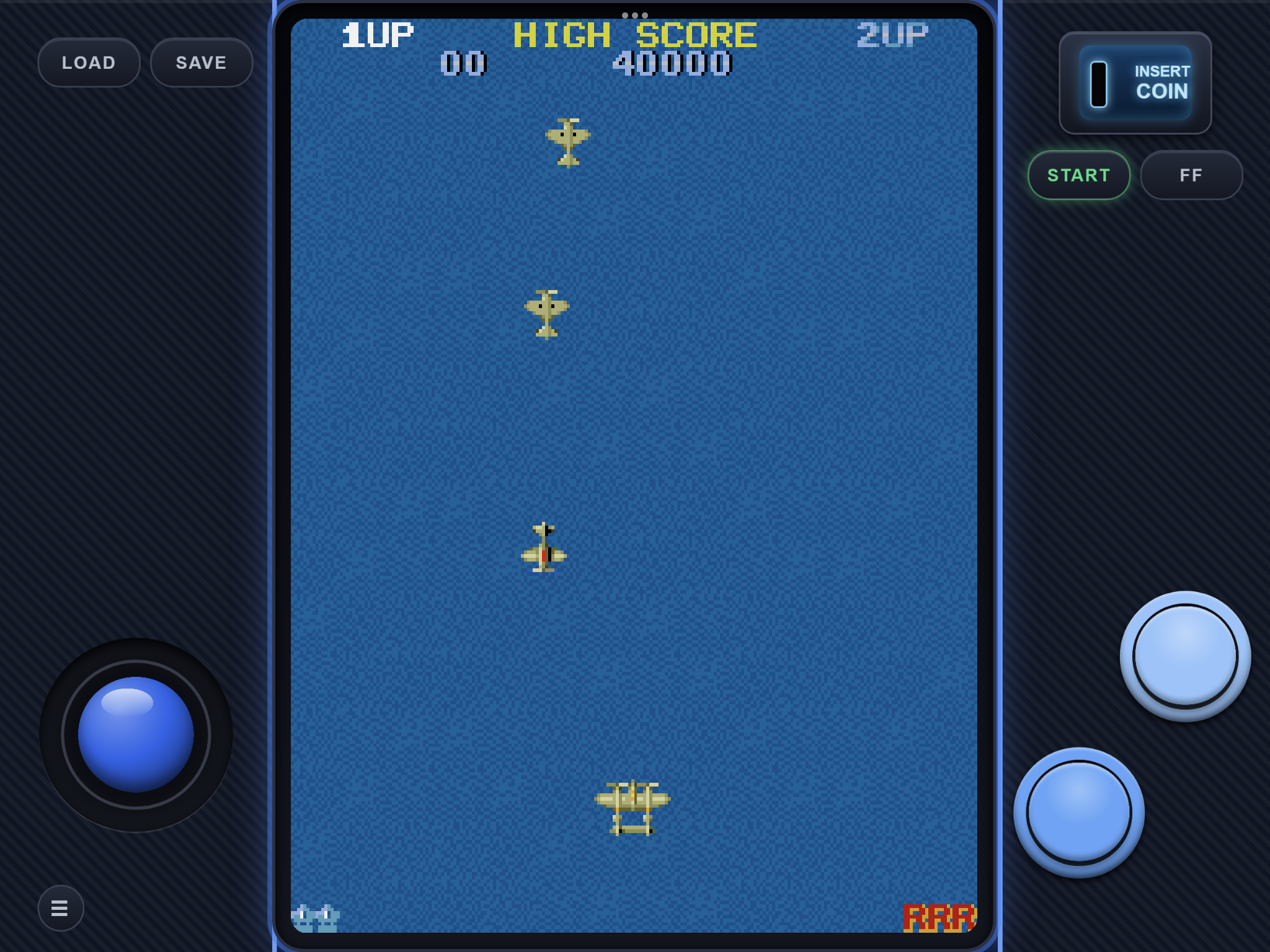
- HH = Handheld, TT = Tabletop, FS = Full Screen, Tate = Vertical games
zip example: iPad_Joystick_HH_Nightfall_Purple.zip = iPad, TwinSticks to 6 button, Handheld in Nightfall Purple. all zips are labeled in this pattern.
TableTop does not have Twin Sticks, use Handheld or Full Screen (HH, or FS) to grab a set of TwinSticks, i may make a seperate set at some point but they'd probably look and play like Handhelds set does. (Tabletop sets are 1-6 button)
HOW TO INSTALL (in Manic's in-app browser)
1. Open this page in Manic EMU's DeltaStyles browser (Assign Skin > New Skin > Visit DeltaStyles) and tap the zip you want.
2. On the ZIP File Handling screen, tap the zip so it has the red check mark.
3. Tap Confirm, then assign the skin to your arcade games in the menu.
The check mark is what unzips the skins. Without it, Manic imports the zip as a game.
Other ways to install at the bottom of the page
PICKING A PACK
HH = HandHeld | FS = Full Screen | TT = Tabletop | Joystick = Twinstick to 6 button | D-Pad = 1-6 button
Not sure where to start? Grab Nightfall Purple.
Want more colours or single skins? Tap the Link button on this page to open GitHub, which also works in Manic's browser.
MANIC 2.0.1 OR OLDER
The skins here use the 2.0.2 button numbering and will have the wrong button order on older versions. Use the Link button to get the Legacy sets on GitHub. The old "Street Fighter" skins are gone because the new numbering doesn't need them.
OTHER WAYS TO INSTALL
- Files app: press and hold the zip, tap Share, choose Manic EMU, then follow steps 2 and 3 above.
- Several zips at once: on the games list, tap the middle button at the bottom (Import), tap Files, select the zips, tap Open, and tap each zip on the ZIP File Handling screen so it has the red check mark, then Confirm.
- Imported it wrong? The zip is in the games list and in the Datas folder under Manic EMU in the Files app. Delete it from either.
- Photos of these steps are in the "Installing from GitHub" section of my GitHub README .
*The device matrix is officially complete. Every device combination is now finished. Moving forward, I’ll be fine-tuning existing skins where possible and working on dedicated combo skins—mapping 2–3 buttons to a single input so special attacks are easier to pull off on touchscreens. Feel free to drop any feedback or suggestions below.*
*The Skins on here are all tested on a iPad mini 5th gen. They should fit the other iPads but since i do not have another one i can't confirm. Im going based of how manic scales the skins and the specs i read online. If it does not fit the way you like you have to let me know either through comment, message, or issue on my github because if you do not let me know i do not know that it needs adjusting.*
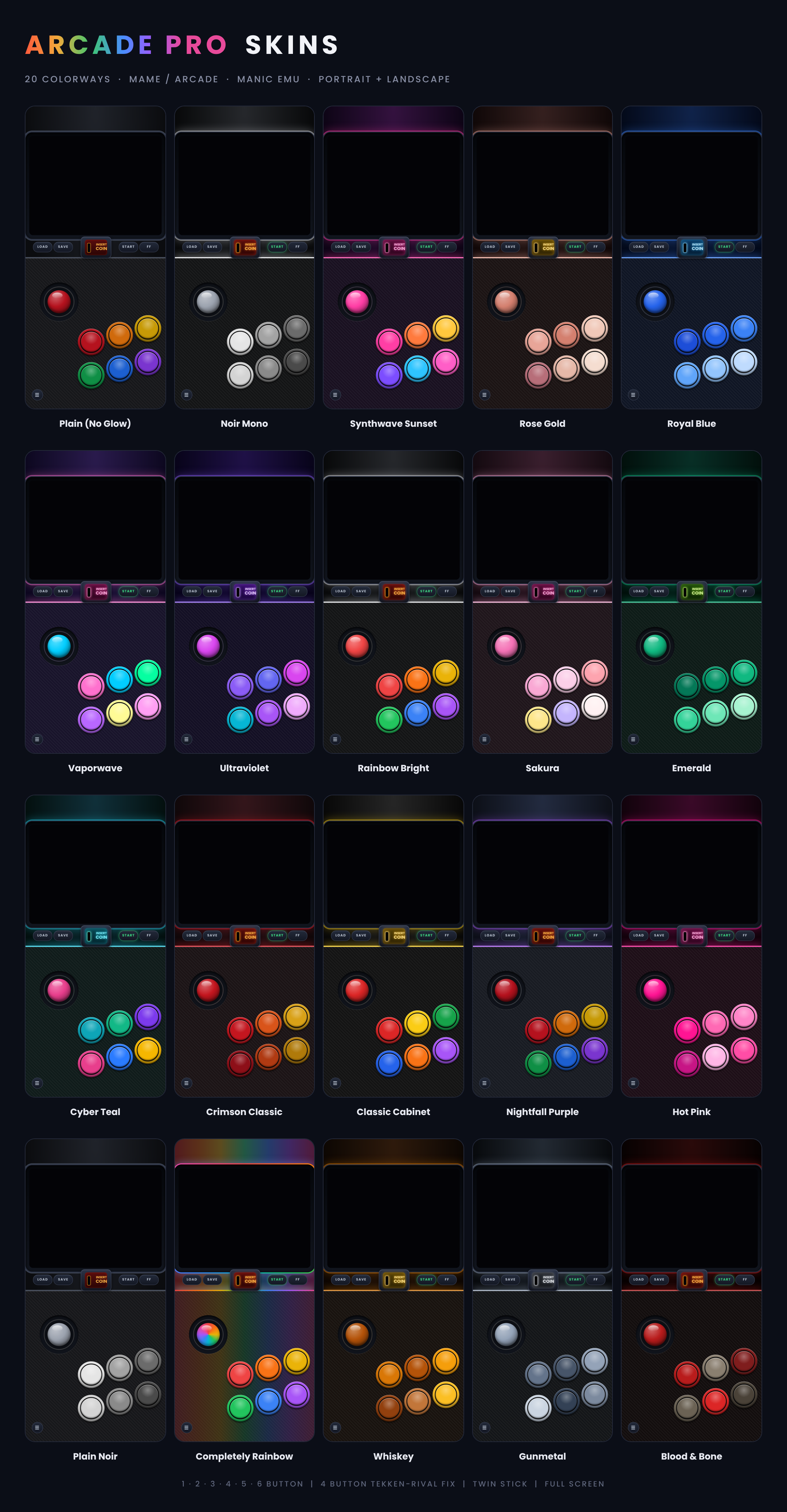
*Colorways photo is for an example of colors not final layout*
Comments
Please log in to leave a comment.