Requires Manic EMU 2.0.2 or newer.
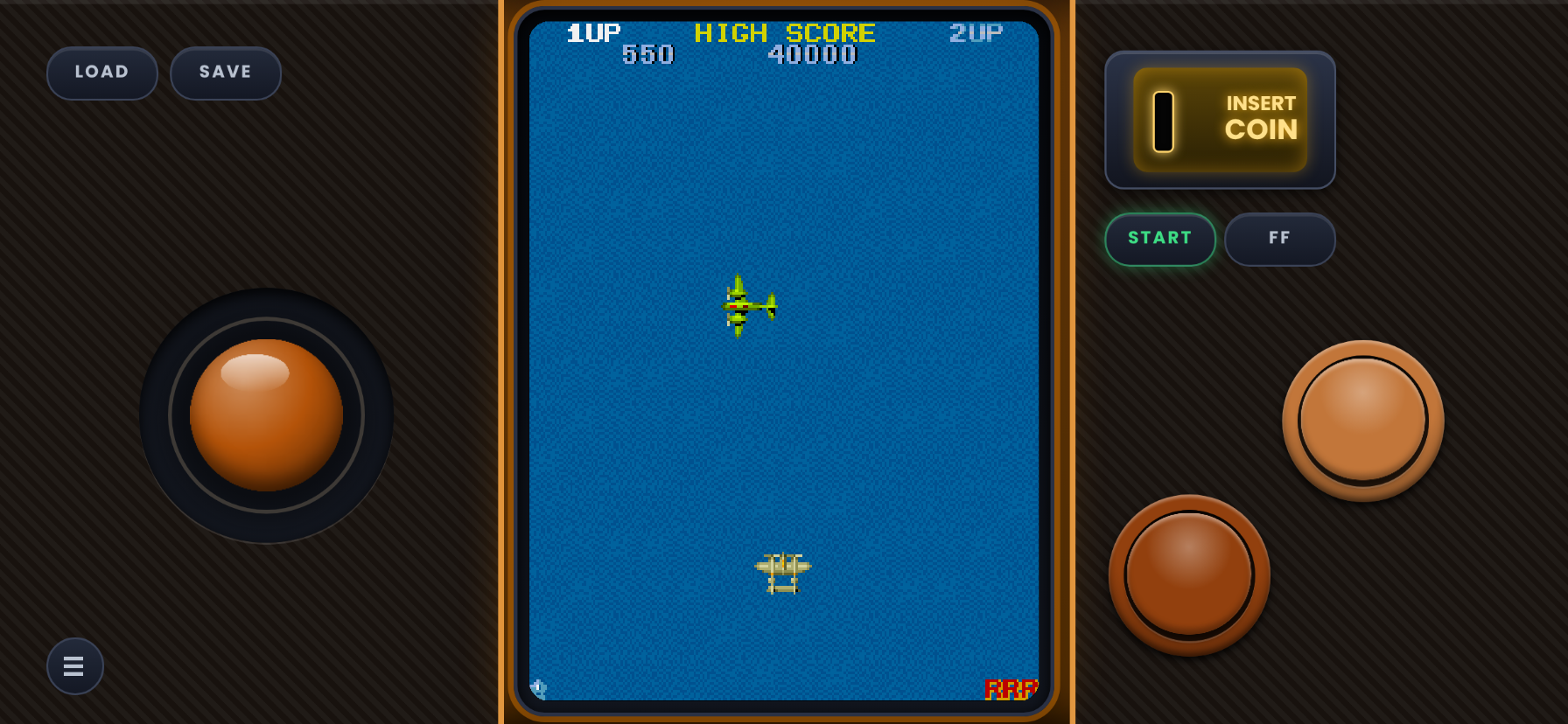
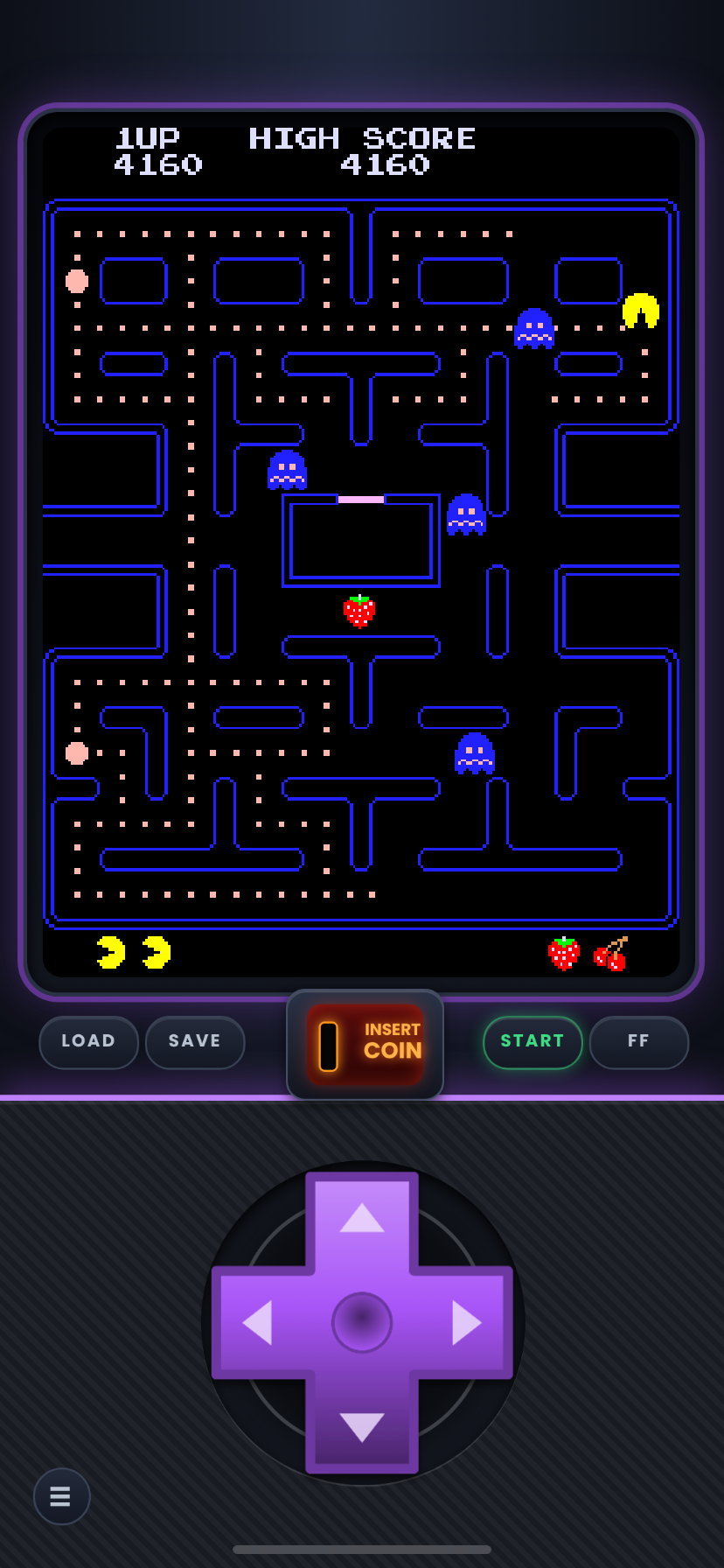
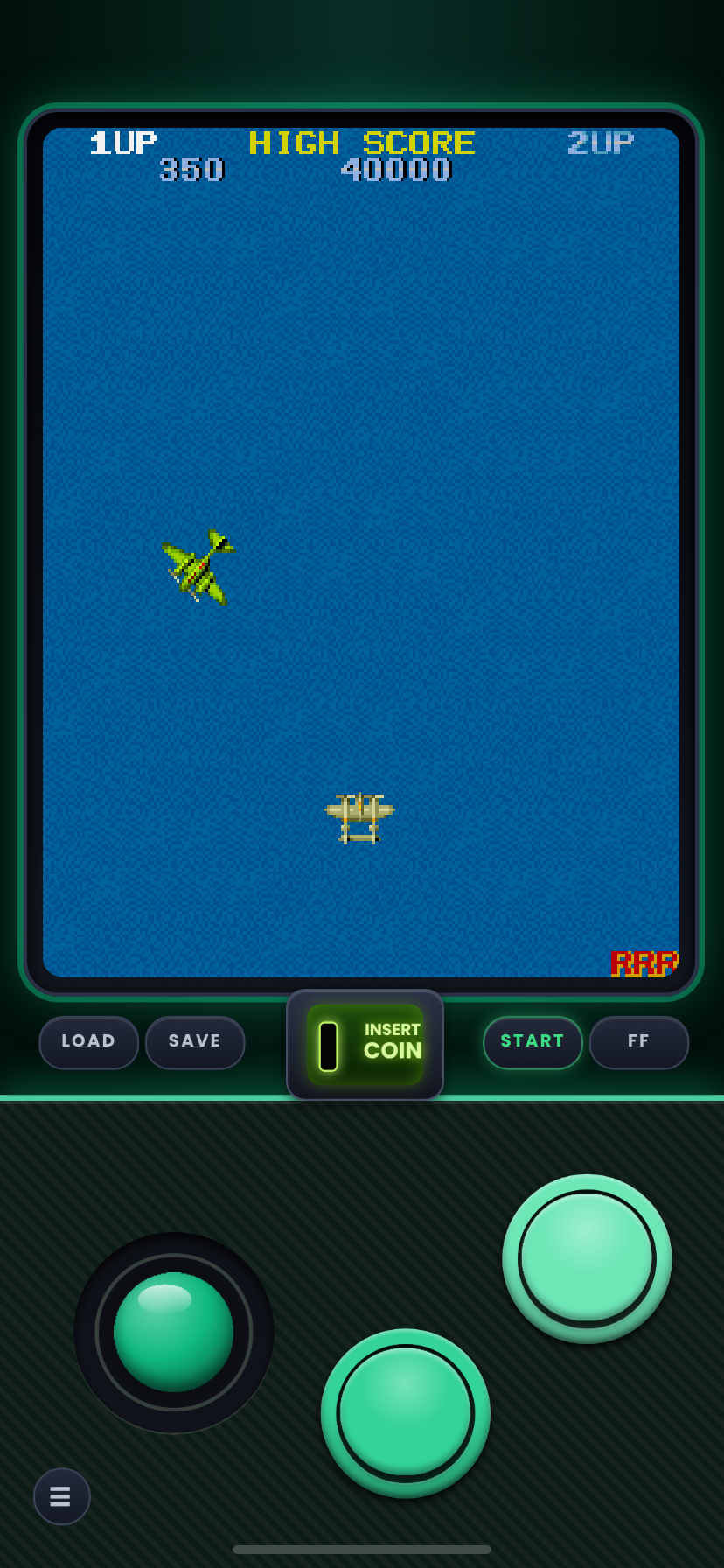
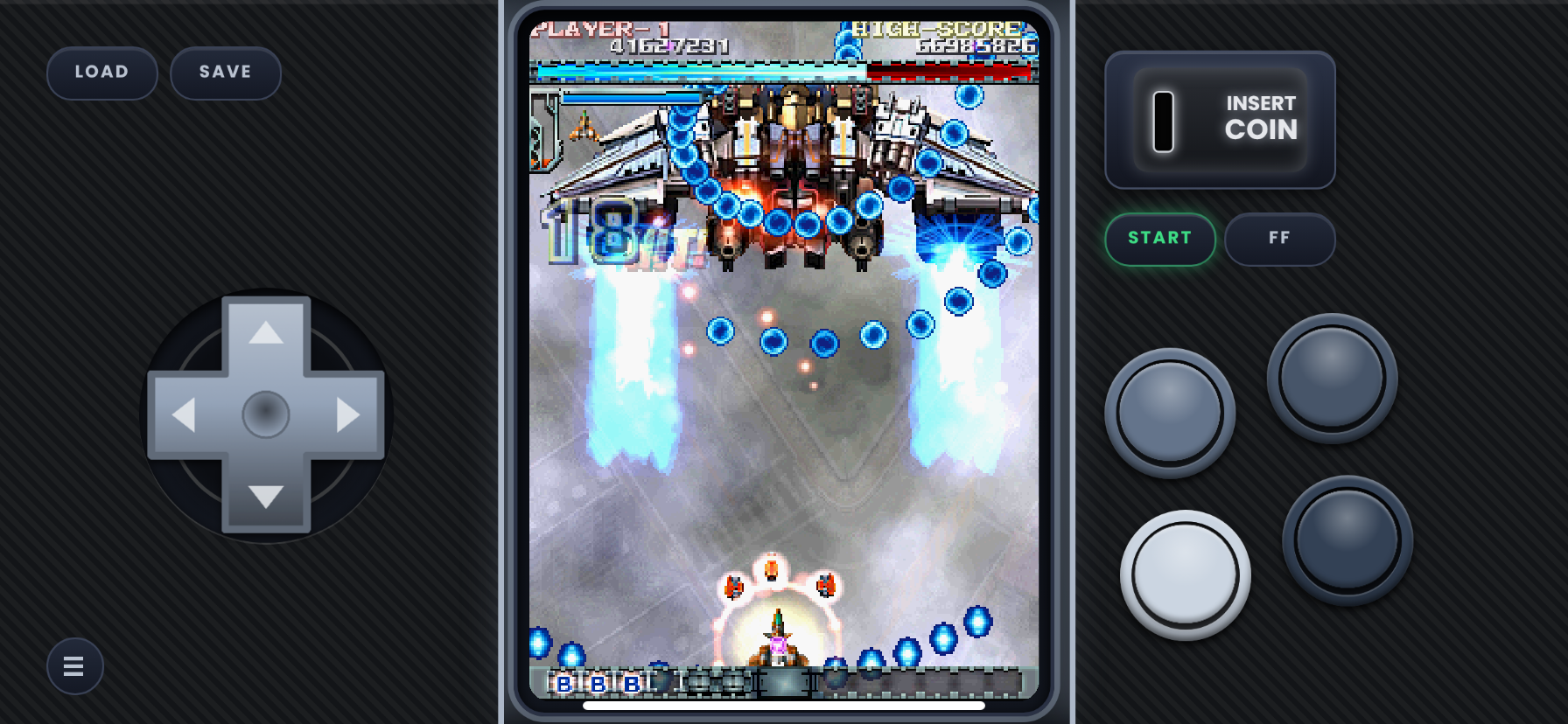
Tate skins for vertical arcade games such as Galaga, 1942, Ketsui and Mushihimesama. Changes the aspect ratio so tall games dont look squished. For Standard resolution skins check my other pages.
2.0.2 Compatibility Update:
Skins have been updated for Manic Emu 2.0.2's new button mapping (now numbered 1–4 from left to right, top to bottom).
- Legacy skins: 2.0.1 skins will remain archived on my GitHub for users on older versions.
The 2.0.2 update changed how the emulator reads button inputs, so these updated skins will have the wrong button order on older versions. [Manic Emu 2.0.1.] Use the link next to the download button to get the Legacy sets.
Not sure where to start? Grab one zip and get every layout of a set in the flagship color, Nightfall Purple or another color once they are added. *read zip handling part in yellow below for more info on how manic handles zips*
Each Starter Pack holds one skin for every layout in that set. They are exact copies of the skins from the full sets, so nothing changes if you later download a full set. They just save you from picking a color and a button count one zip at a time.
Installing from DeltaStyles (Starter Packs):
- In Manic EMU’s DeltaStyles browser, tap the Starter Pack you want.
- When the ZIP File Handling page appears, select the zip.
- Tap Confirm. The skins are installed.
Installing the full sets (Part 1, 2 and 3 zips):
Manic can’t import the big Part zips while they are nested directly, so unzip them first in the Files app. Then select one or more of the .manicskin files or one of the part 1/2/3 zips and share them to Manic EMU. You can import one skin or several at once.
Importing a single zip from the Files app:
You can also share a zip from the Files app to Manic EMU. This works for single-skin zips and Starter Packs, but not for the Part 1, 2 and 3 zips while they are still zipped together. When Manic shows its ZIP File Handling page, select the zip and tap Confirm.
When a zip is being imported to manic always select it in the zip handling screen in the app and hit confirm, it will import in the datas section if you do not, because Manic Emu think zips could be a game until you let it unzip it first so it can see its manicskins.
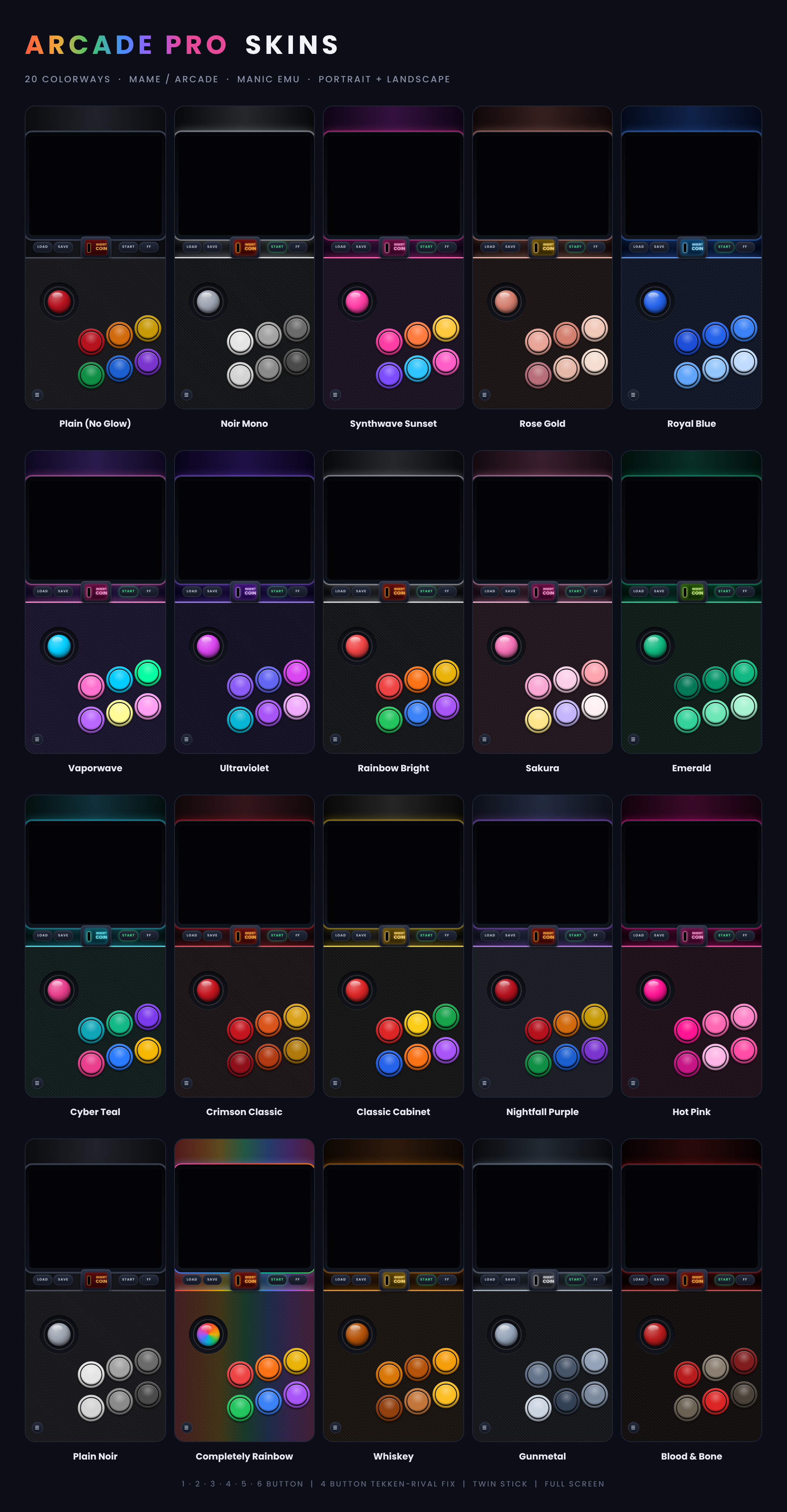
Colorways photo is for color example not button layout.
[Planning on more Starter pack like sets for easy 1 tap installs]
Comments
Please log in to leave a comment.