Requires Manic EMU 2.0.2 or newer. The 2.0.2 update changed how the emulator reads button inputs, so these updated skins will have the wrong button order on older versions. [Manic Emu 2.0.1.] Use the link next to the download button to get the Legacy sets.
*PULLING LOOSE SKINS, THEY DID NOT DOWNLOAD OR INSTALL THE RIGHT WAY IN EITHER CHROME OR MANIC EMU, THEY ONLY DOWNLOADED CORRECTLY IN SAFARI, AND THAT'S NOT IDEAL. I WILL EITHER PUT THEM IN ZIPS OR MAKE MORE STARTER PACK TYPE SETS WITH MORE COLOR OPTIONS. IF YOU DID DOWNLOAD ONE CHANGE THE .ZIP TO .manicskin AND IT SHOULD WORK AGAIN.*
**You can install the Starter Packs while you are in Manic Emu's DeltaStyles browser by
1.) clicking the Starter-Pack you want to download
2.) Select the zip once the ZIP File Handling page pops up
3.) hit confirm and it should be installed.**
Full Sets need to be unzipped in the files app, Starter Packs are the exception.
2.0.2 Compatibility Update:
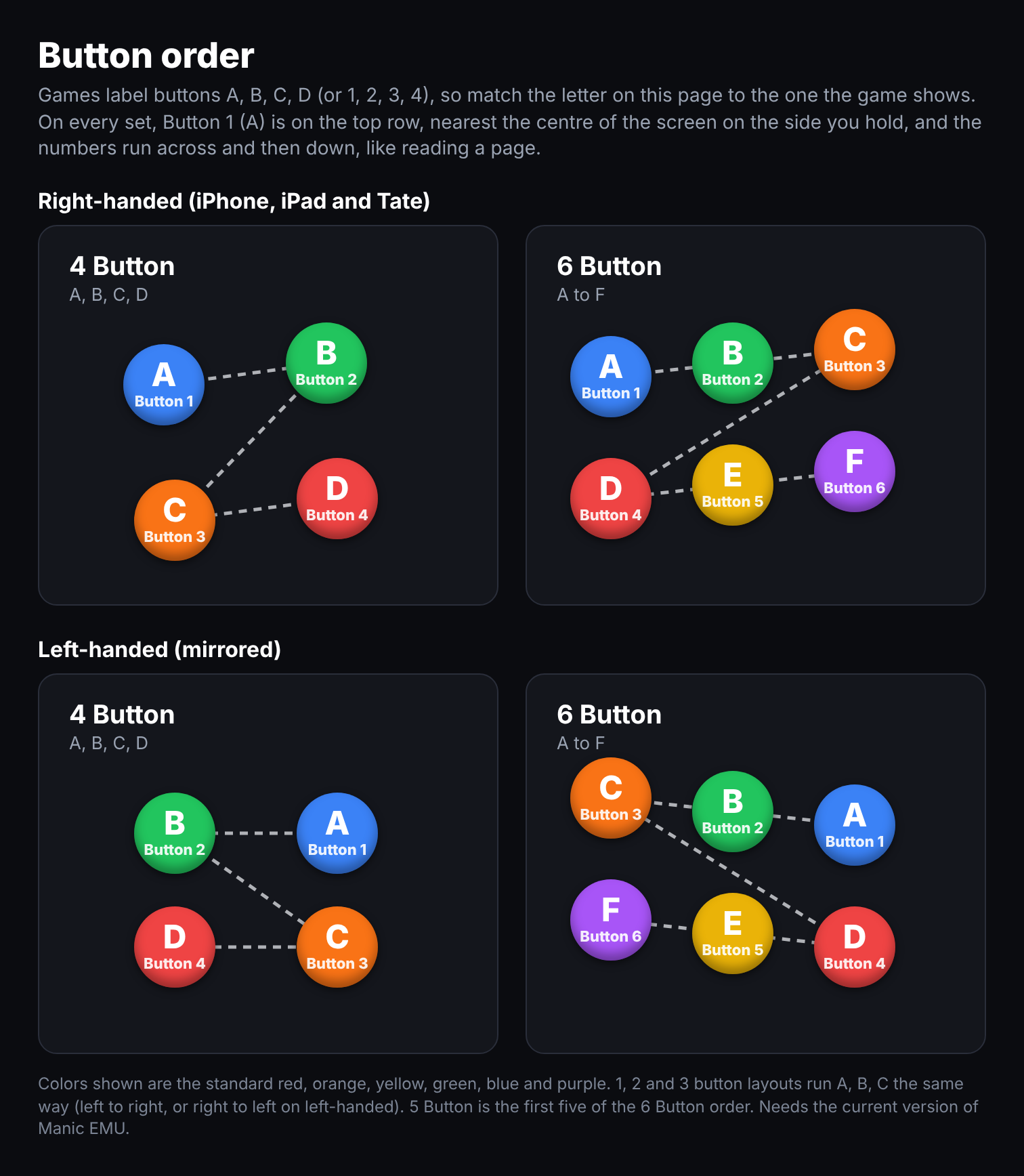
Skins have been updated for Manic Emu 2.0.2's new button mapping (now numbered 1–6 from left to right, top to bottom).
- Removed: "Tekken fix" skins (no longer needed with the new mapping).
- Legacy skins: 2.0.1 skins will remain archived on my GitHub for users on older versions.
I updated the skins to use the new button mapping inputs for manic emu 2.0.2. It took a bit to figure out the button mapping change from 2.0.1 to current, but the buttons run 123456 from right to left top to bottom. So now its in order, and not the old system that was based off their actual numbering before they changed it. There's no more tekken fix skins, it's not needed with this new button mapping update from manic. This page is slightly messy because it needs updating so im just cutting out the wrong parts as of the 2.0.2 update and will fix in a bit, thank you for your patience, and im sorry the button order was wrong before if you started this on 2.0.2. If you'r still on 2.0.1. im gonna keep the old skins with their button mapping on my git hub and keep them there because they are "retired" now because of the update.
If you prefer to have it go 123 from left to right and not mirror the right handed layout leave a comment or send a github issue and i can make that as a extra style.
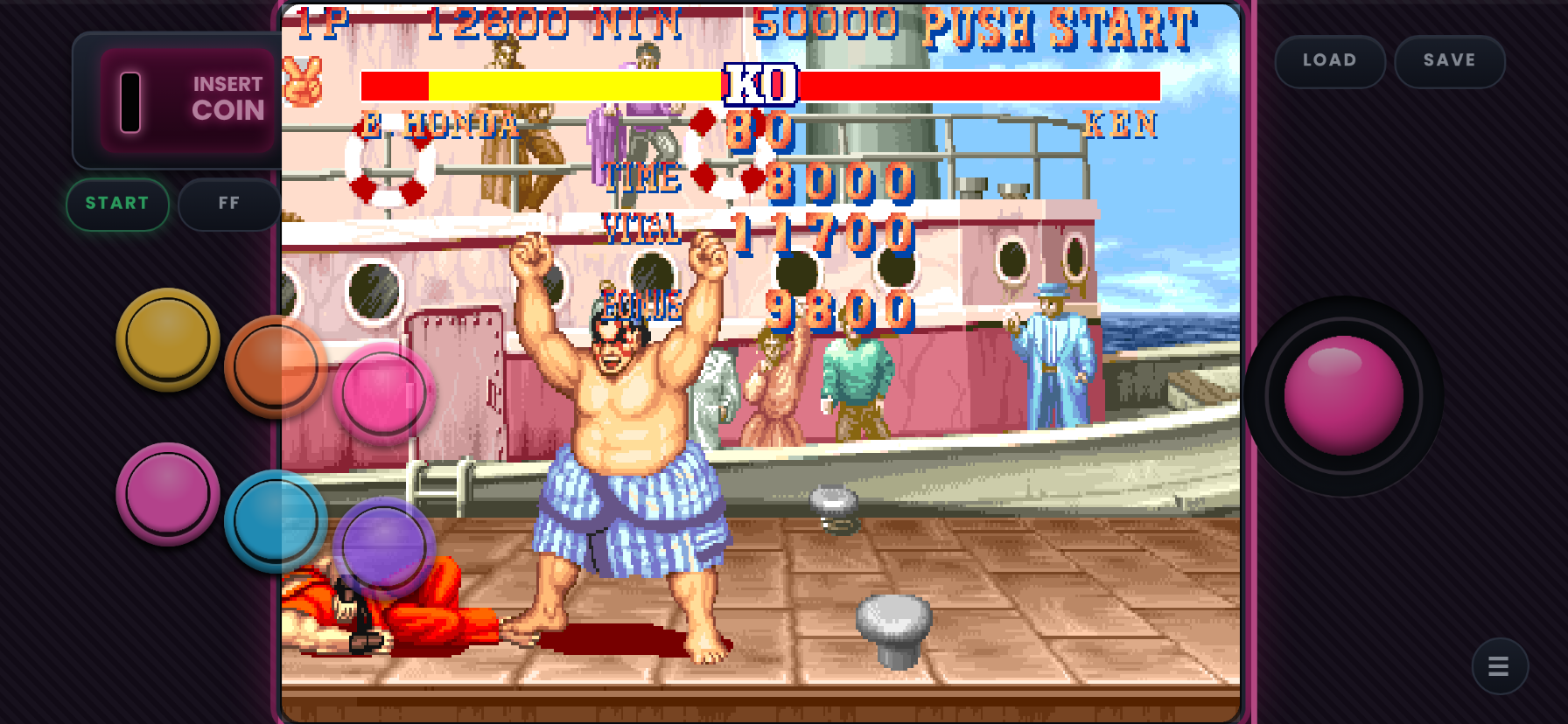
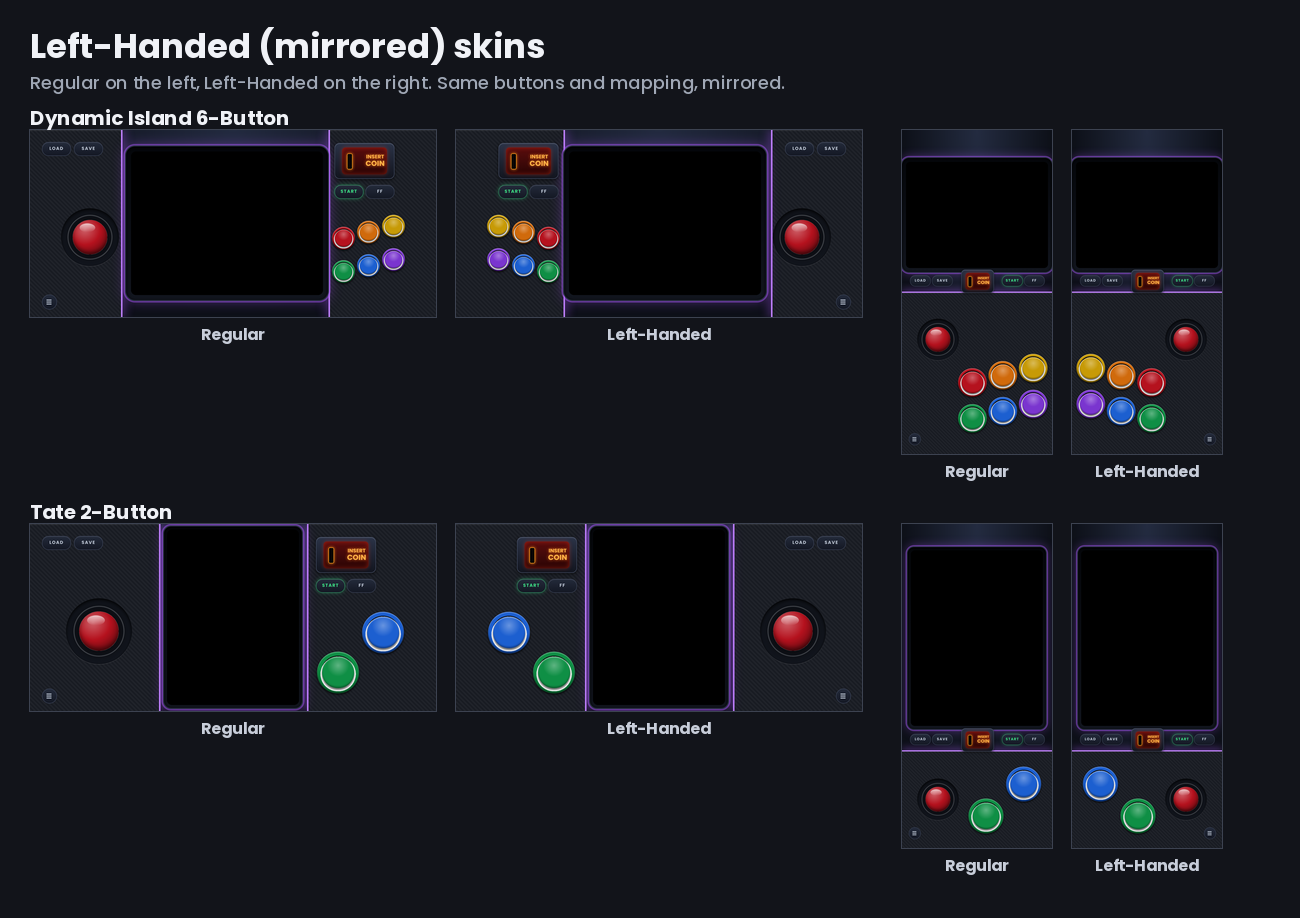
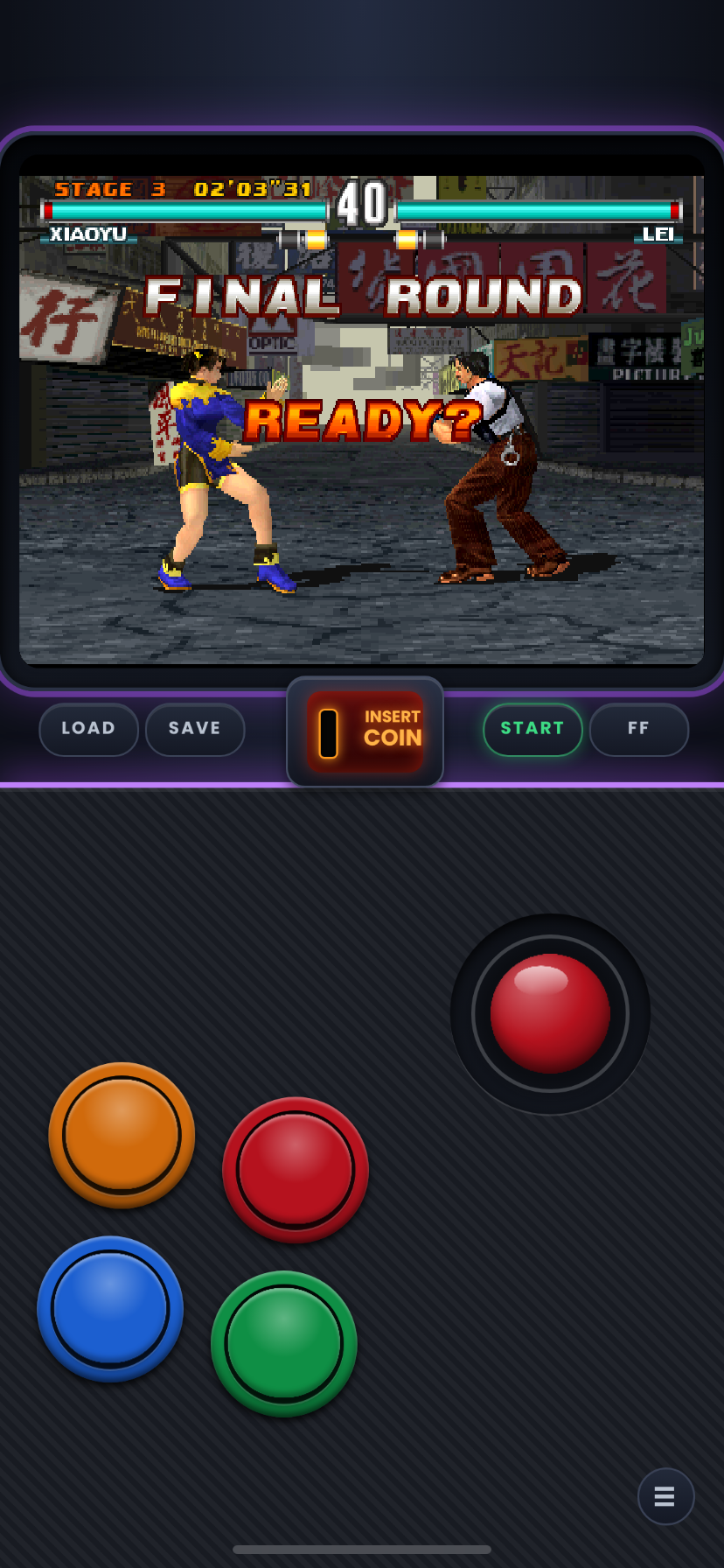
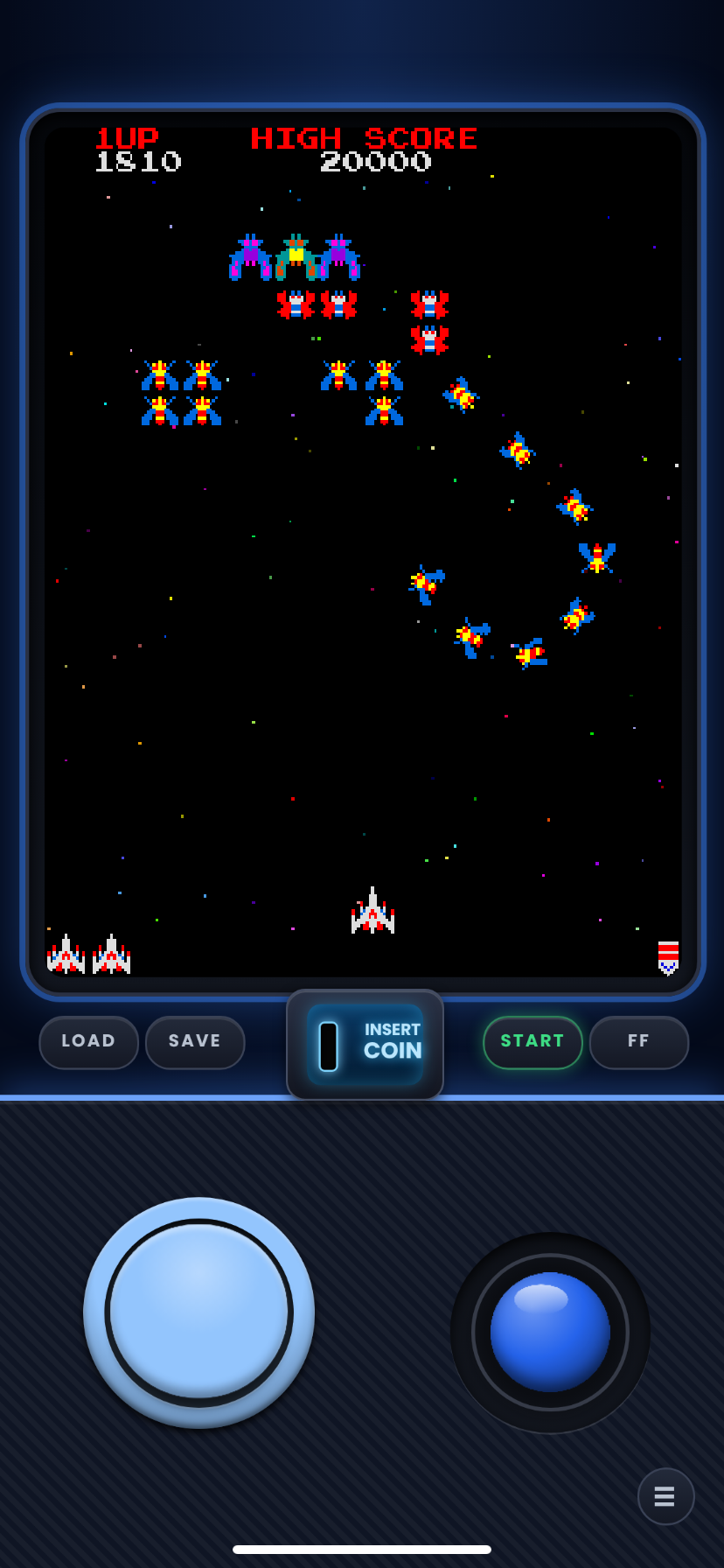
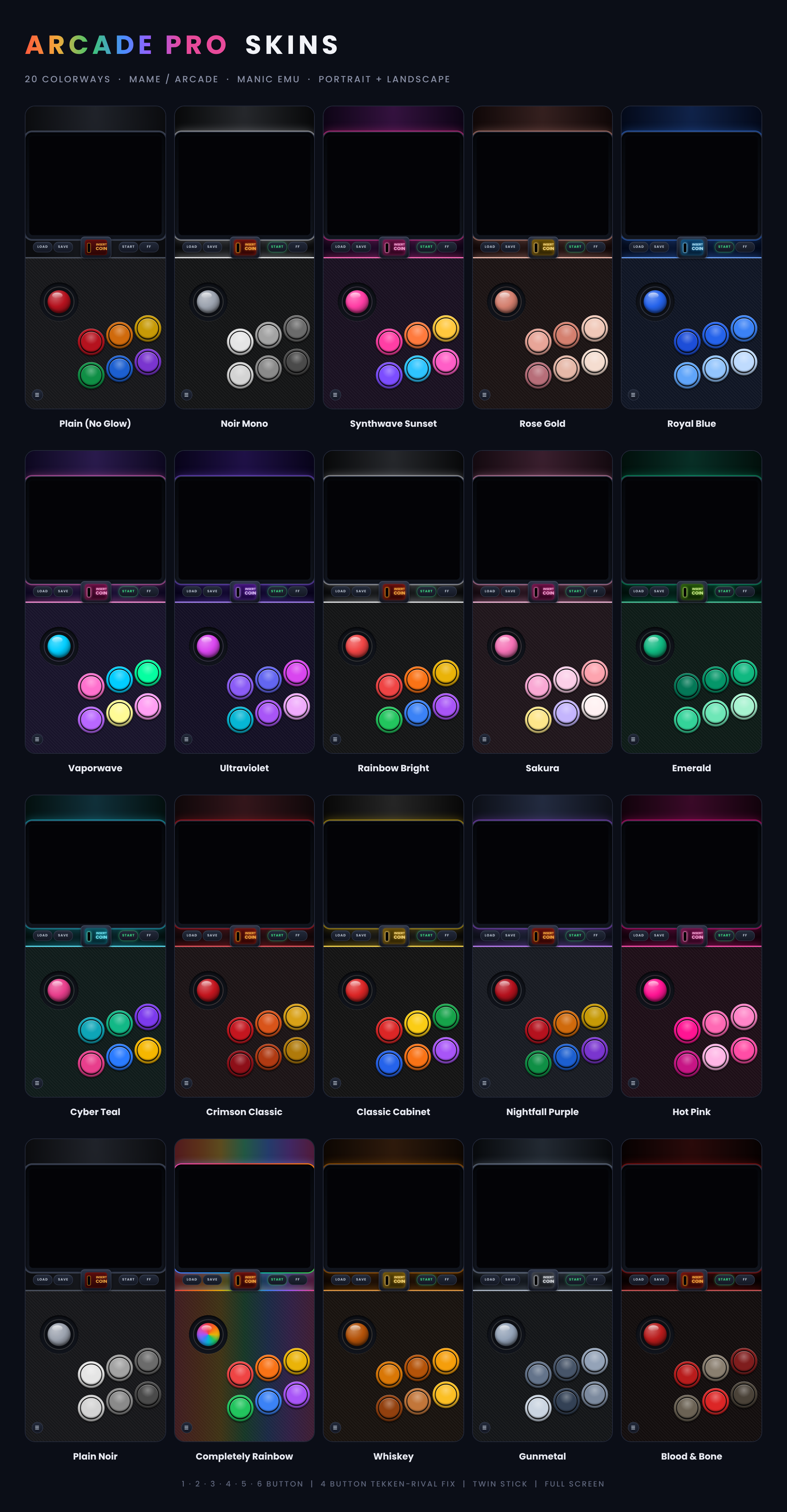
This is the mega collection of 1, 2, 3, 4, 5, 6 button and twin sticks lay out in a Variety of colors in Left-Handed/Mirrored style. A layout for every game no matter the number of buttons, no more having extra buttons getting in the way, or having too little buttons. With this collection all your arcade button troubles will go away. They comes in 2 stick types, Joy-Stick is the normal labeled ones (no Dpad in name) , the D-pad has Dpad in name and zip.
***Not sure where to start? Grab a Starter Pack and get every layout of a set in our flagship color, Nightfall Purple. Each Starter Pack holds one skin for every layout in that set (every button count, standard and Full Screen, and Twin Stick where the set has one). They are exact copies of the Nightfall Purple skins from the full sets, so nothing changes if you later download a full set. They just save you from picking a color and a button count one zip at a time.***
Install (delete v1 skins from manic before importing v2 they share the same id and wont let both install at once)
1. Unzip the file in the file app
2. In the manics in game menu or before the game you start you click assign skin then new skin
3. Open file and select the manicskin, you can import them all at once as long as its not zipped. then click open and your done.
If your on a sideloaded version you can import from zip as long as its not a full pack with the with all colorways.
The full-set zips are different: they hold more zips inside (one per color and screen size), so those always need to be unzipped first.
Every skin and set will install next to eachother so mix and match as you see fit besides v1 and v2.
Comments
Please log in to leave a comment.