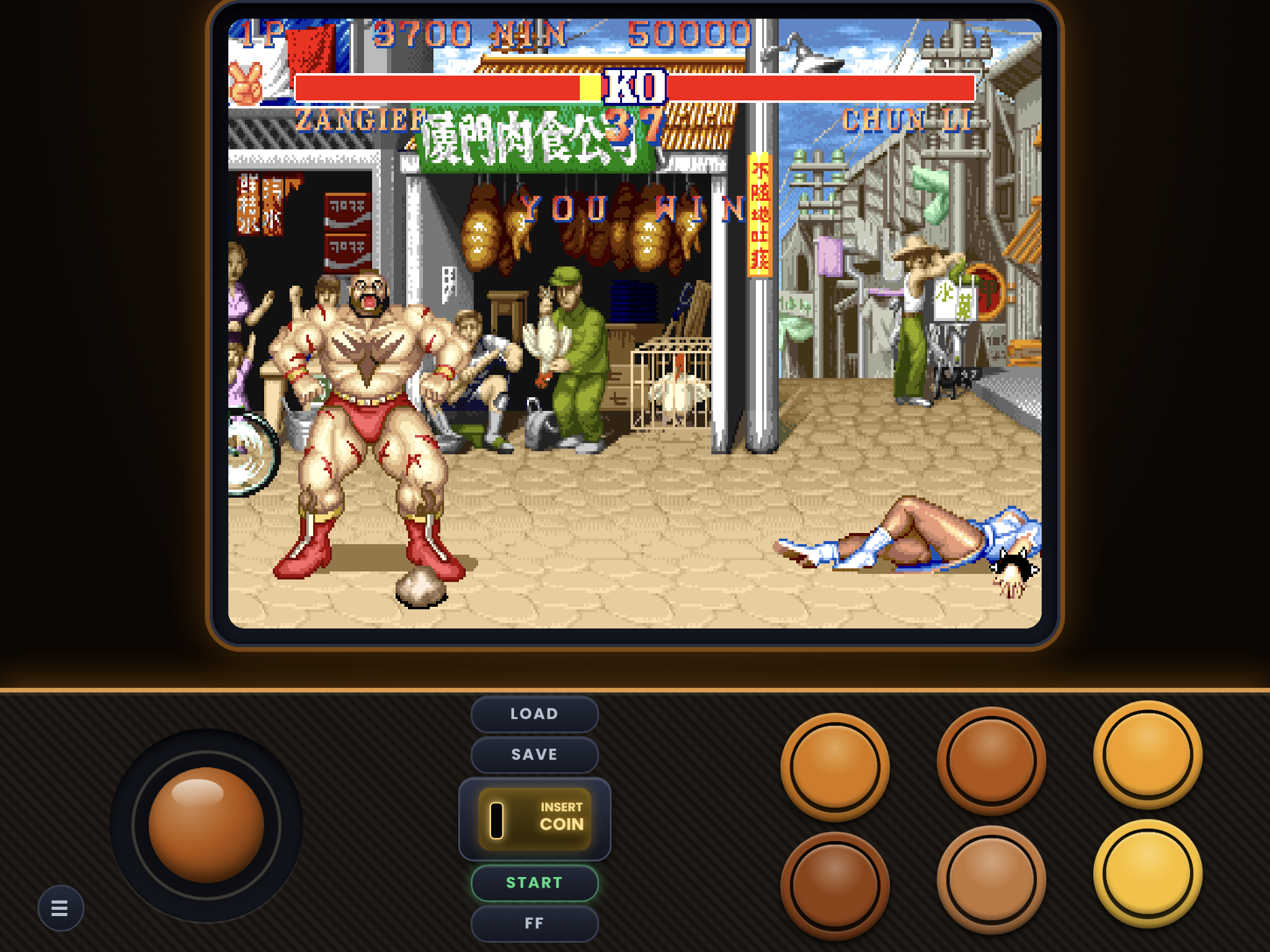
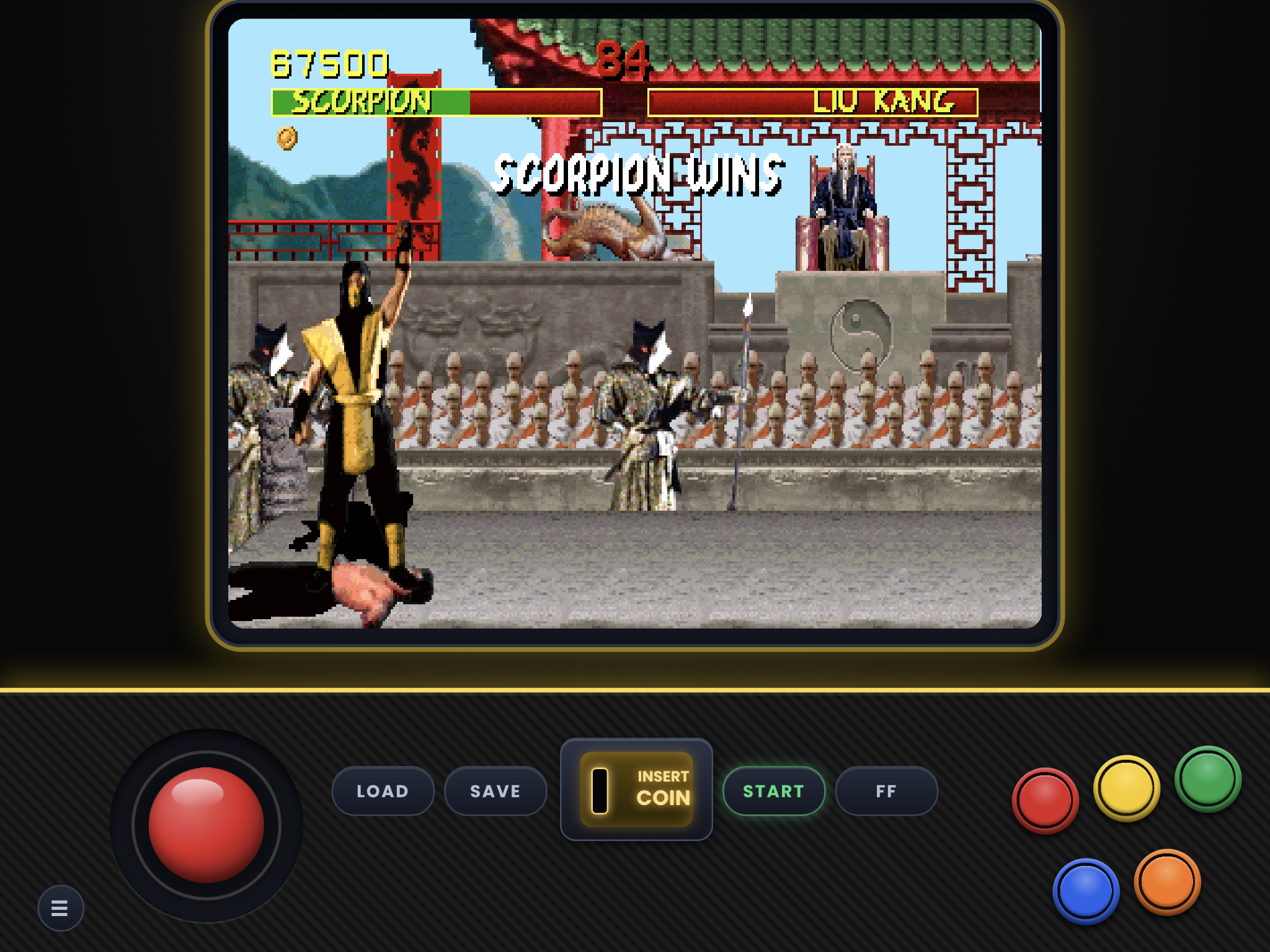
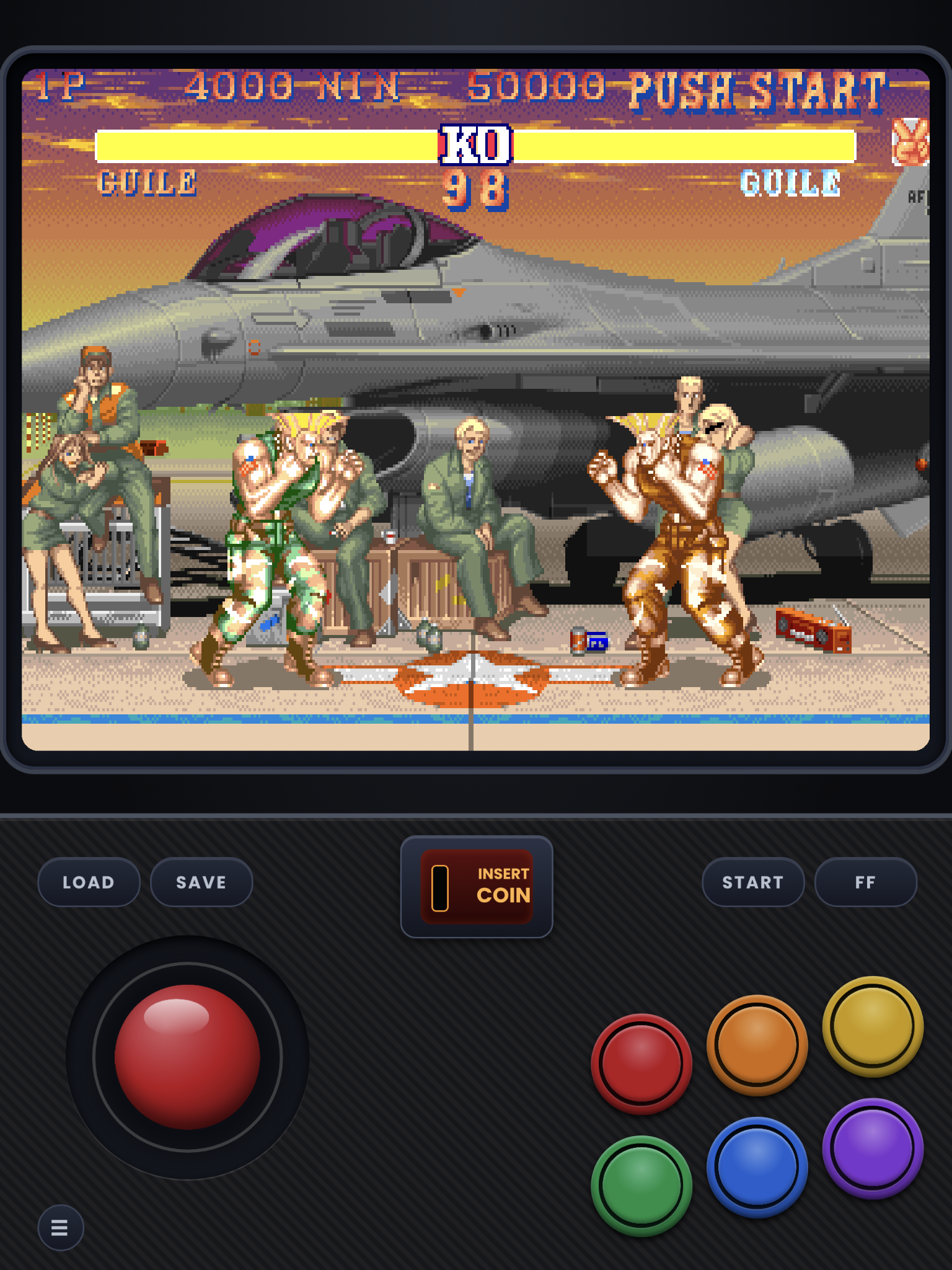
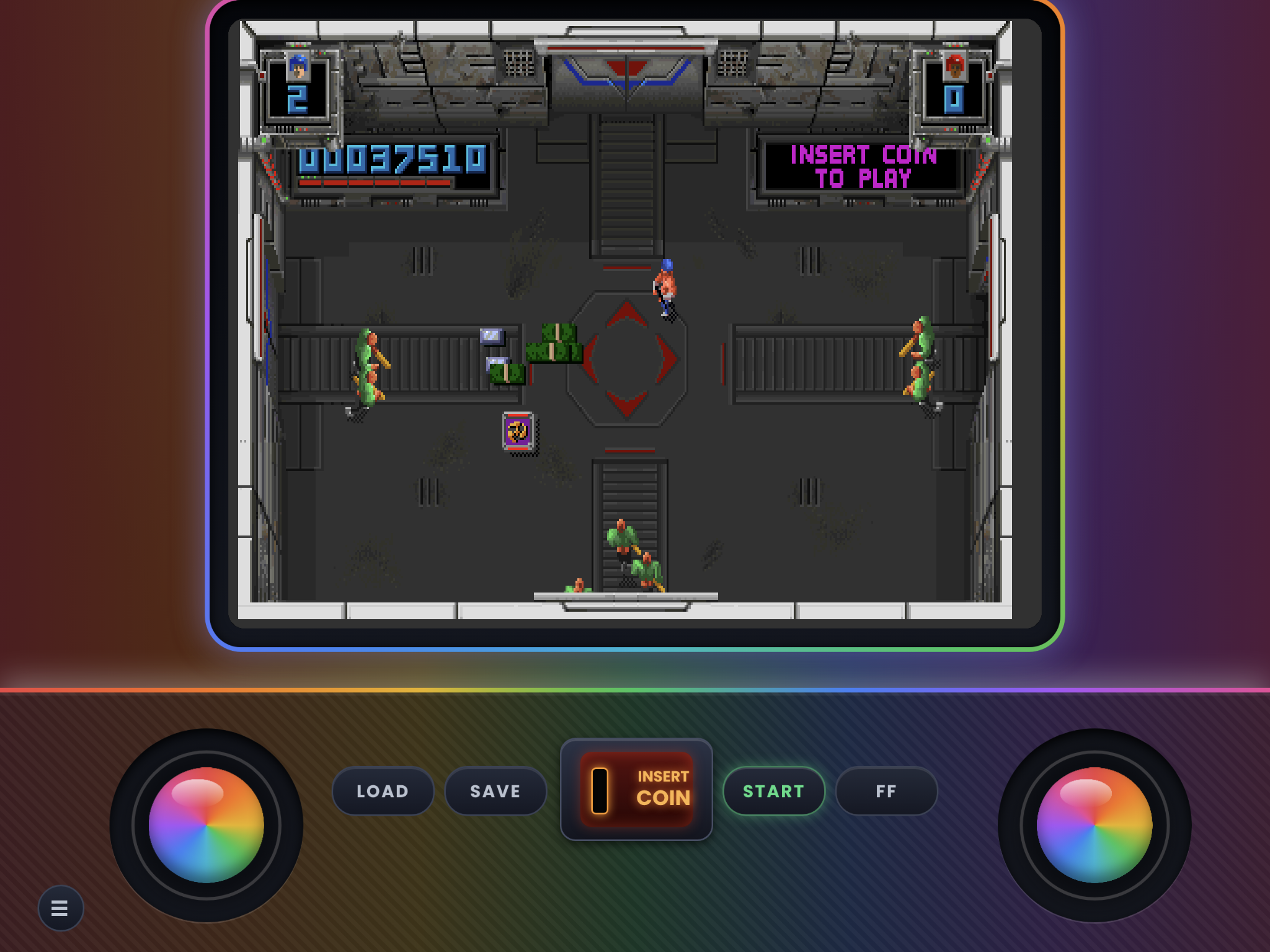
New Release: The first version of the Tate layout is now out for iPad, with more styles to come.
For iPad only. The iPad sends button inputs in a different order from the iPhone, so iPhone skins behave differently on an iPad, and these behave differently on an iPhone.
What's included
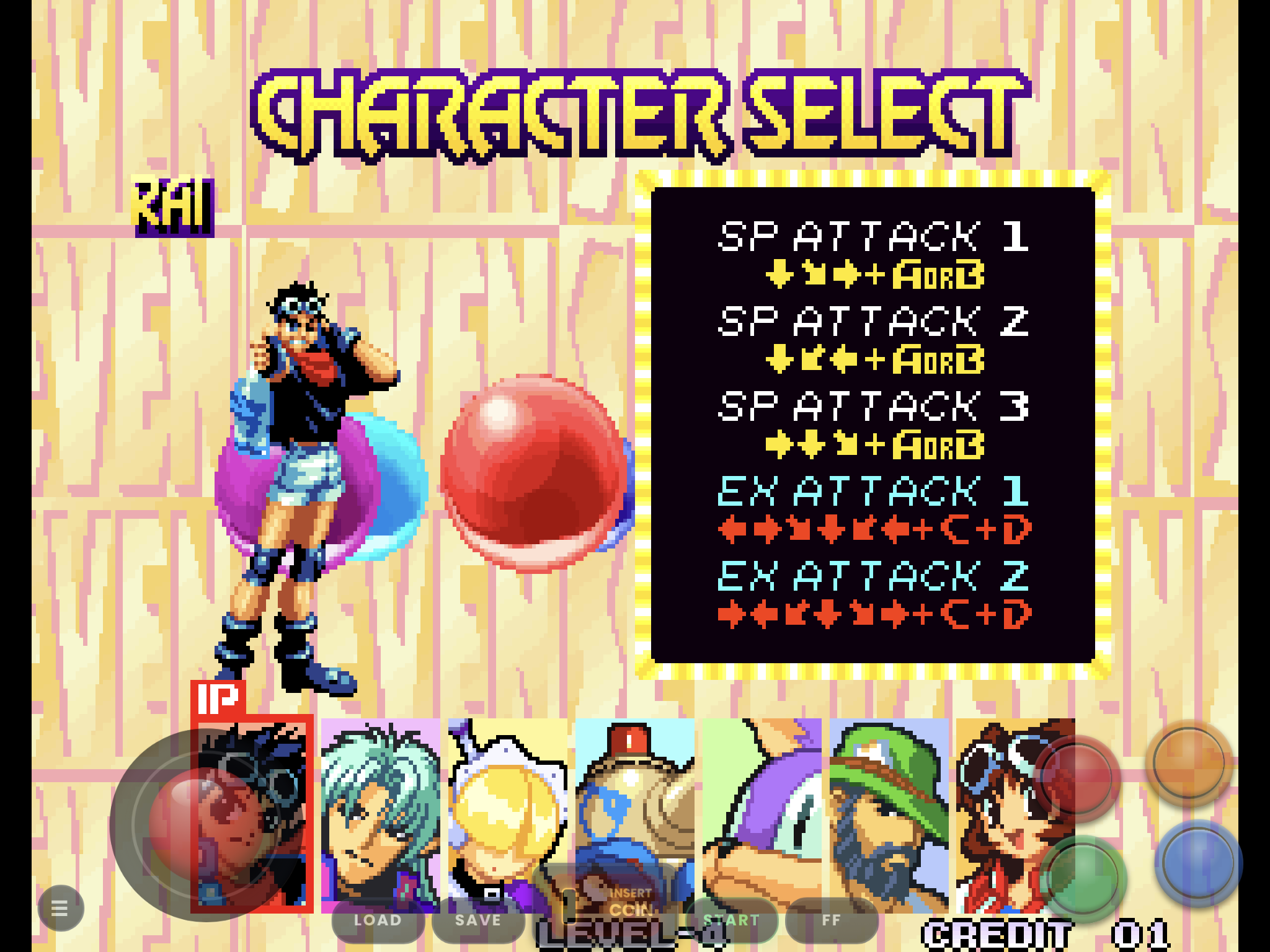
- Full Screen: the game fills the whole iPad screen in landscape, with see-through controls on top. Same button layout as Handheld. Portrait is the same as Handheld.
- Handheld: smaller buttons, closer together and in the bottom-right corner, for holding the iPad.
- Tabletop: bigger buttons with wider spacing, for when the iPad is lying flat.
- Tate: 3:4 display for vertical games like pac-man or 1942
- Layouts: 1, 2, 3, 4, 5 and 6-button and Twin Stick. Twin Stick has no handheld or Tabletop version (they are called Ipad-twin-stick.zip and ipad-full-screen-twin-stick.zip)
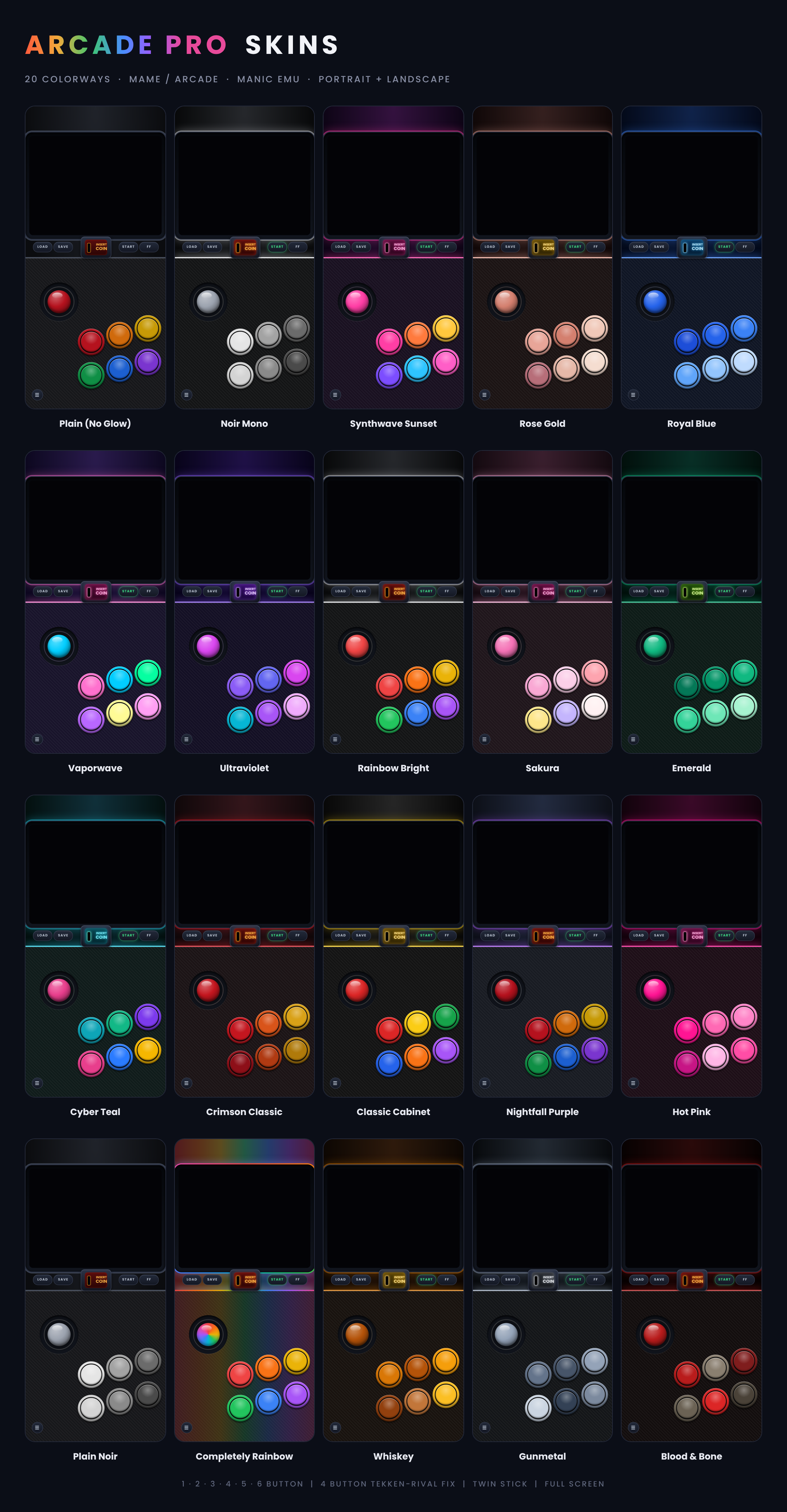
- Colorways: all 22, in portrait and landscape.
(Handheld and Tabletop are in 1-button.zip, 2-button.zip, 3-button.zip ect., Full screen is in its own zip.(Fullscreen.zip) all zips come with portrait and landscape)
All sets and Button numbers run 123 456 from left to right, top to bottom.
Not sure where to start? Grab one zip and get every layout of a set in the flagship color, Nightfall Purple or another color. *read zip handling part in yellow below for more info on how manic handles zips*
Each Starter Pack holds one skin for every layout in that set. They are exact copies of the skins from the full sets, so nothing changes if you later download a full set. They just save you from picking a color and a button count one zip at a time.
Installing from DeltaStyles (Starter Packs):
- In Manic EMU’s DeltaStyles browser, tap the Starter Pack you want.
- When the ZIP File Handling page appears, select the zip.
- Tap Confirm. The skins are installed.
Installing the full sets (Part 1, 2 and 3 zips):
Manic can’t import the big Part zips directly, so unzip them first in the Files app. Then select one or more of the .manicskin files and share them to Manic EMU. You can import one skin or several at once.
Importing a single zip from the Files app:
You can also share a zip from the Files app to Manic EMU. This works for single-skin zips and Starter Packs, but not for the Part 1, 2 and 3 zips while they are still zipped together. When Manic shows its ZIP File Handling page, select the zip and tap Confirm.
When a zip is being imported to manic always select it in the zip handling screen in the app and hit confirm, it will import in the datas section if you do not, because Manic Emu think zips could be a game until you let it unzip it first so it can see its manicskins.
Note: The colorway preview image shows color options using the iPhone layout, not the iPad layout
*The Skins on here are all tested on a iPad mini 5th gen. They should fit the other iPads but since i do not have another one i can't confirm. Im going based of how manic scales the skins and the specs i read online. If it does not fit the way you like you have to let me know either through comment, message, or issue on my github because if you do not let me know i do not know that it needs adjusting.*
*D-pad, Left-Handed are going to be made, as well as more Starter-Packs for easy install*
Comments
Please log in to leave a comment.