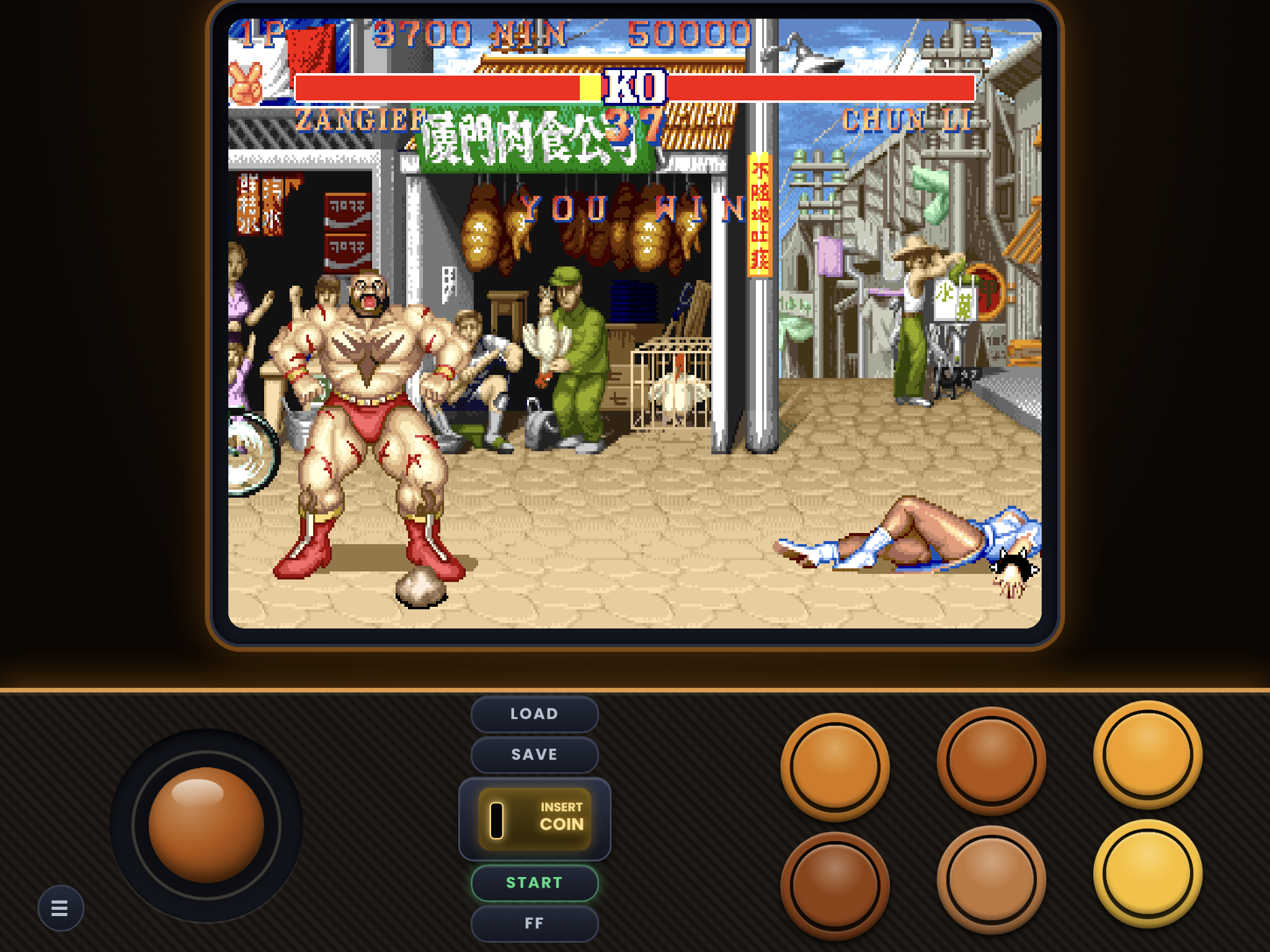
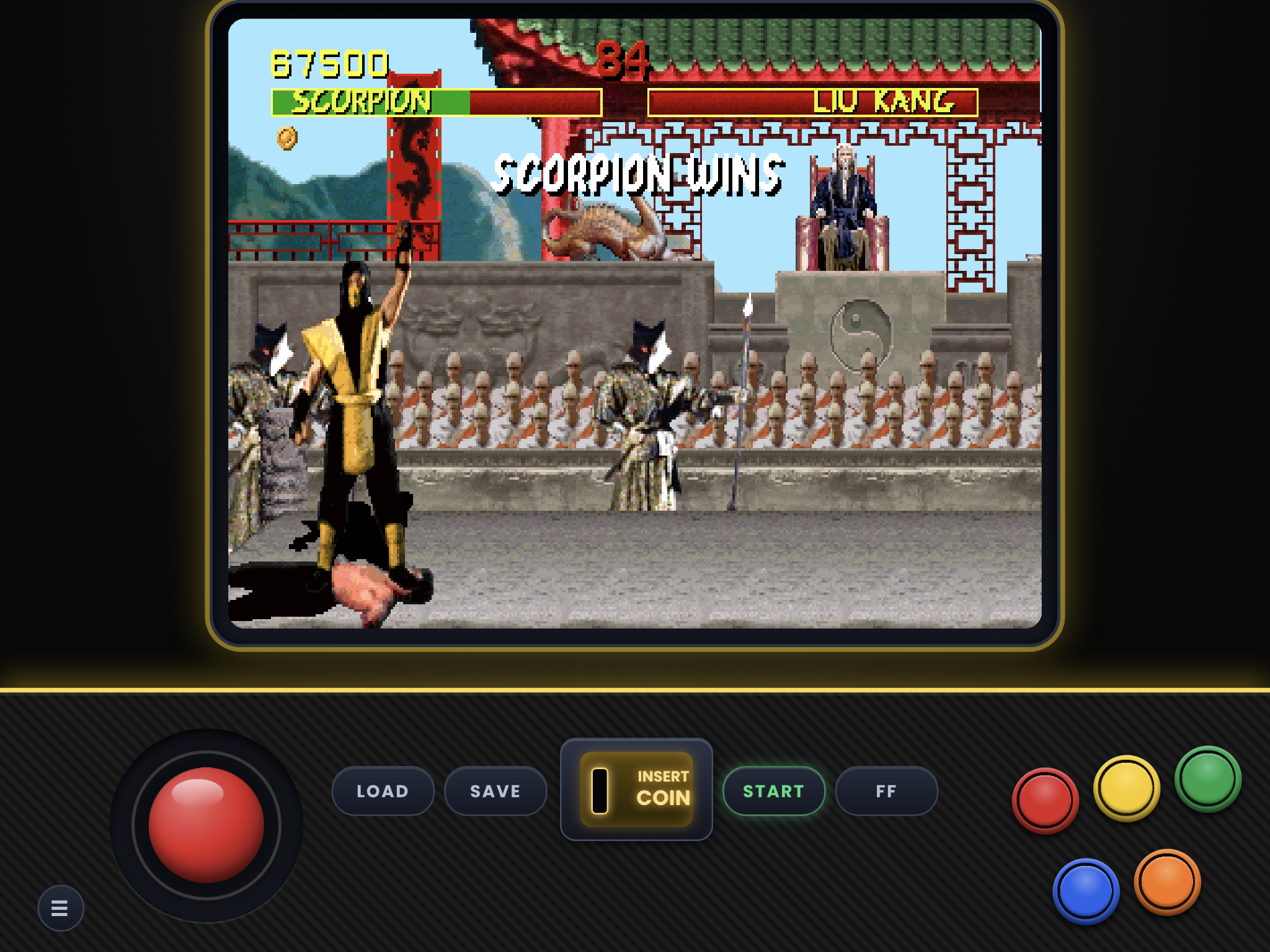
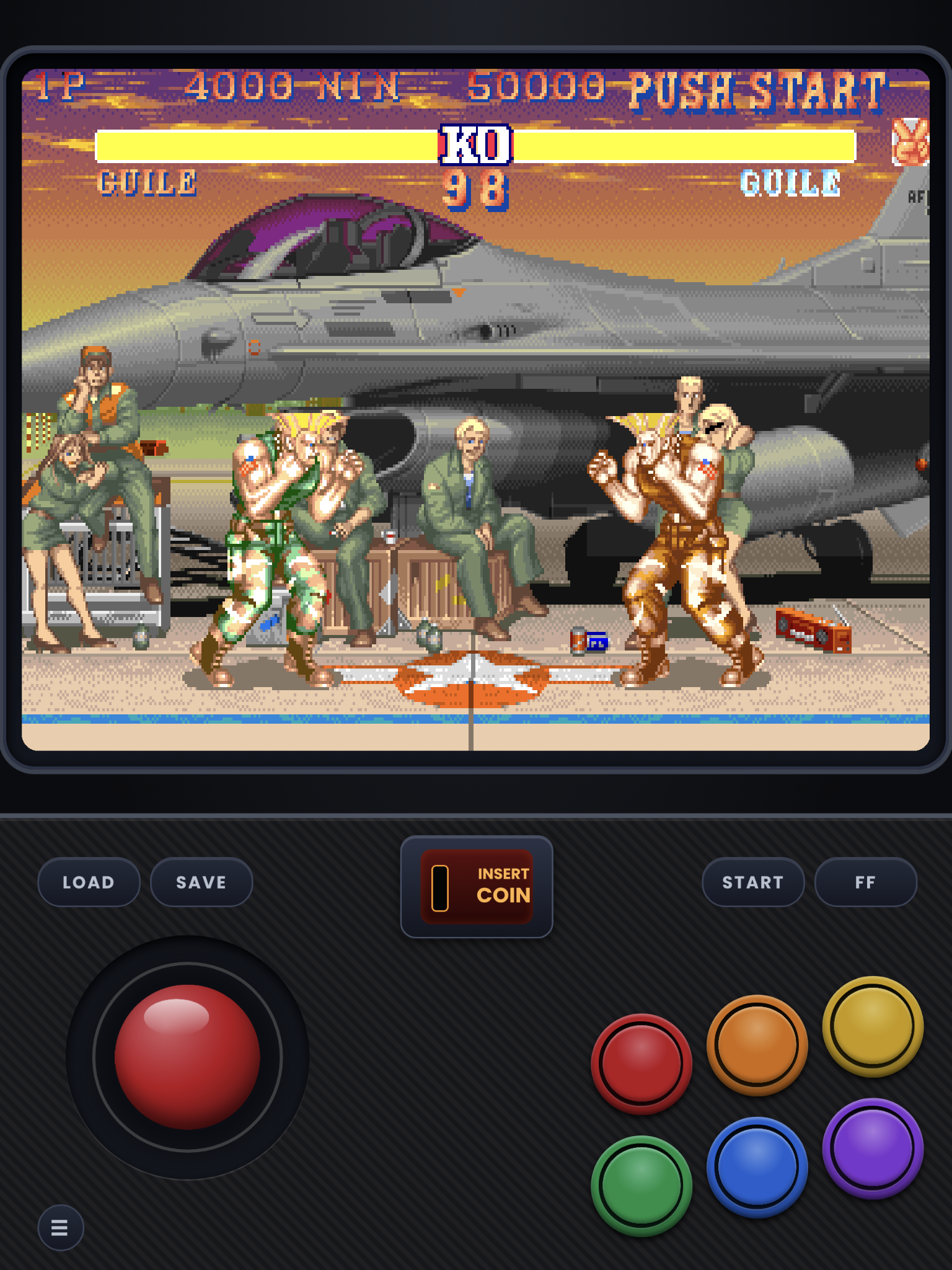
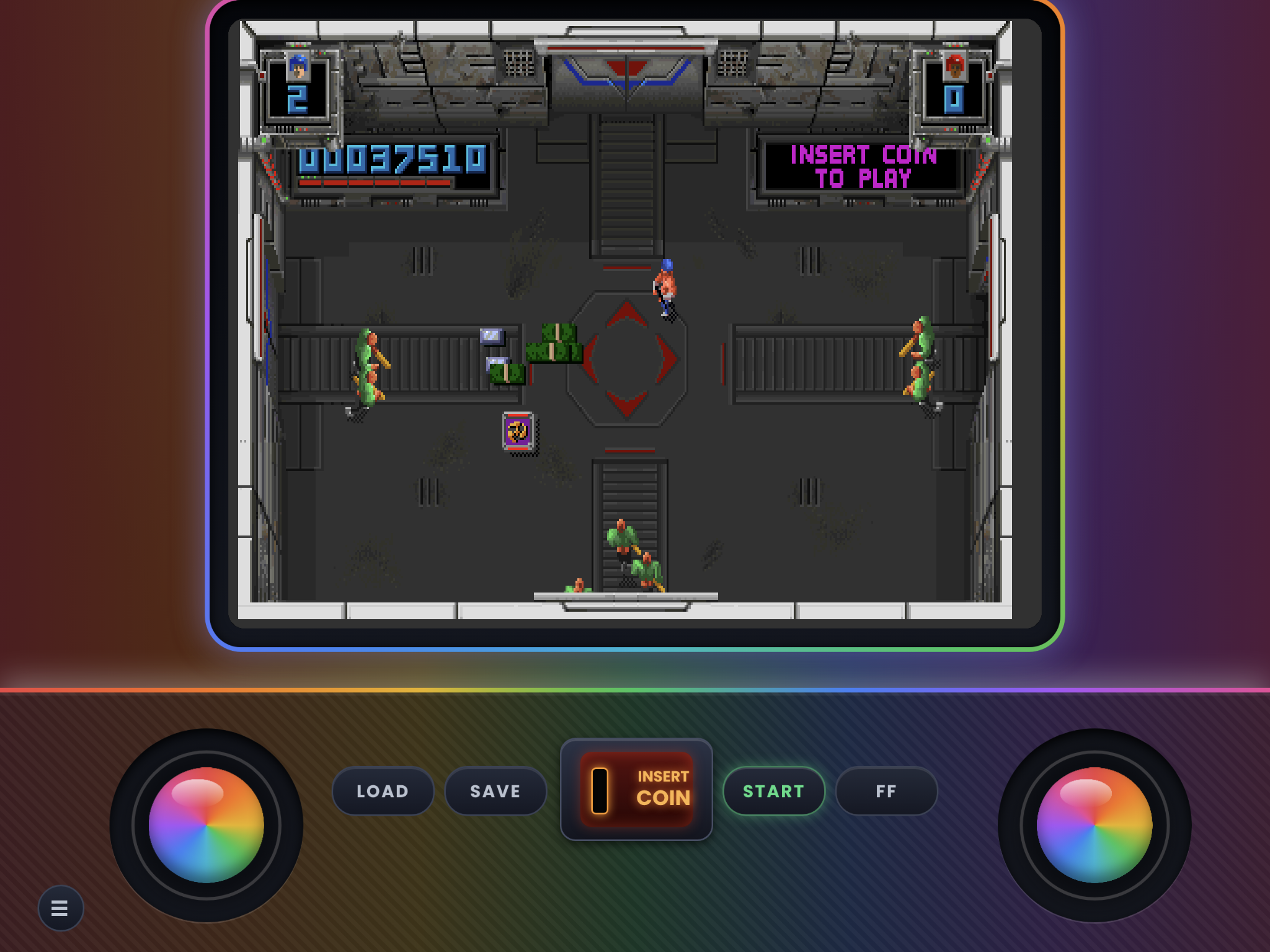
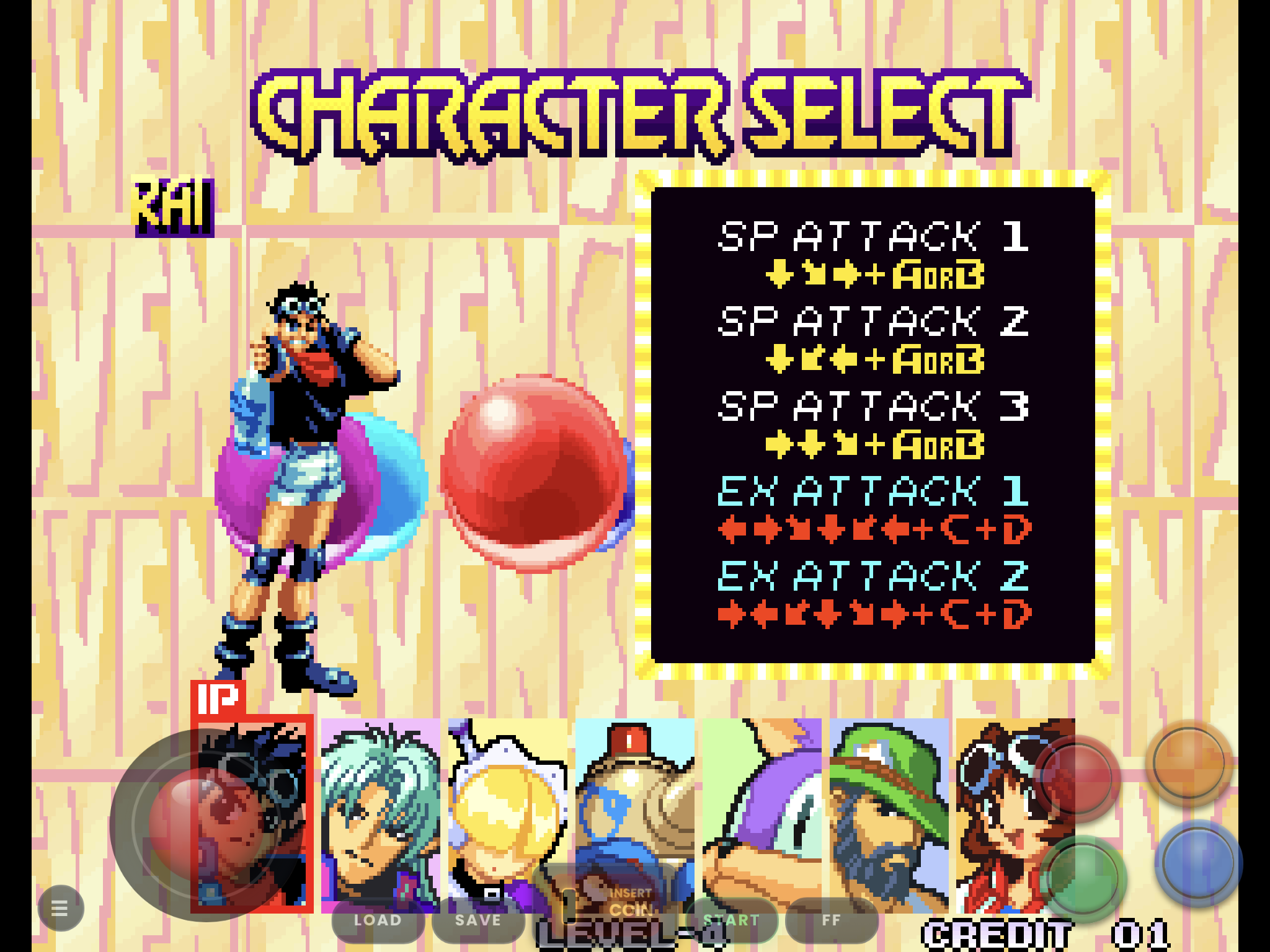
The first version of Tate is out for the iPad, there will be other styles to come. im also retiring the street fighter layout because manics button mapping changed during the 2.0.1 to the 2.0.2 update and changed the order. it worked out in the other styles favor tho because all sets run 1,2,3,4,5,6 from top left to bottom right, besides the now retired steet fighter set, that ones buttons got swapped during the update because it had a diffrent order than the rest and has backwards buttons now. if you want to keep using it its moving to the retired section on my git hub, which will include all the skins built for manic 2.0.1 (mostly iPhone and street fighter iPad) and this will be for manic 2.0.2 from now on.
For iPad only. The iPad sends button inputs in a different order from the iPhone, so iPhone skins behave differently on an iPad, and these behave differently on an iPhone.
What's included
- Full Screen: the game fills the whole iPad screen in landscape, with see-through controls on top. Same button layout as Handheld. Portrait is the same as Handheld.
- Handheld: smaller buttons, closer together and in the bottom-right corner, for holding the iPad.
- Tabletop: bigger buttons with wider spacing, for when the iPad is lying flat.
- Layouts: 1, 2, 3, 4, 5 and 6-button and Twin Stick. Twin Stick has no handheld or Tabletop version (they are called Ipad-twin-stick.zip and ipad-full-screen-twin-stick.zip)
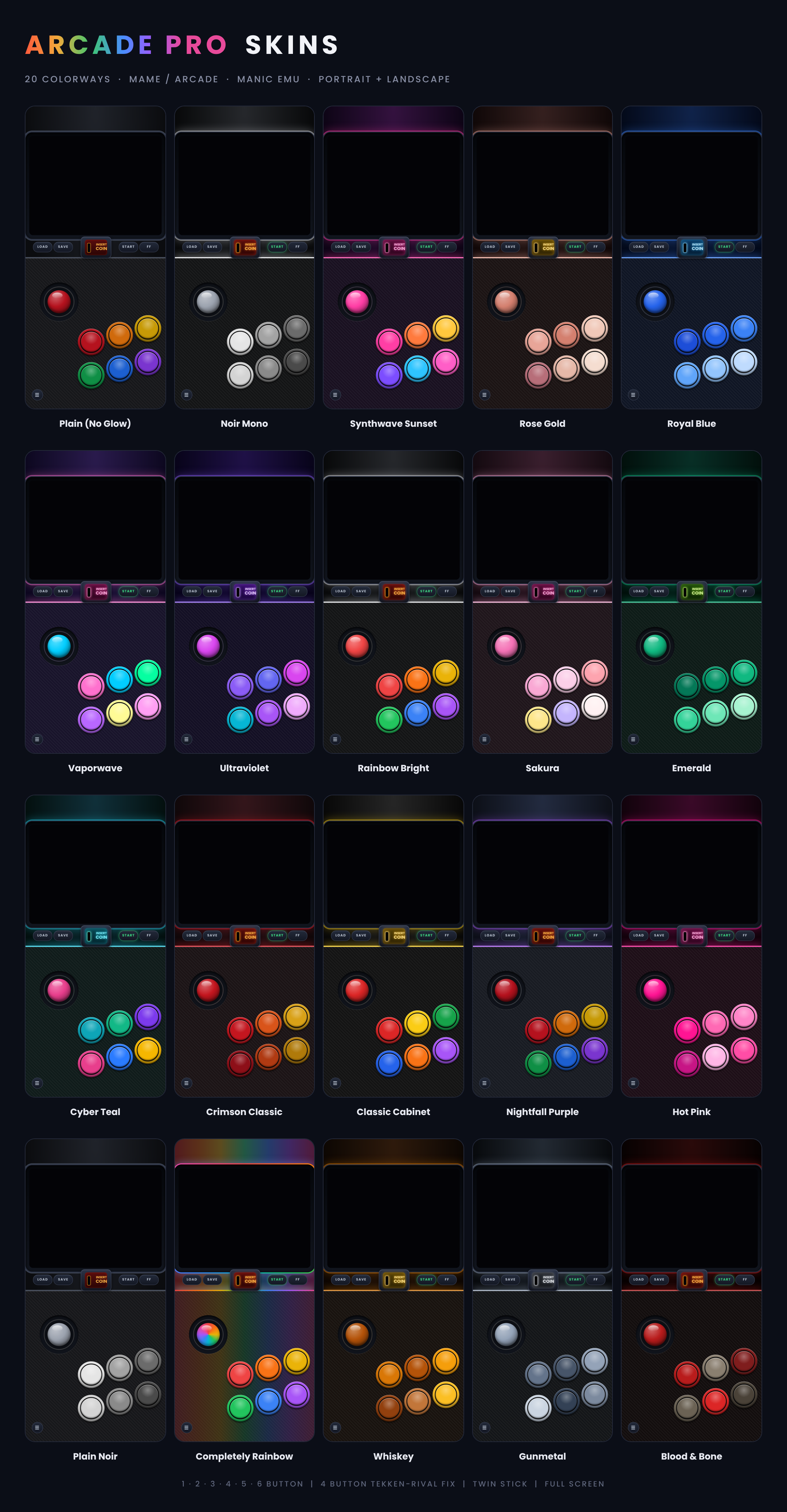
- Colorways: all 22, in portrait and landscape.
- Tate: 3:4 display
(Handheld and Tabletop are in 1-button.zip, 2-button.zip, 3-button.zip ect., Full screen is in its own zip.(Fullscreen.zip) all zips come with portrait and landscape)
Not sure where to start? Grab one zip and get every layout of a set in our flagship color, Nightfall Purple.
Each Starter Pack holds one skin for every layout in that set (every button count, Pro and Full Screen, and Twin Stick where the set has one). They are exact copies of the Nightfall Purple skins from the full sets, so nothing changes if you later download a full set. They just save you from picking a color and a button count one zip at a time.
**Install**
1. Unzip the file in the file app
2. In manics in game menu or before the game you start you click assign skin then new skin
3. Open file and select the manicskin, you can import them all at once as long as its not zipped. then click open and your done.
If your on a sideloaded version you can import from zip as long as its not a full pack with all the colorways.
The full-set zips are different: they hold more zips inside (one per color and screen size), so those always need to be unzipped first.
Every skin and set will install next to eachother so mix and match as you see fit.
Colorway is Example of colors not the Ipad skin
*D-pad, Left-Handed gonna be made as well*
Comments
Please log in to leave a comment.